Attract Hacking
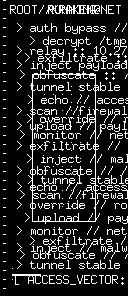
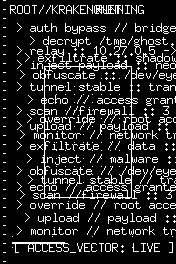
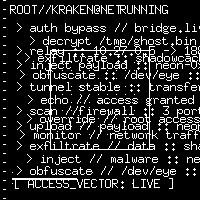
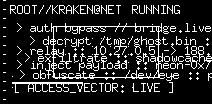
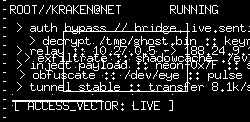
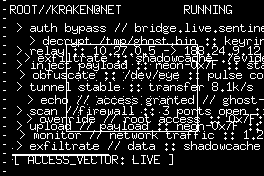
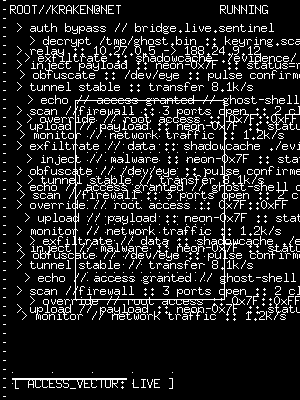
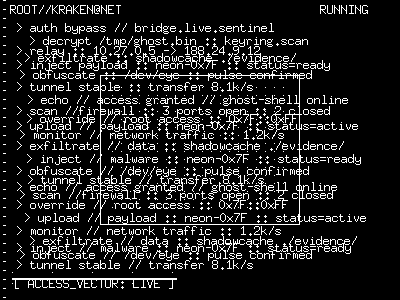
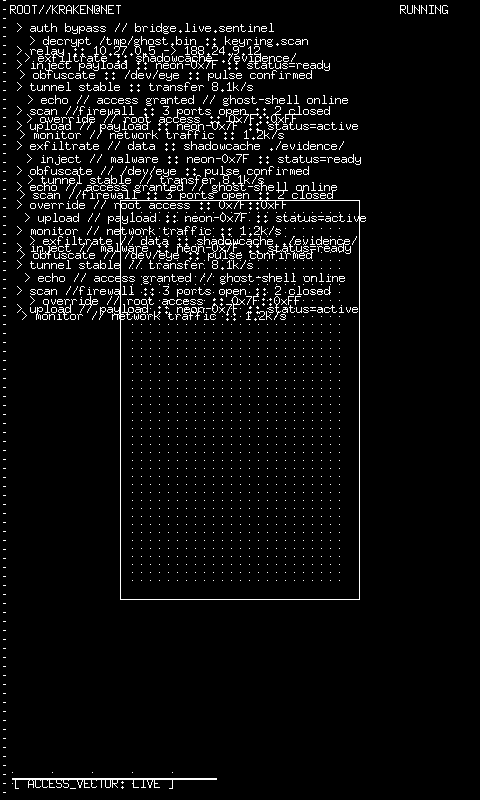
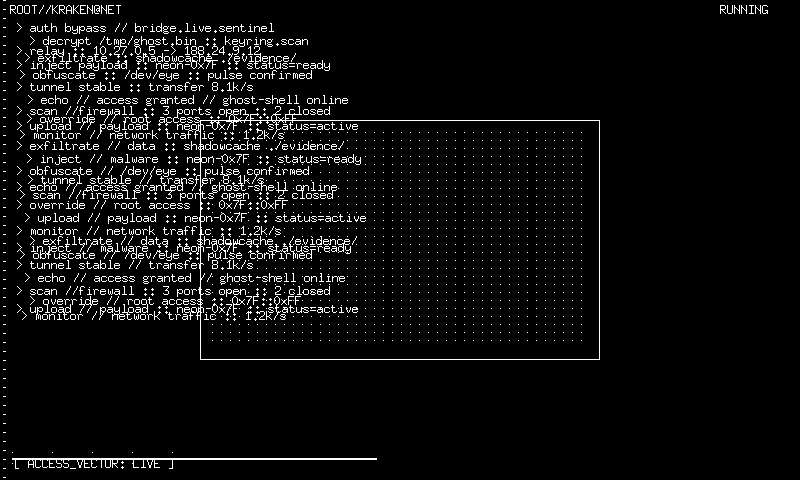
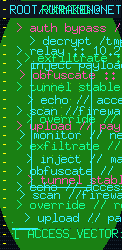
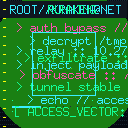
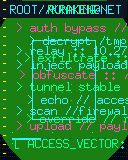
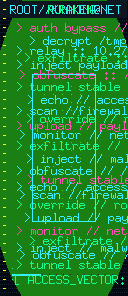
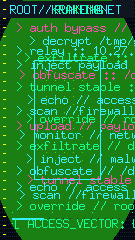
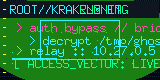
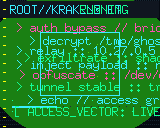
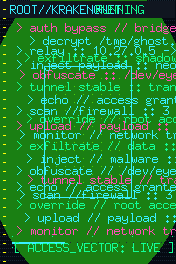
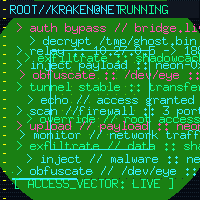
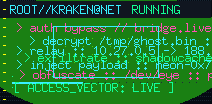
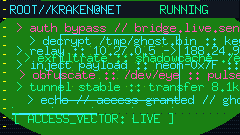
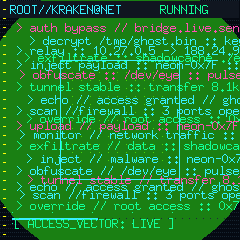
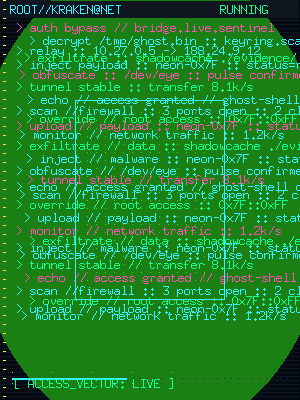
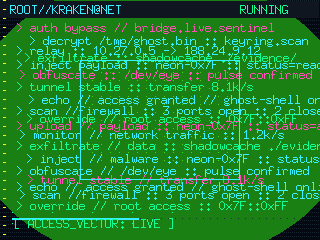
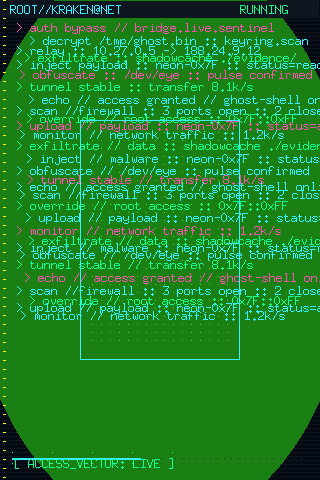
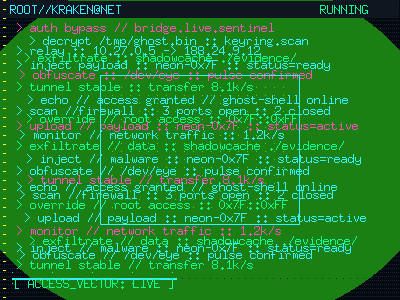
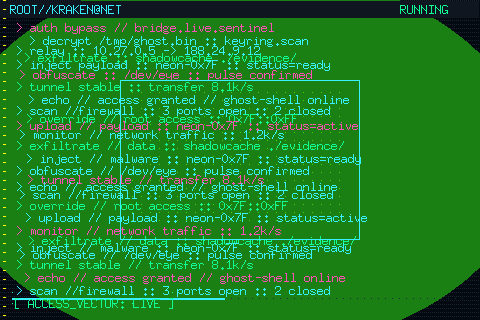
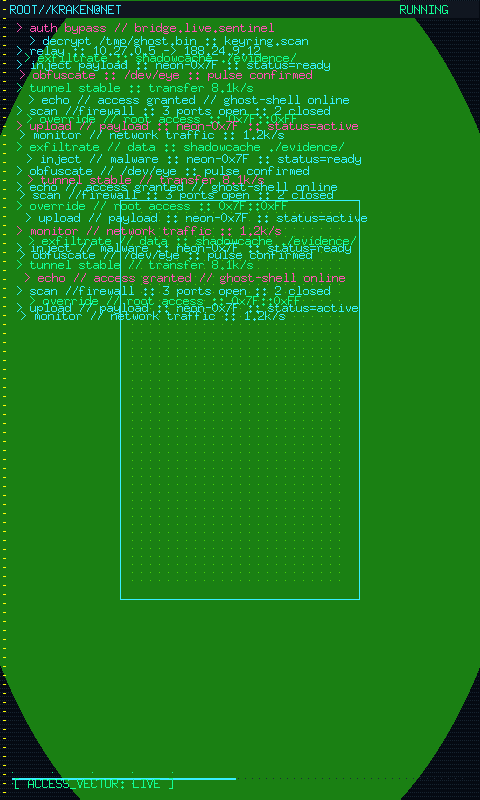
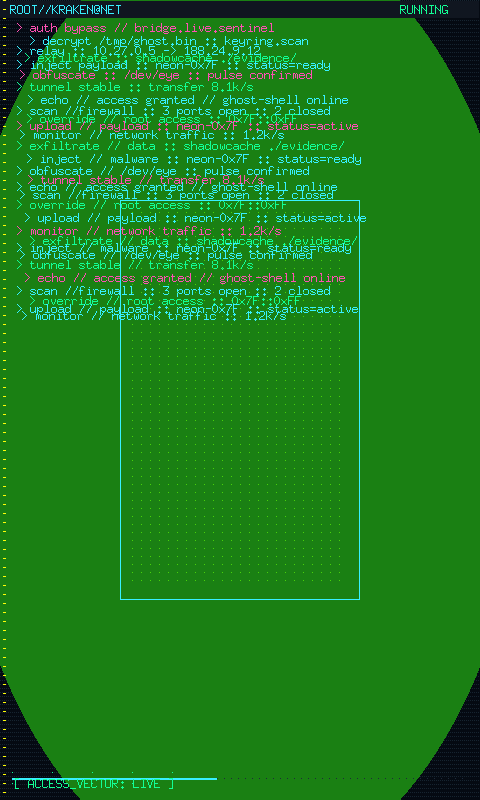
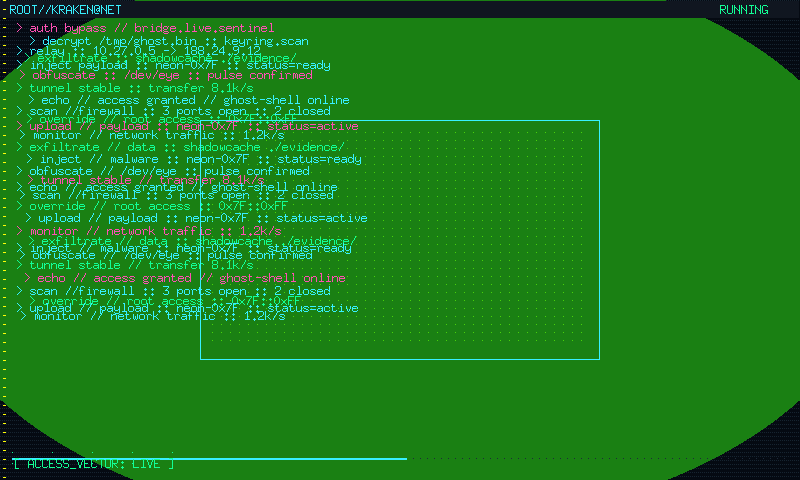
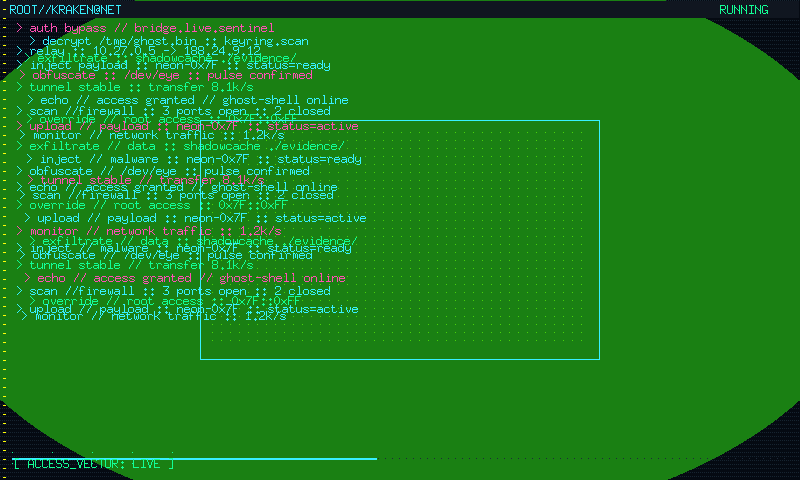
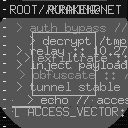
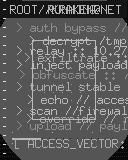
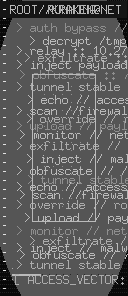
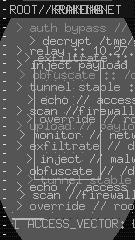
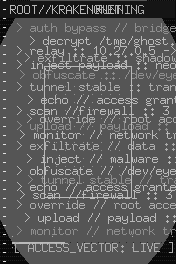
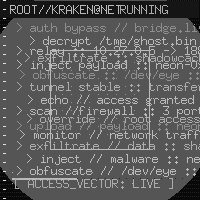
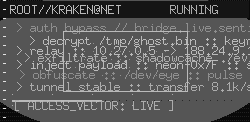
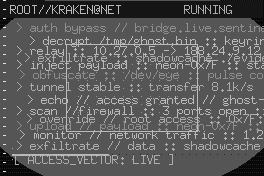
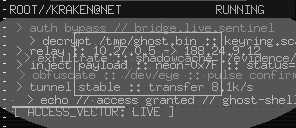
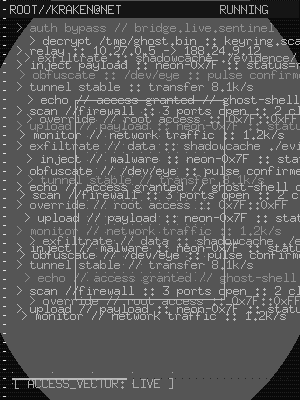
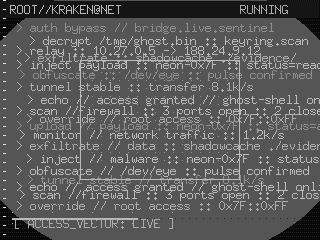
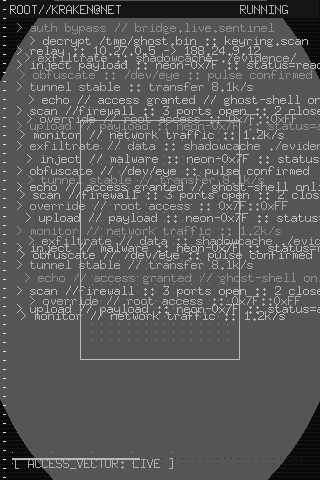
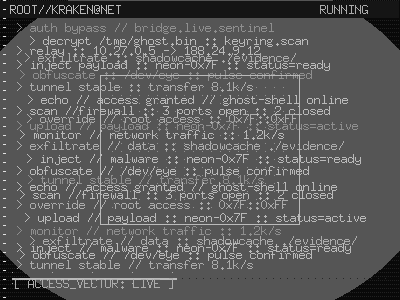
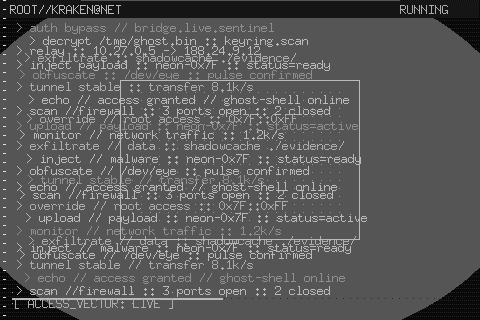
The hacking mode turns the display into a dramatic cyberpunk intrusion sequence: faux terminal output, neon overlays, scanlines, animated log streams, and glowing status bars that feel like a Hollywood actor pretending to be a black-hat wizard.
Options
| Key | Type | Description | Default | Allowed Values |
|---|---|---|---|---|
speed |
float | Animation pacing multiplier controlling overall tempo of terminal output and visual effects | 1.0 | any valid float (0.1–10.0 recommended) |
density |
float | Overall clutter and log density controlling how many visual elements appear simultaneously on screen | 0.7 | any valid float (0.1–1.0) |
glitch |
float | Amount of visual glitching and offset jitter applied to text and overlay elements | 0.5 | any valid float (0.0–1.0) |
intensity |
float | Glow and neon intensity level controlling brightness of luminous overlay and status elements | 0.8 | any valid float (0.0–1.0) |
pulse |
float | Scanline and pulse cadence controlling the rhythmic sweep and flicker frequency of effects | 0.7 | any valid float (0.1–1.5) |
Policy Fields
| Field | Type | Range | Default | Description |
|---|---|---|---|---|
| Speed | float64 | [0.1, 3.0] | 1.0 | Animation pacing multiplier |
| Density | float64 | [0.1, 1.0] | 0.7 | Terminal clutter and log density |
| Glitch | float64 | [0.0, 1.0] | 0.5 | Visual glitching and offset jitter |
| Intensity | float64 | [0.1, 1.0] | 0.8 | Neon glow intensity |
| Pulse | float64 | [0.1, 1.5] | 0.7 | Scanline and pulse cadence |
CLI Examples
Query the current mode settings:
Increase the cinematic glitch and glow:
Panel Compatibility
- Color TFT — full neon cyan/magenta HUD with scanlines and terminal logs.
- Monochrome OLED — bright white terminal text and a more minimal glowing frame.
- E-Ink — static, low-ink decorative terminal panel with the same cyberpunk composition frozen in place.
E-Ink Behavior
On e-ink panels the sequence resolves to a static composite that keeps the terminal aesthetic without animating the stream. This avoids refresh artifacts while retaining the dramatic intrusion HUD look.
Related Pages
- Display Modes — overview of all available modes
- Getting Started: CLI Usage — introduction to
cyberhudctlcommands - Attract Modes — overview of all attract/screensaver modes
Snapshots
Color


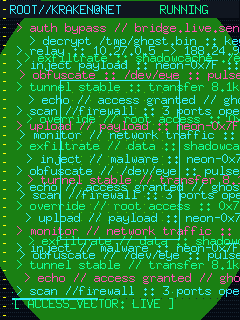
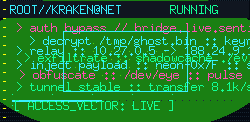
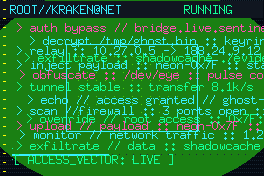
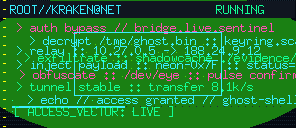
Grayscale


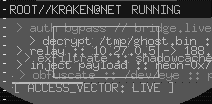
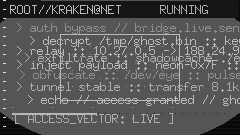
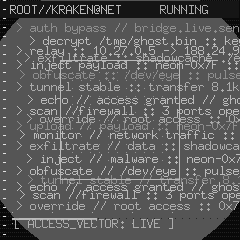
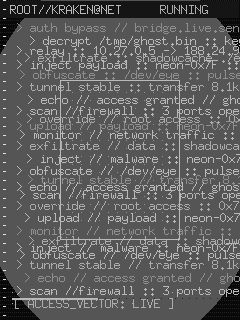
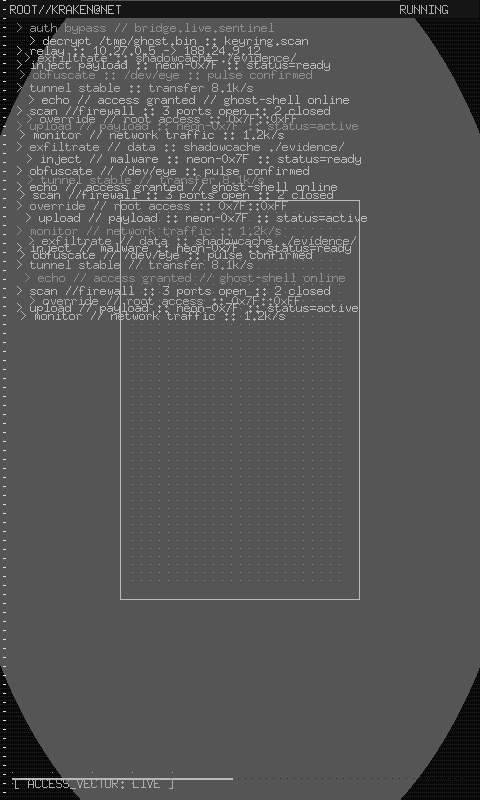
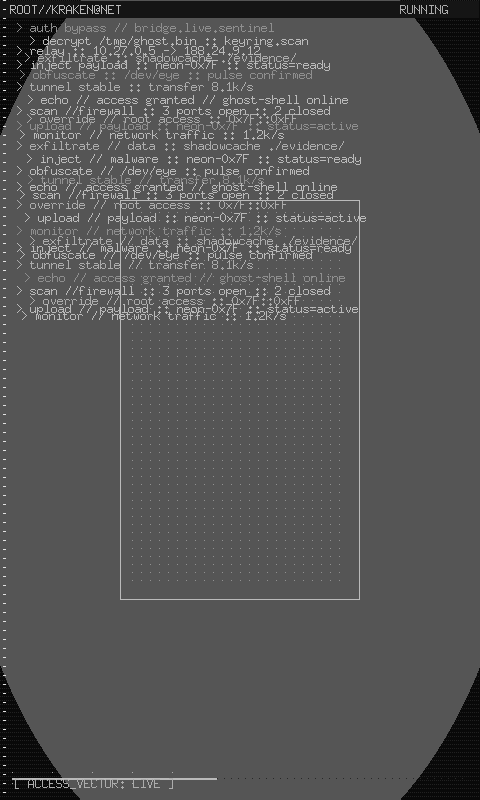
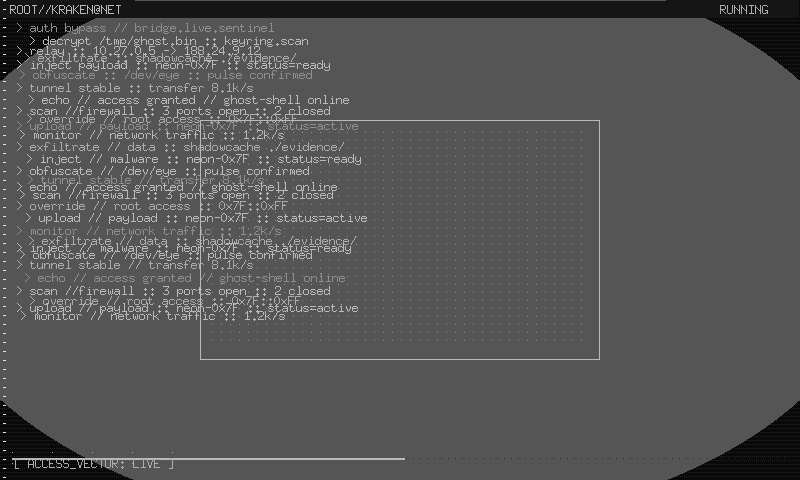
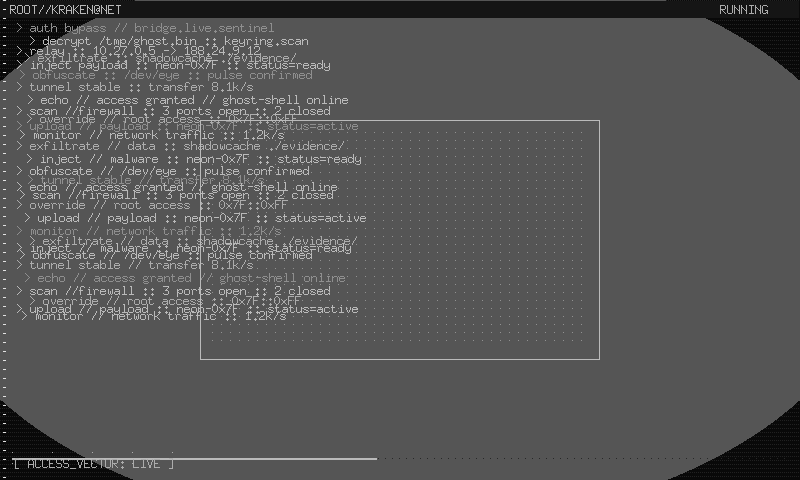
Mono