Thermal
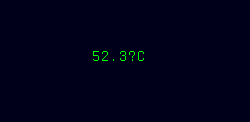
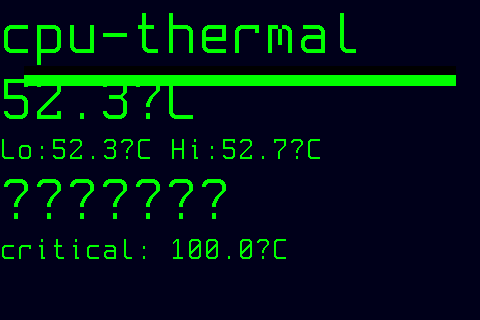
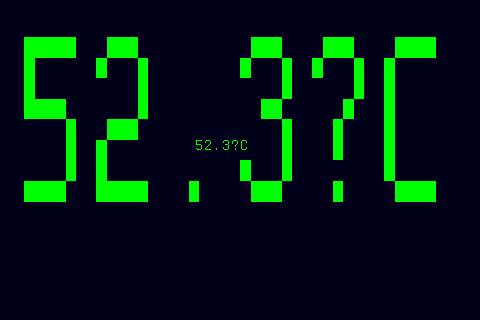
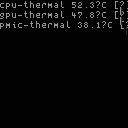
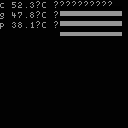
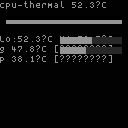
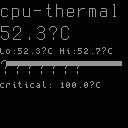
The thermal mode displays live temperature readings from the Linux kernel's thermal zone interface, rendering per-zone temperatures with history graphs, threshold-based color coding, and multiple visual styles. It provides dedicated thermal monitoring with configurable warning and critical thresholds, suitable for any panel size.
Quick Start
How It Works
The thermal mode reads temperature data from /sys/class/thermal/thermal_zone* directories at a configurable sampling interval (default: every 2 seconds). Each thermal zone provides a temperature value in millidegrees Celsius, which is converted to degrees Celsius for display.
The mode maintains a 64-sample sliding window of temperature history per zone, enabling sparkline graphs that show approximately 2 minutes of trend data at the default refresh rate. On each sample, the latest temperature is appended to the ring buffer, discarding the oldest entry when full.
Three severity levels drive color coding across all styles: normal (green), warning (yellow), and critical (red). Severity is determined by comparing the current temperature against the configured warn_threshold and crit_threshold values, with kernel-defined trip points factored in as a safety floor.
Styles
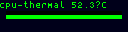
Each style targets a specific panel form factor (resolution and display capability). The style option accepts any of the per-resolution names listed below:
-
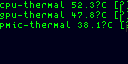
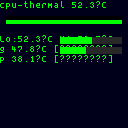
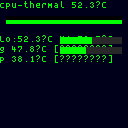
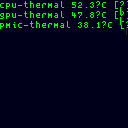
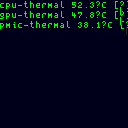
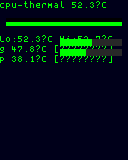
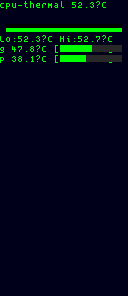
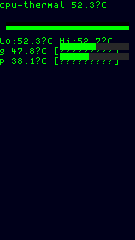
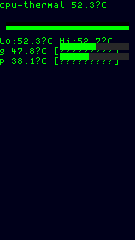
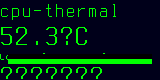
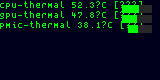
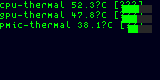
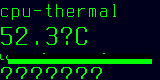
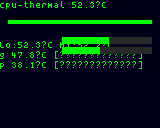
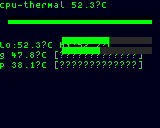
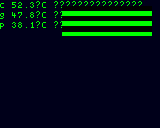
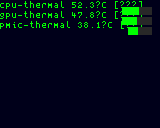
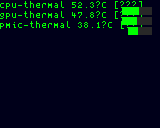
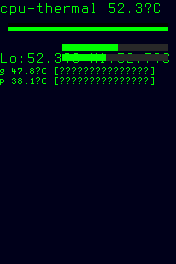
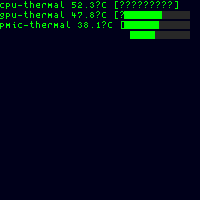
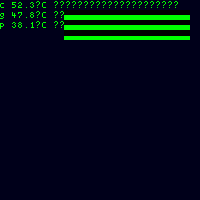
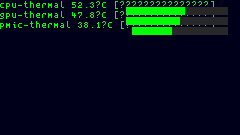
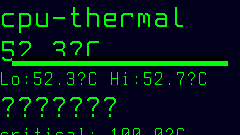
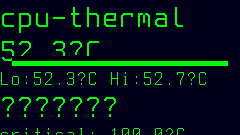
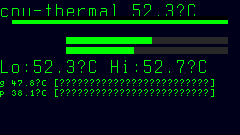
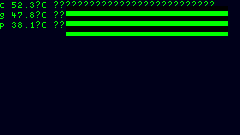
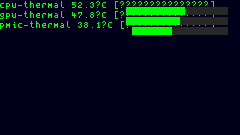
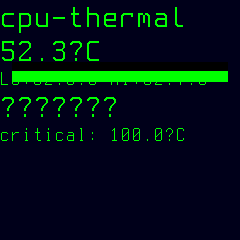
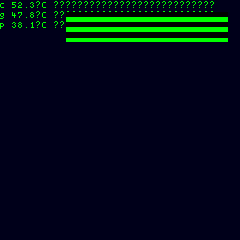
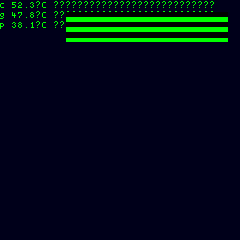
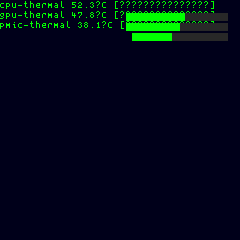
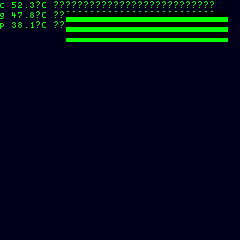
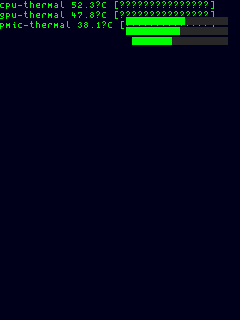
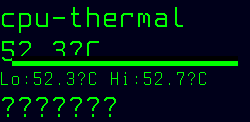
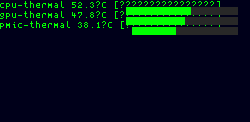
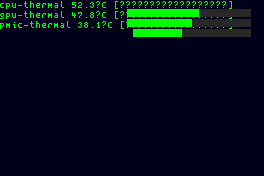
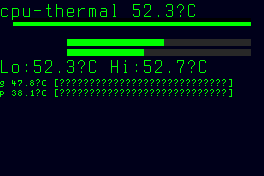
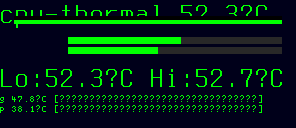
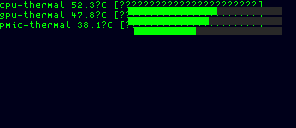
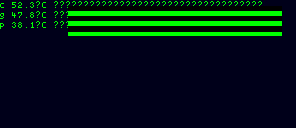
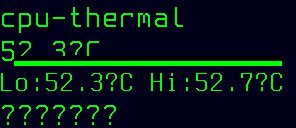
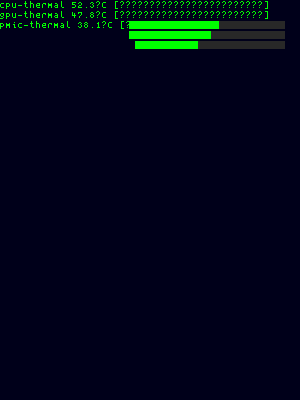
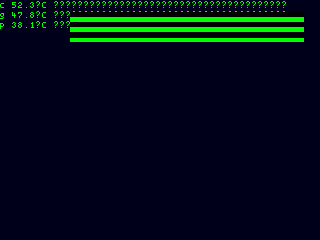
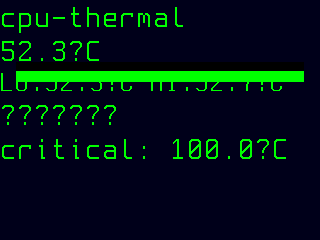
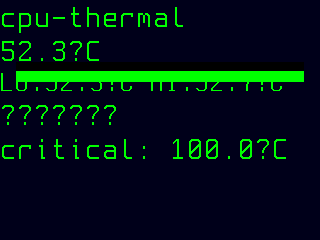
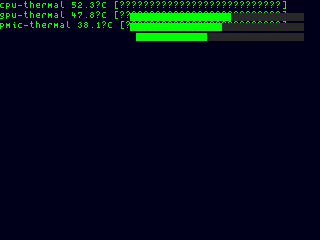
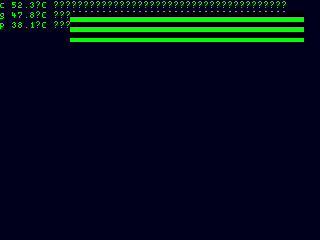
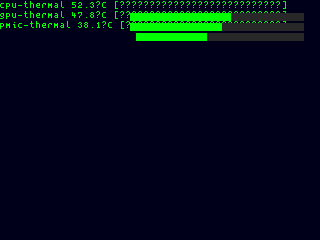
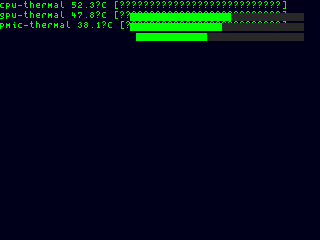
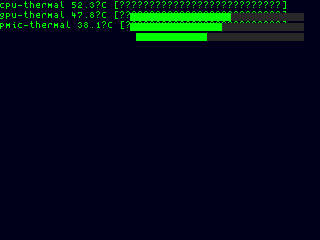
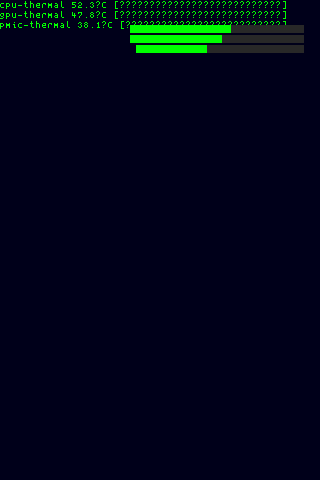
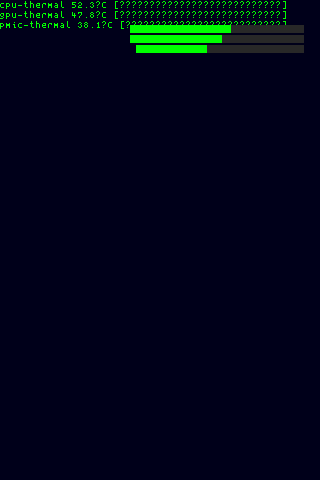
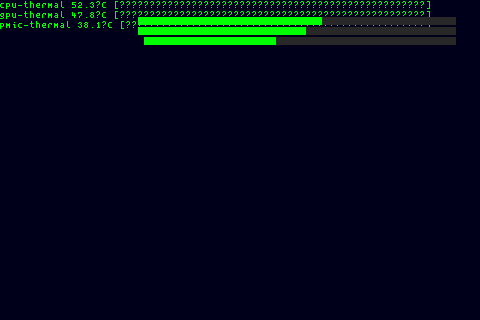
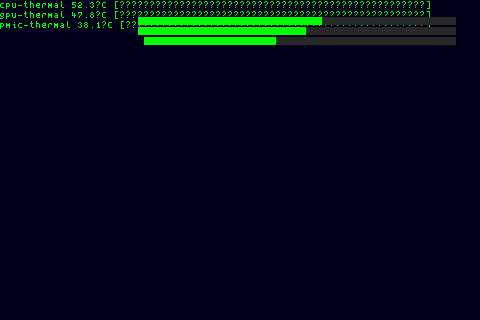
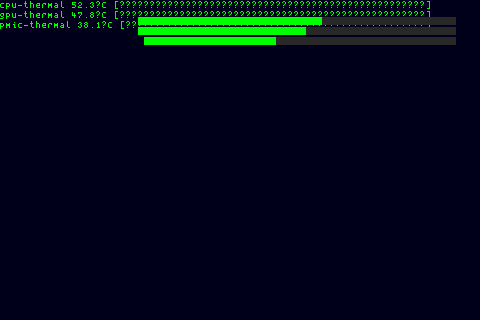
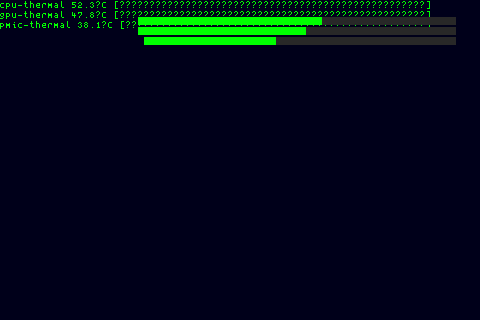
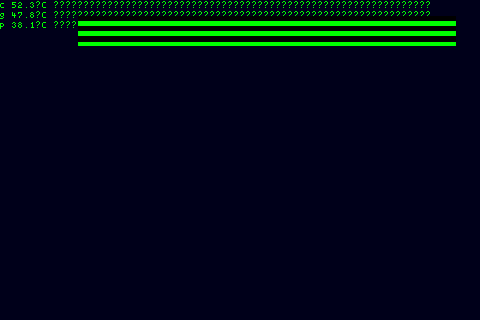
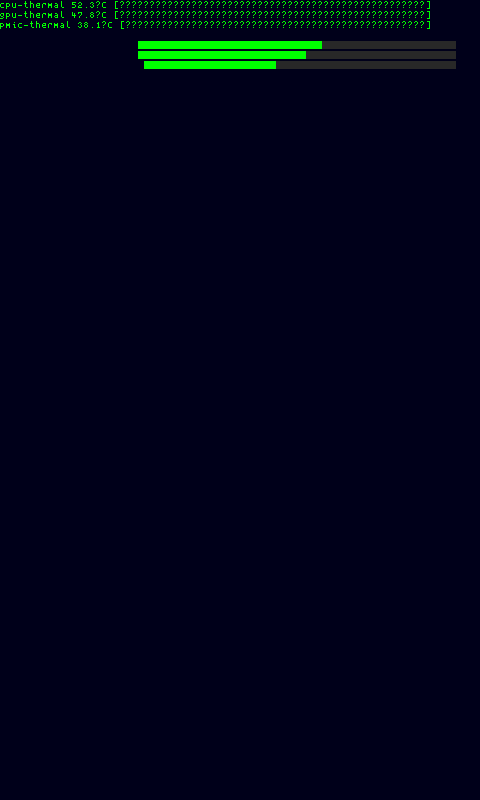
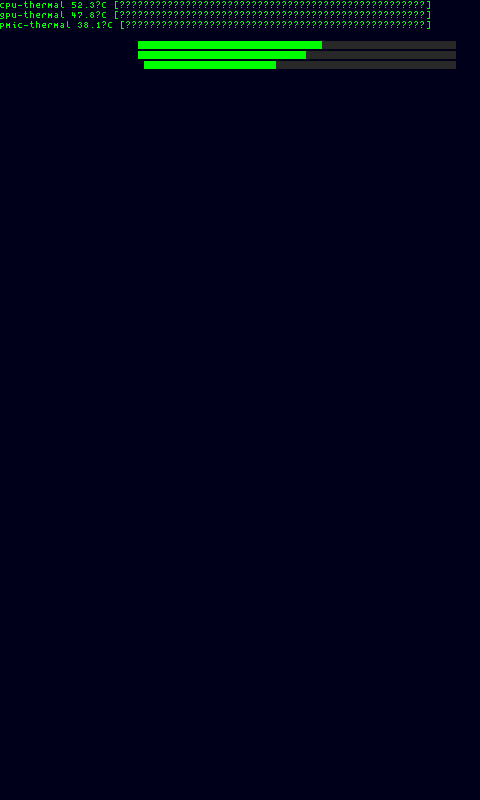
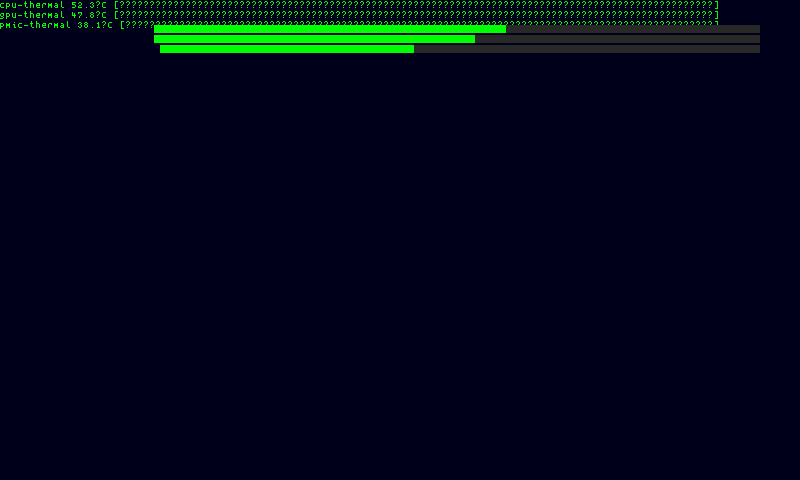
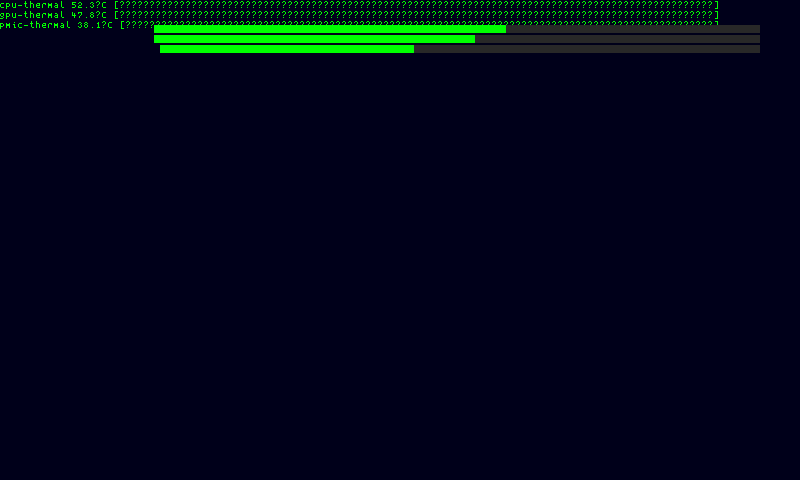
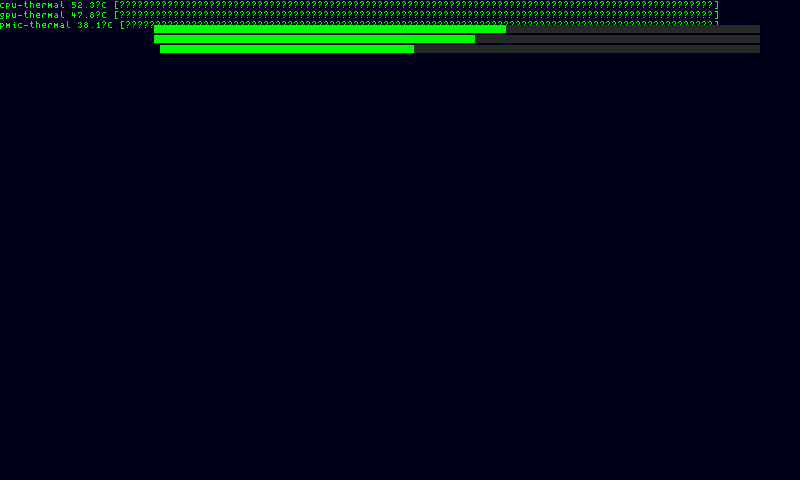
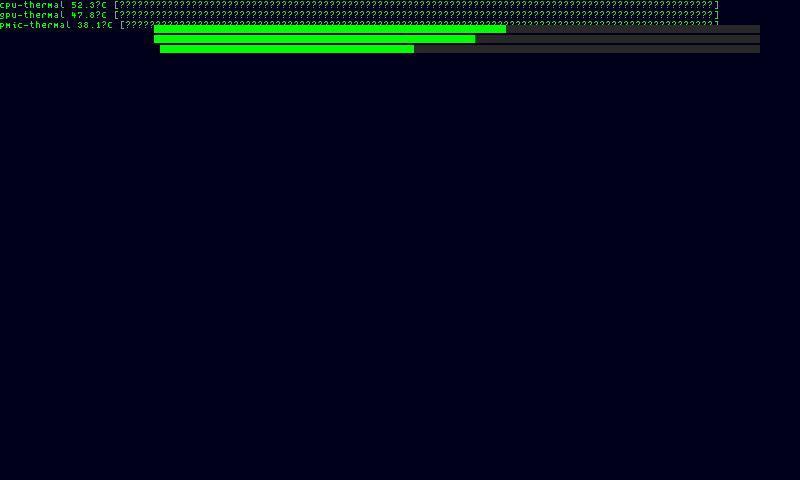
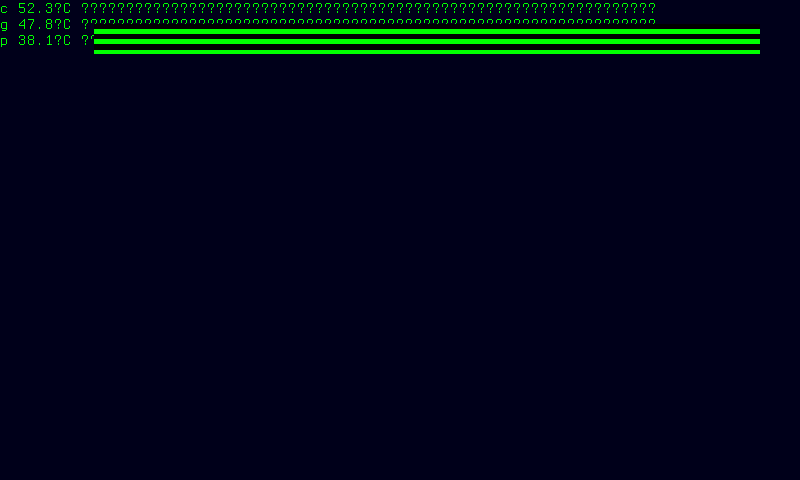
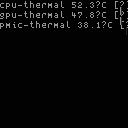
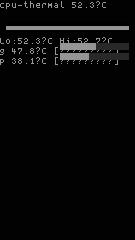
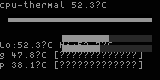
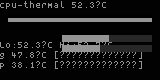
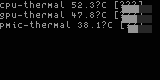
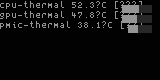
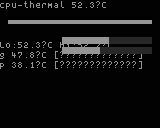
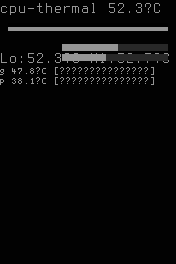
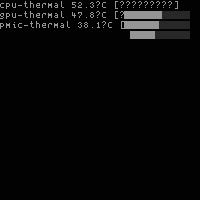
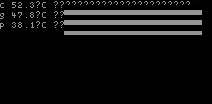
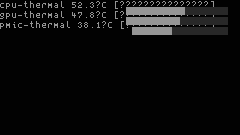
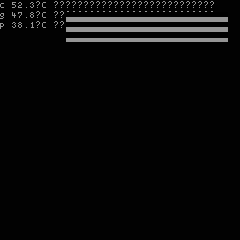
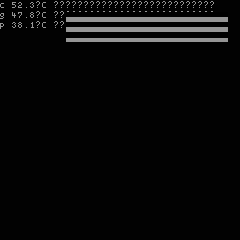
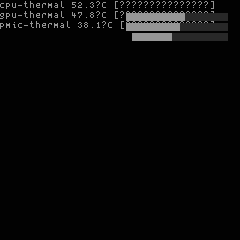
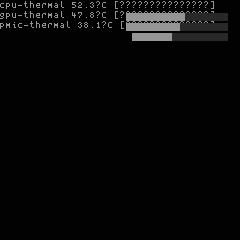
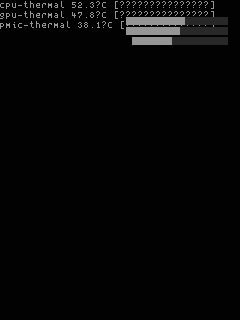
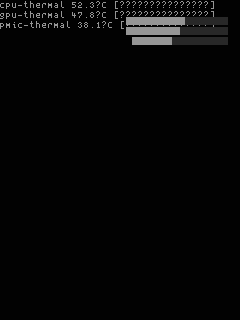
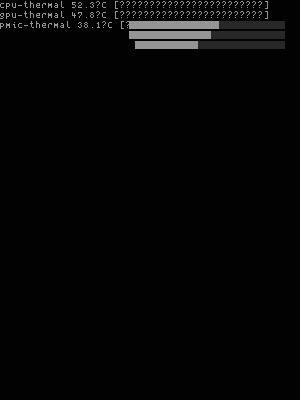
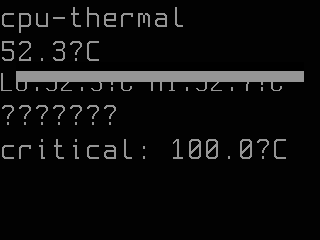
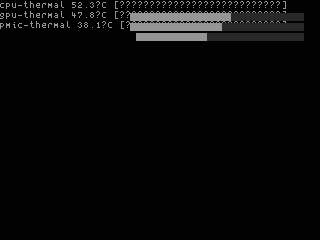
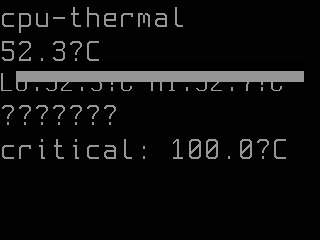
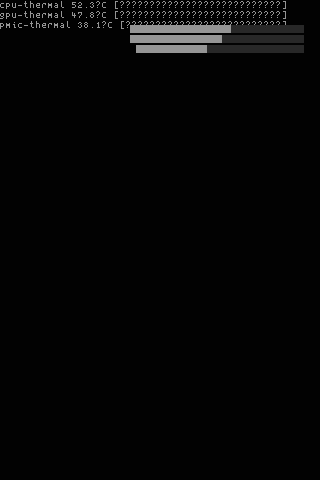
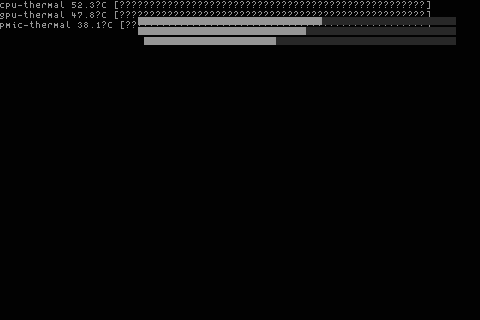
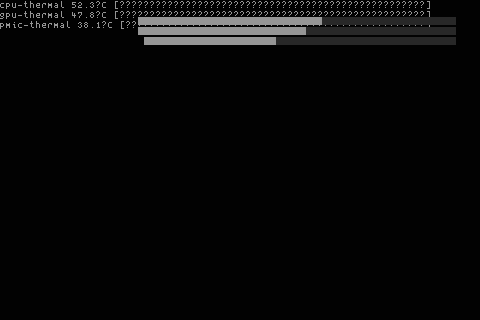
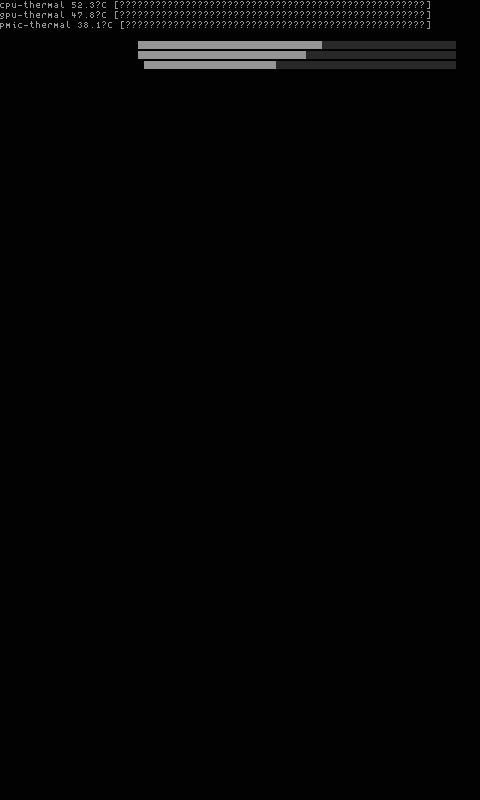
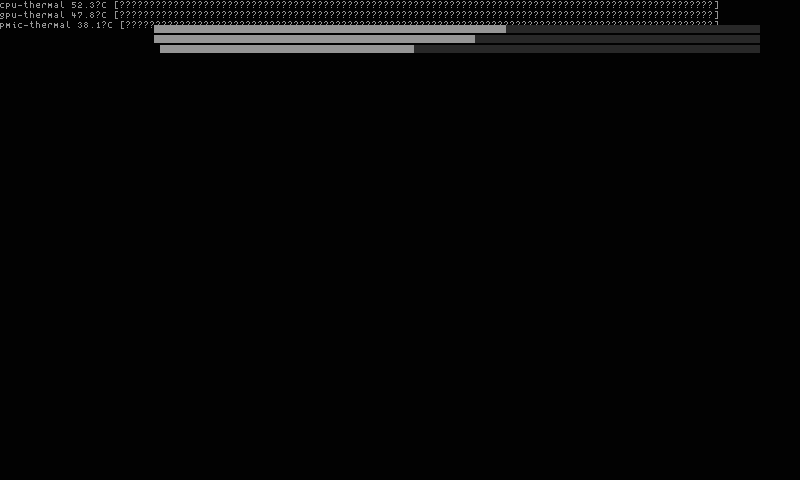
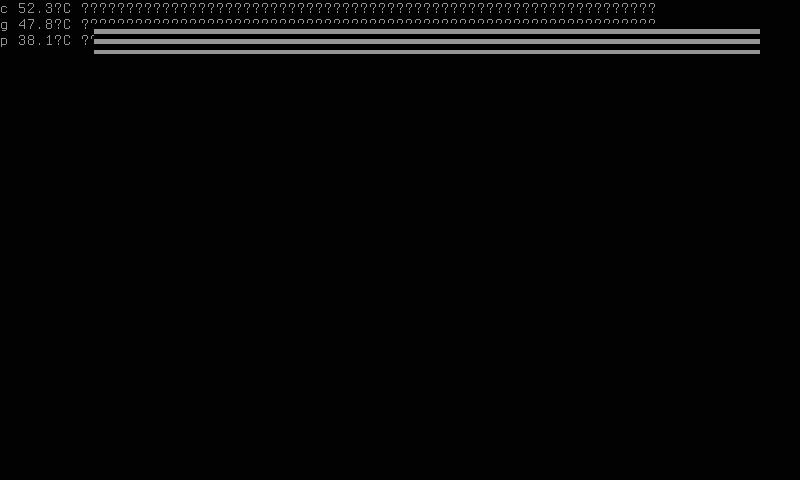
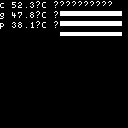
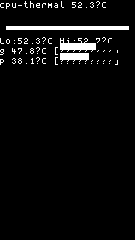
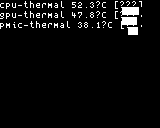
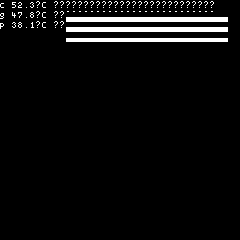
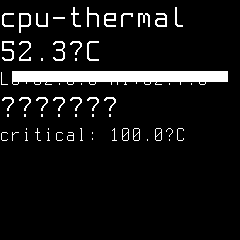
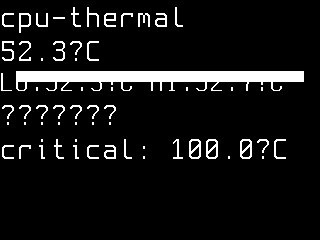
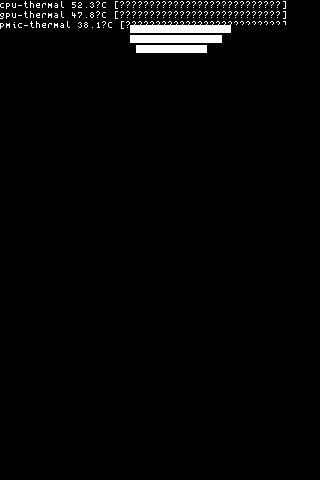
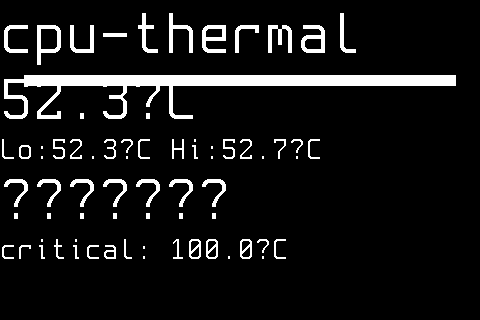
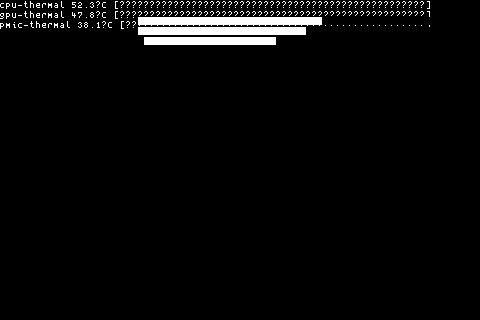
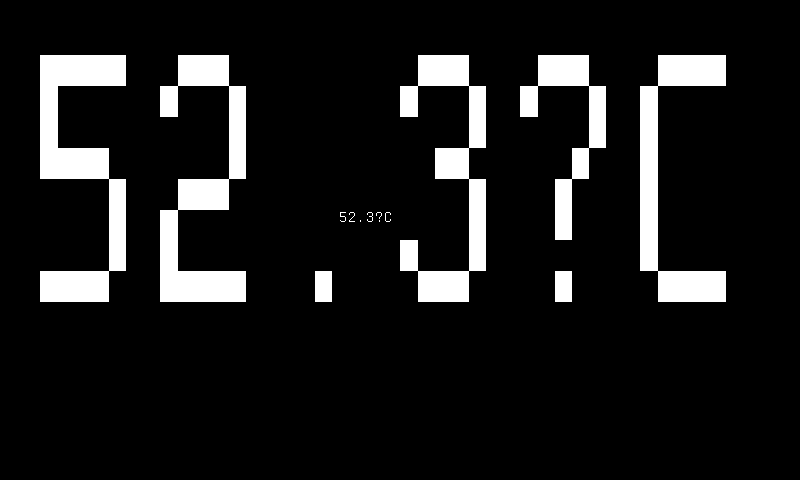
color-320x240-overview — one row per zone with label, temperature, and progress bar. Targets ColorFast 320×240 landscape panels. Zones are ordered by zone ID ascending and truncated to the number of rows that fit. Zone labels render in the active foreground color while temperature values use severity colors.
-
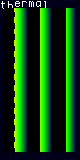
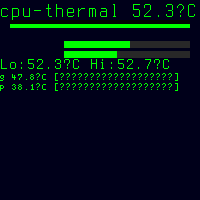
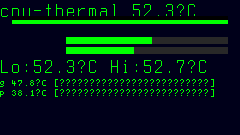
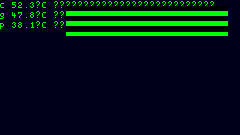
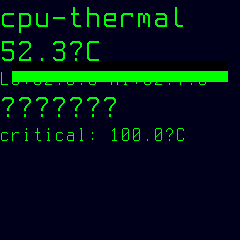
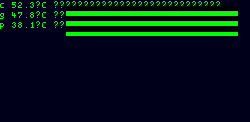
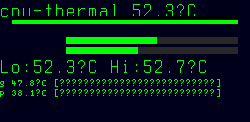
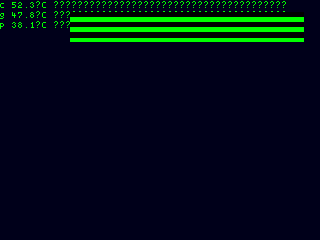
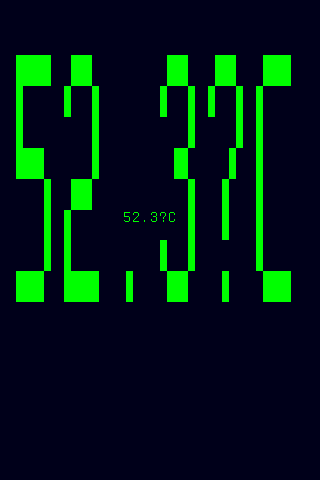
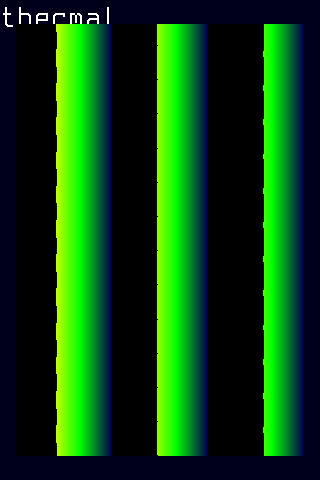
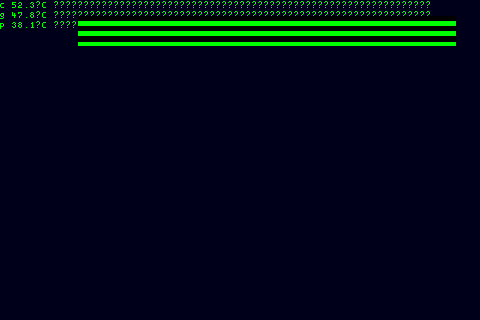
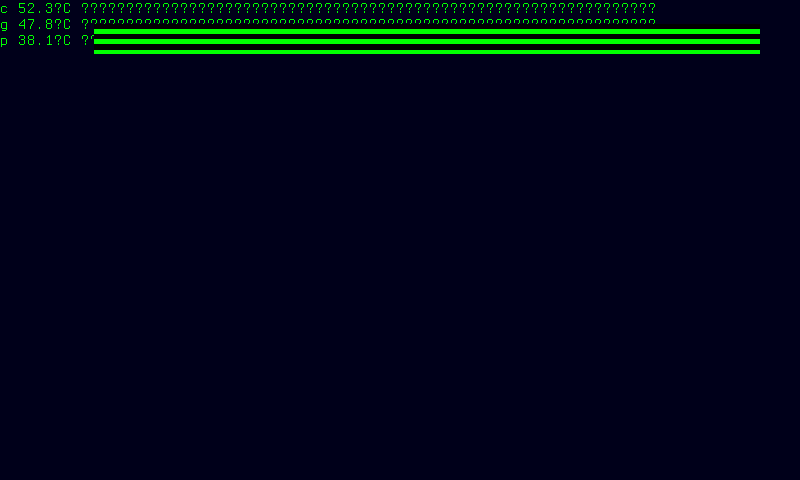
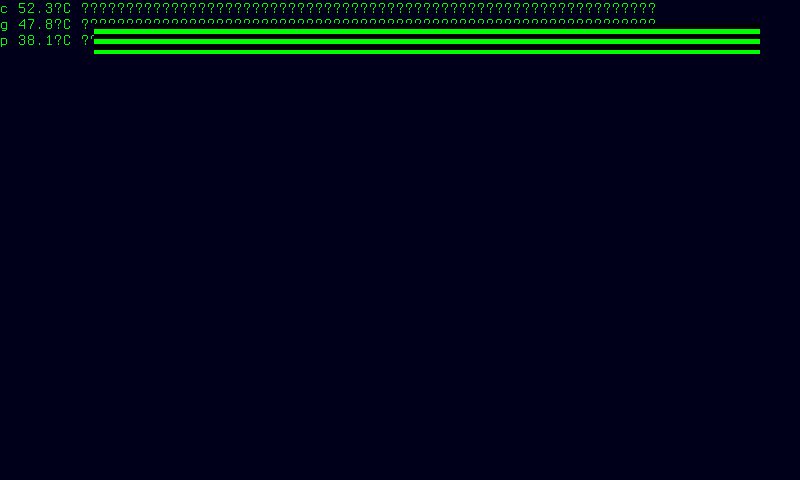
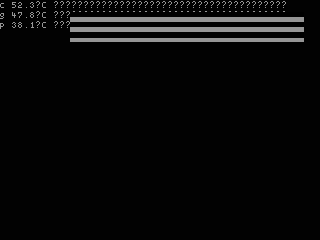
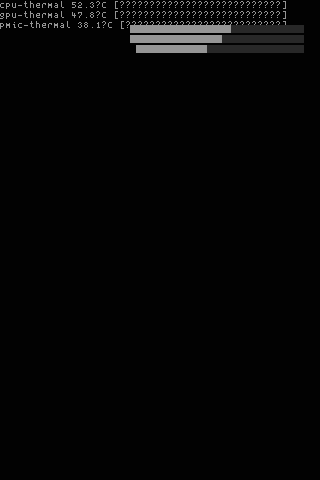
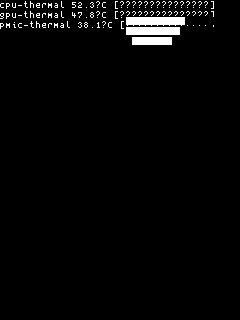
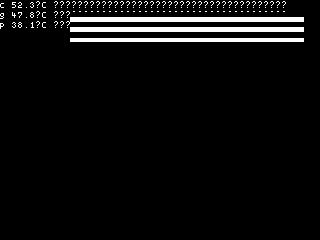
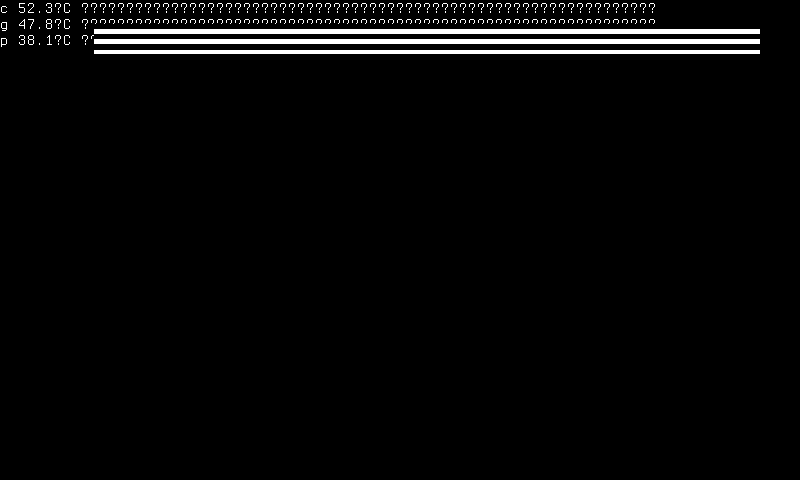
color-320x240-timegraph — time-series graph with stacked sparklines showing temperature history for all zones. Targets ColorFast 320×240 landscape panels. Each zone's sparkline is colored by that zone's severity level.
-
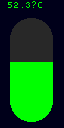
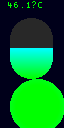
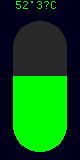
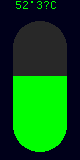
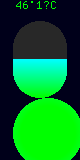
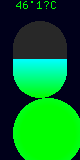
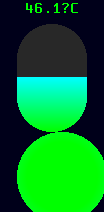
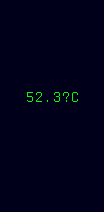
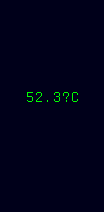
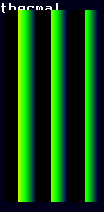
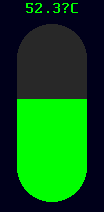
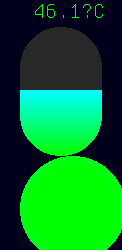
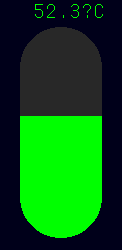
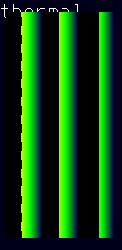
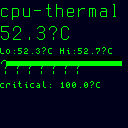
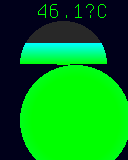
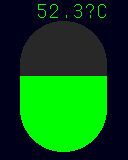
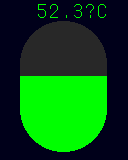
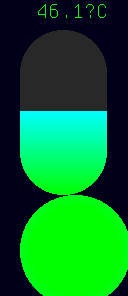
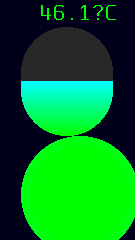
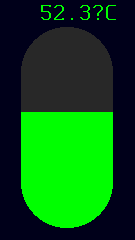
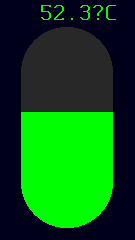
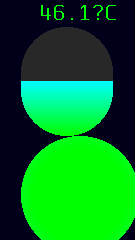
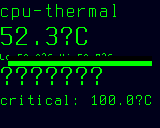
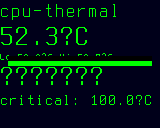
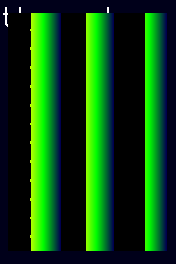
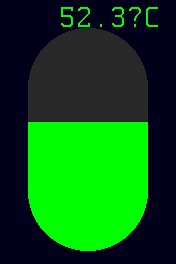
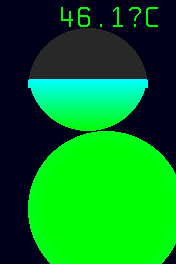
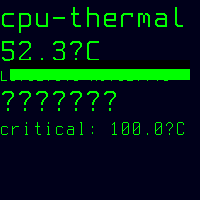
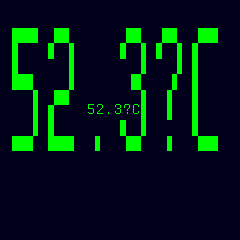
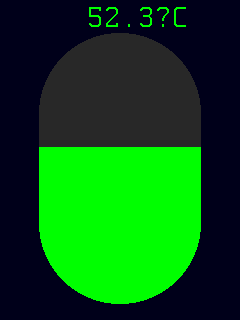
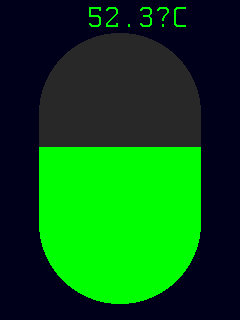
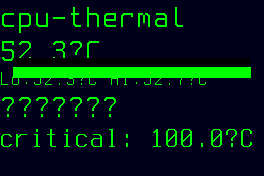
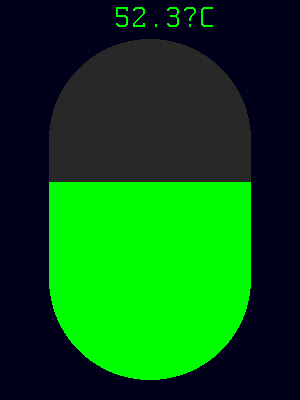
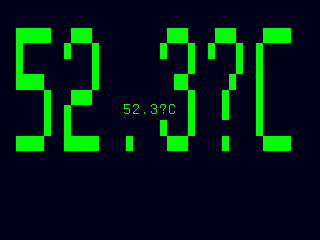
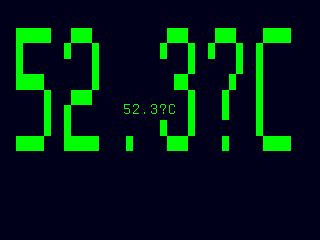
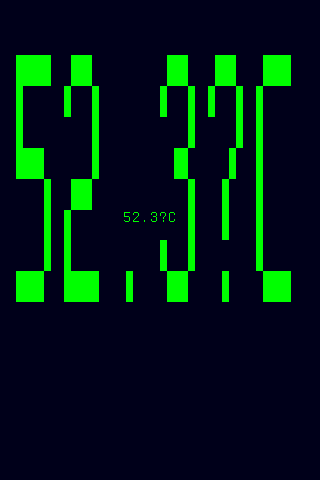
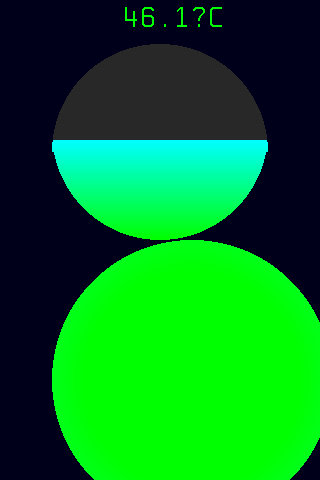
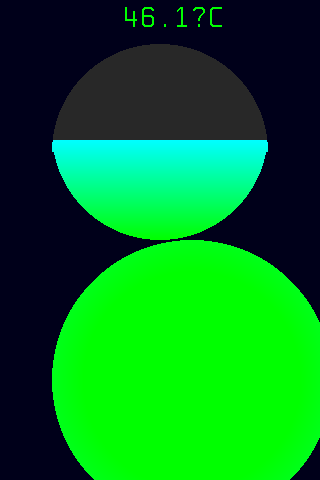
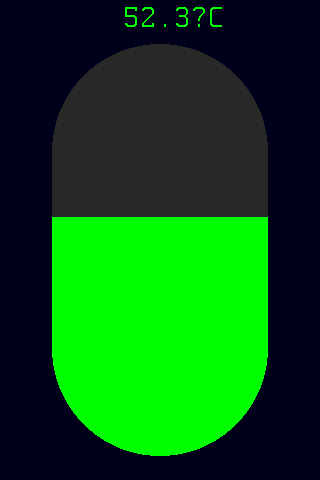
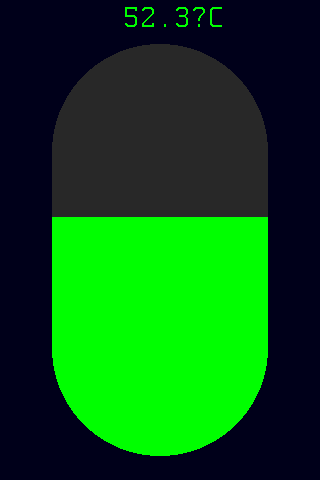
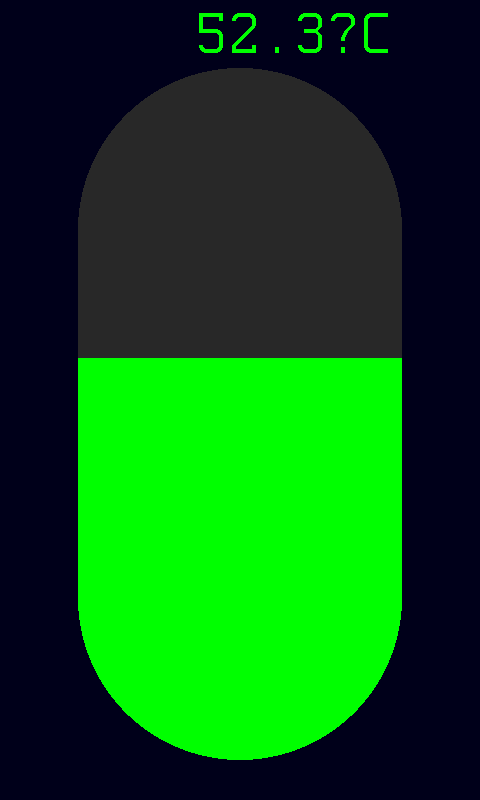
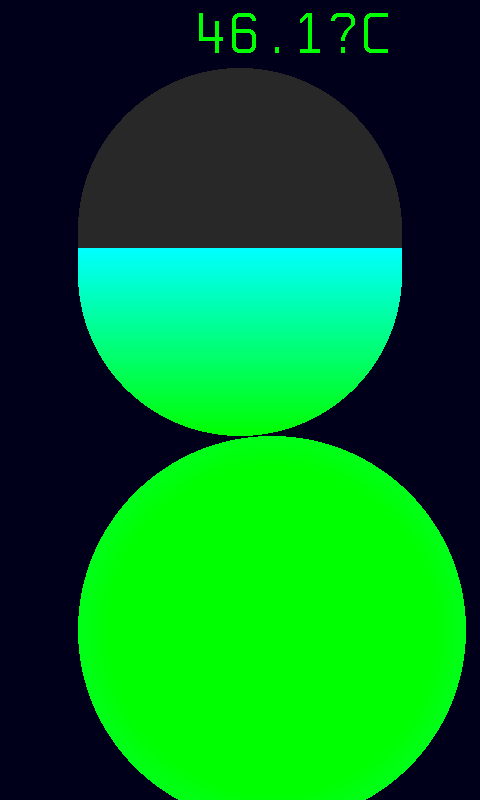
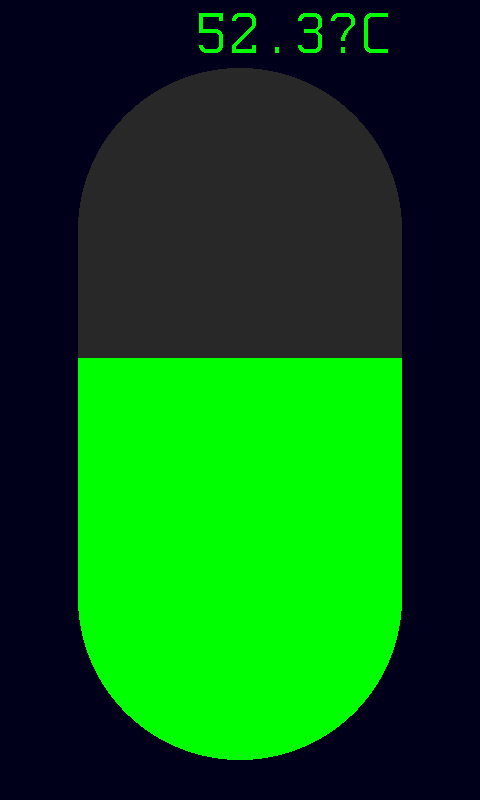
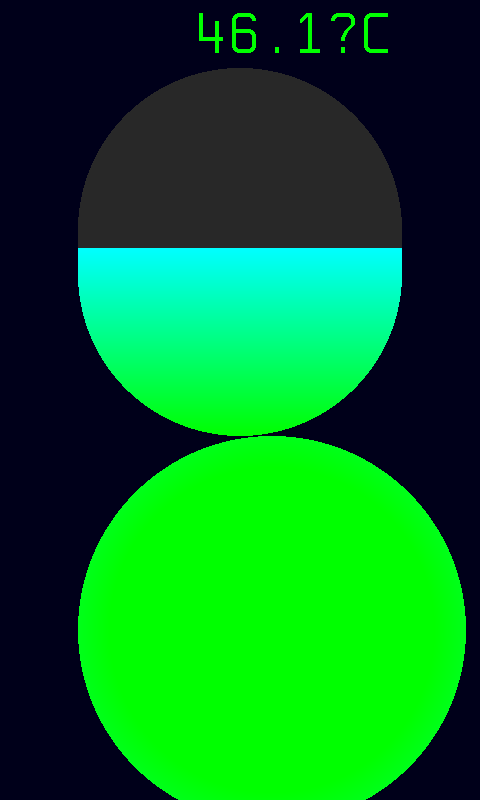
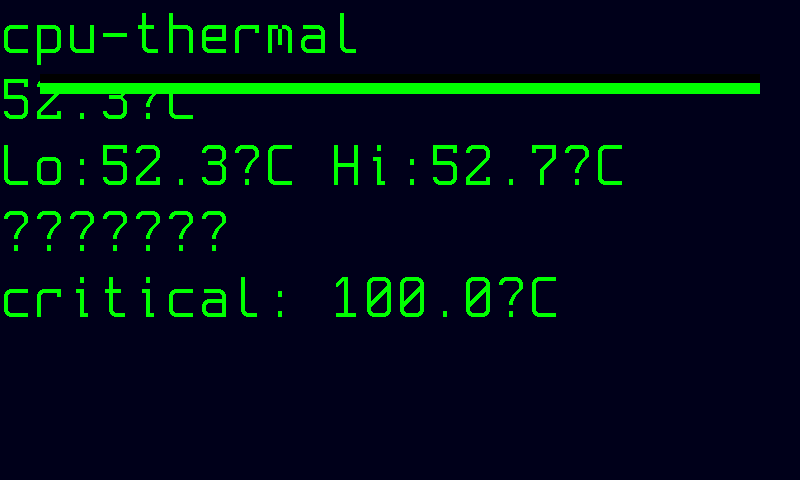
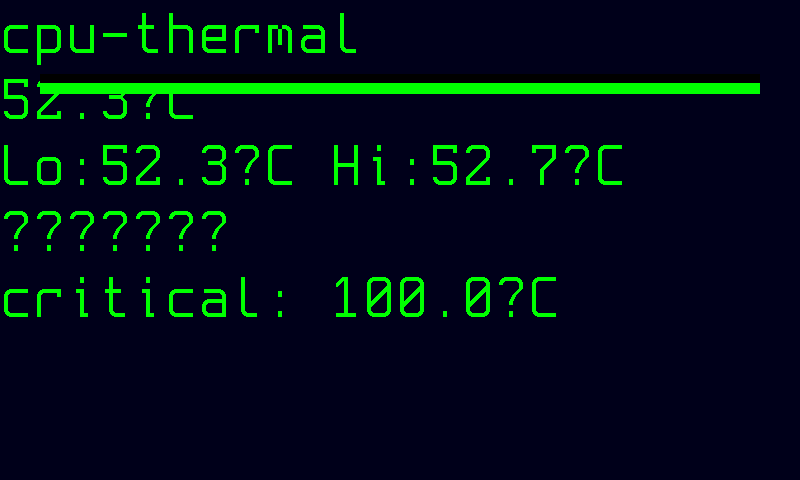
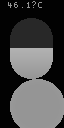
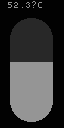
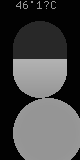
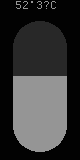
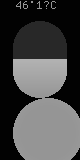
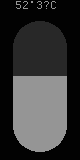
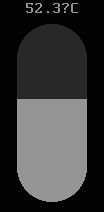
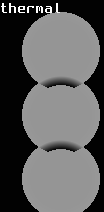
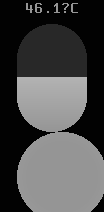
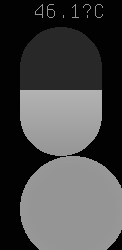
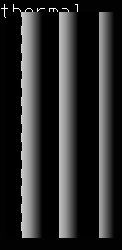
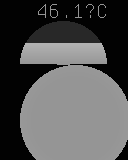
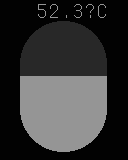
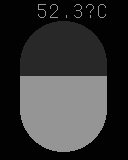
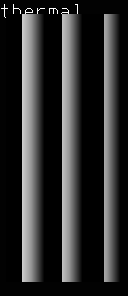
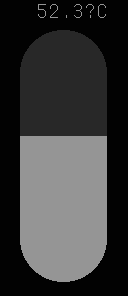
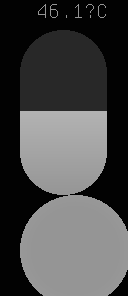
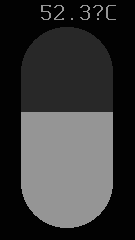
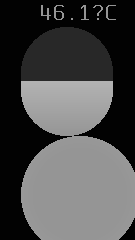
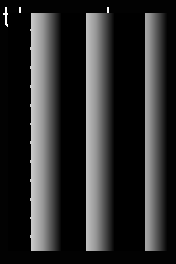
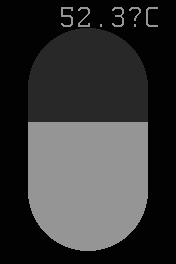
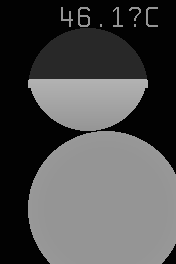
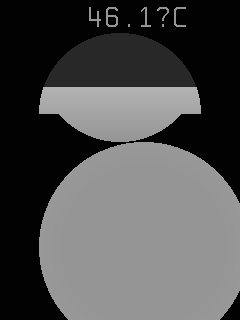
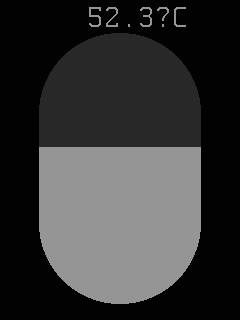
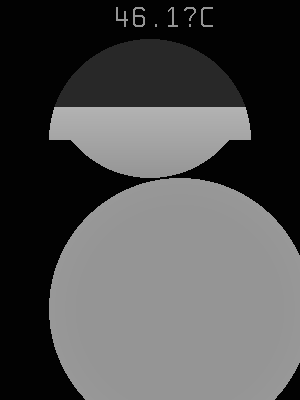
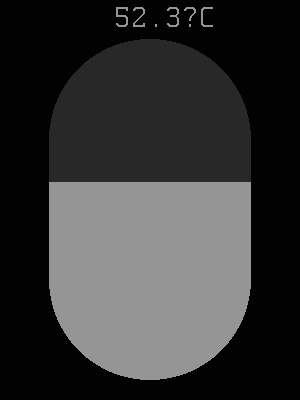
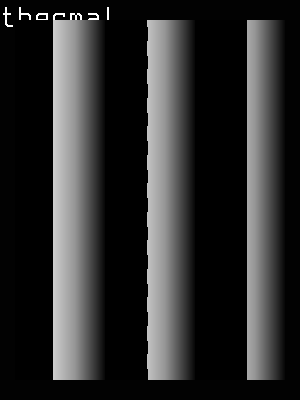
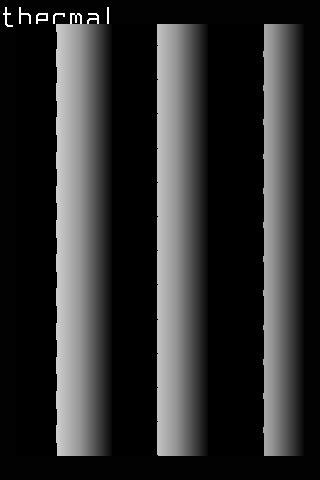
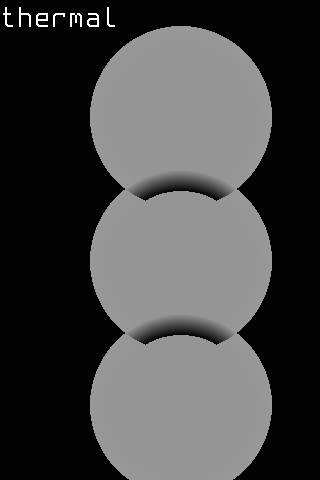
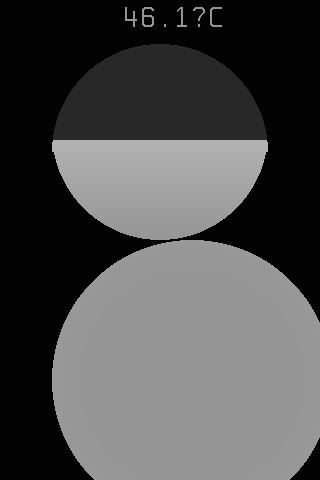
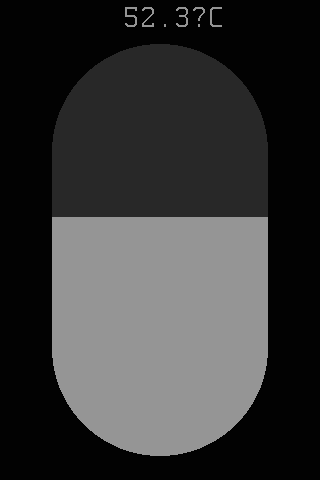
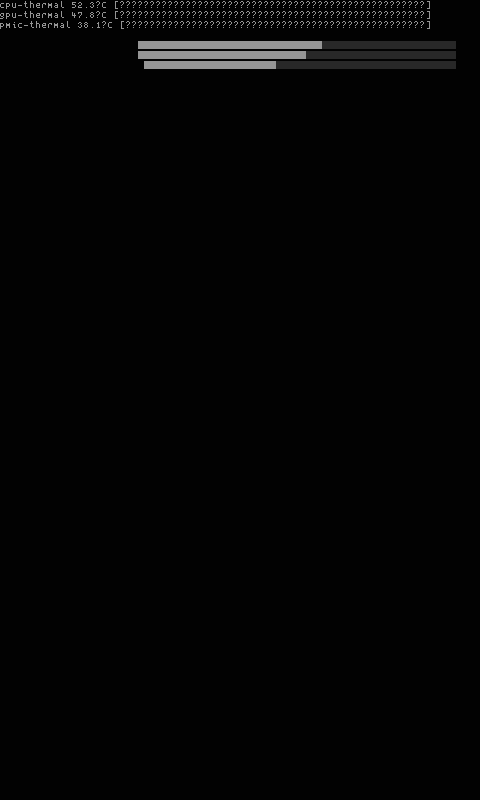
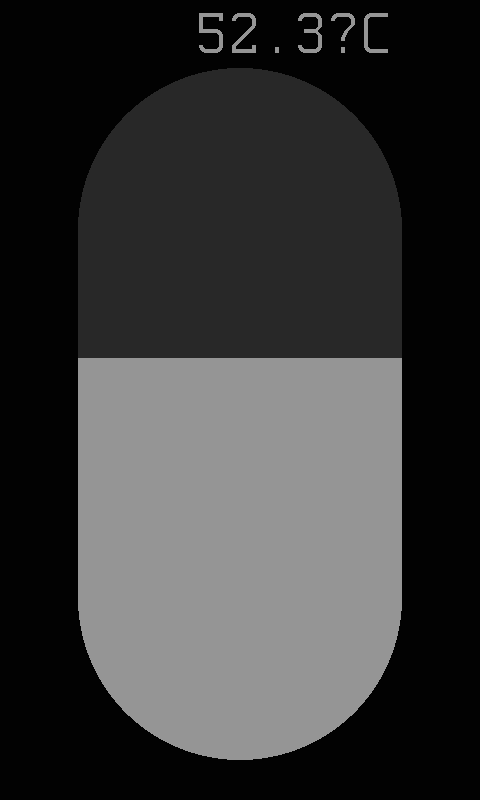
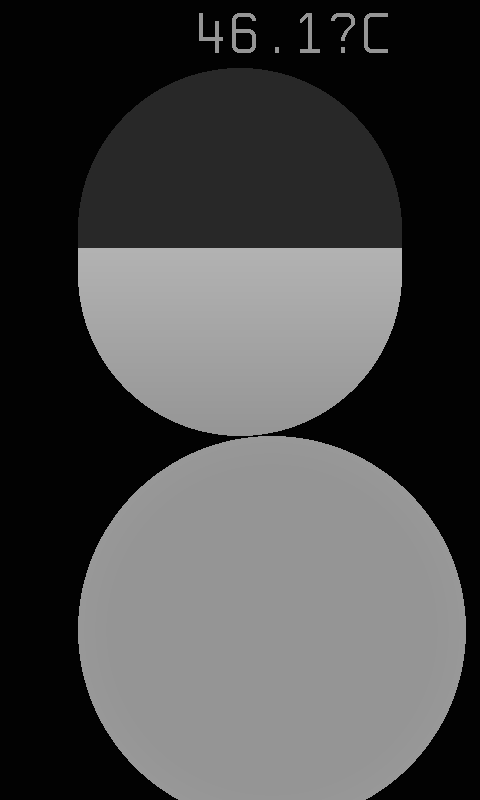
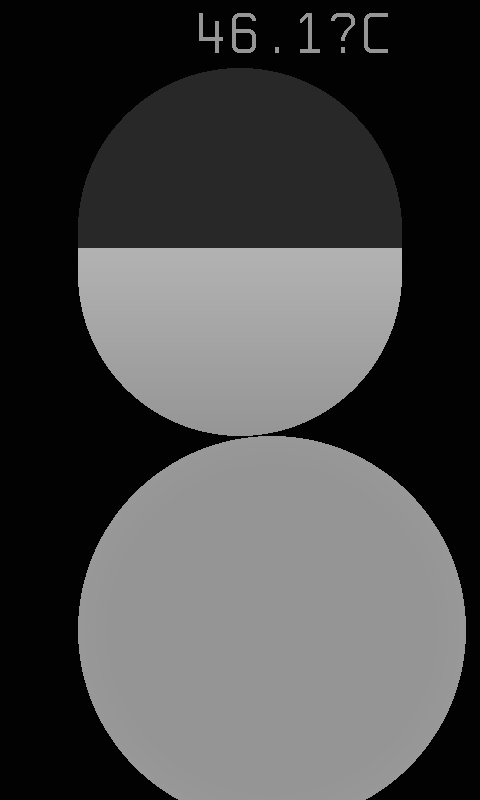
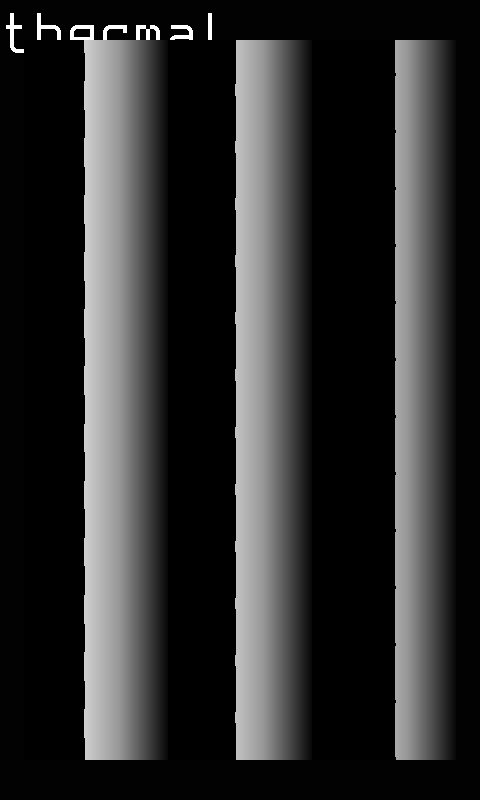
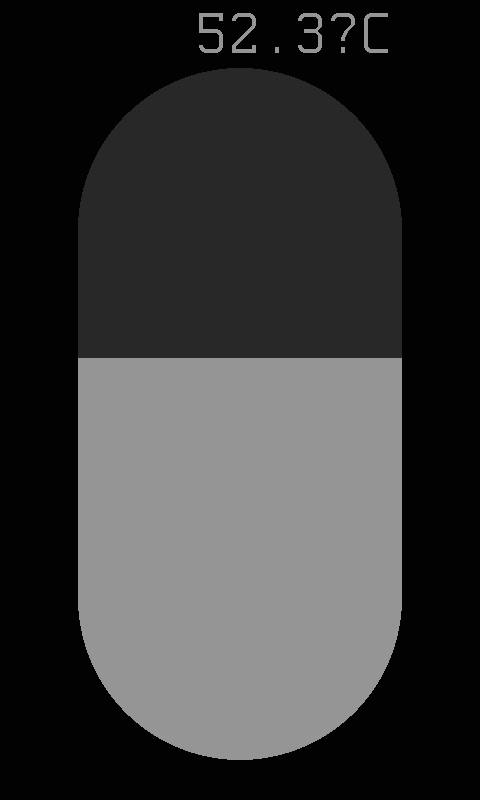
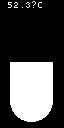
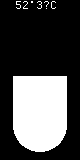
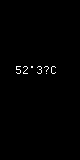
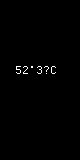
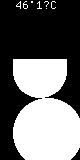
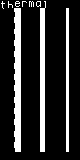
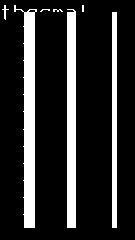
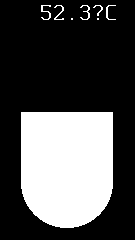
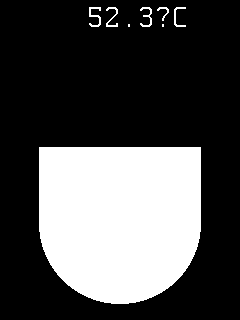
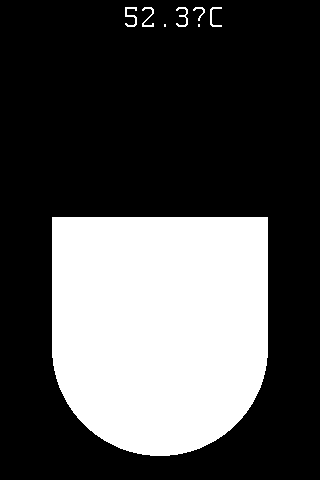
color-240x320-thermometer — vertical thermometer bar display showing zone temperatures as filled vertical bars. Targets ColorFast 240×320 portrait panels. Bar fill height and color reflect severity level.
-
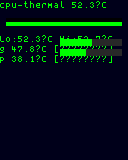
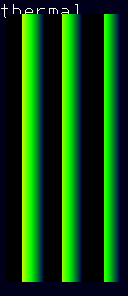
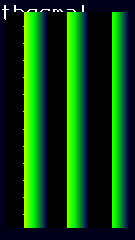
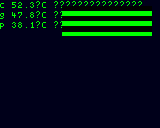
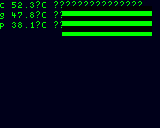
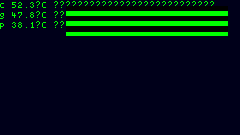
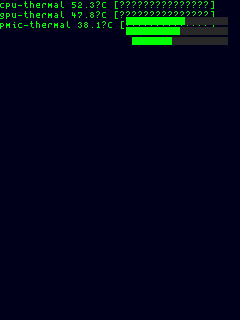
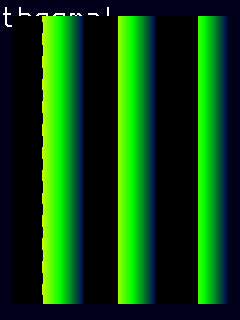
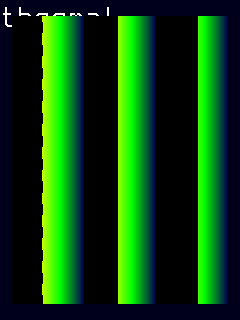
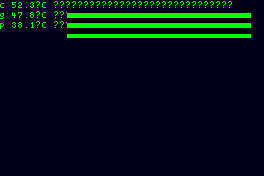
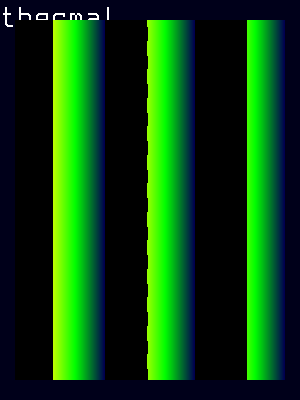
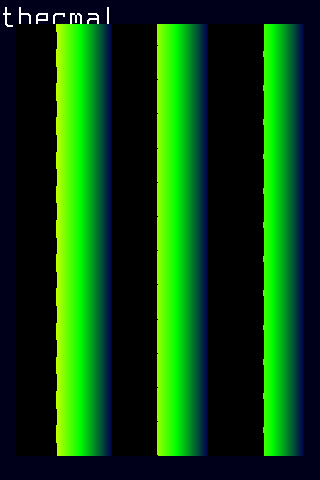
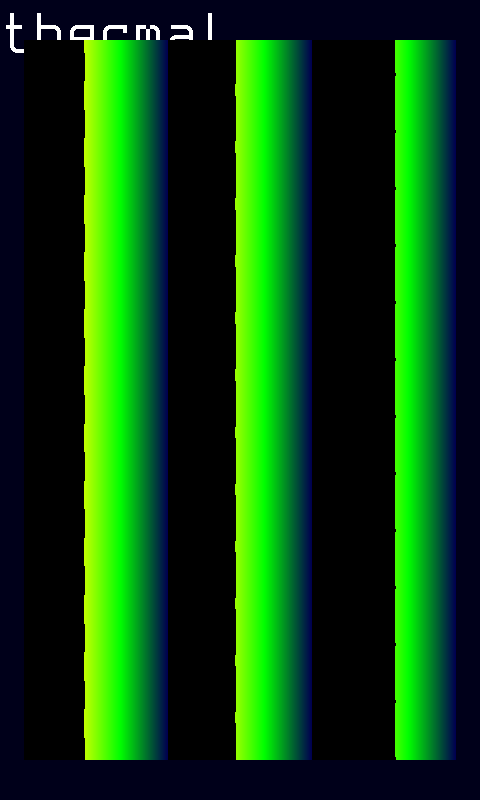
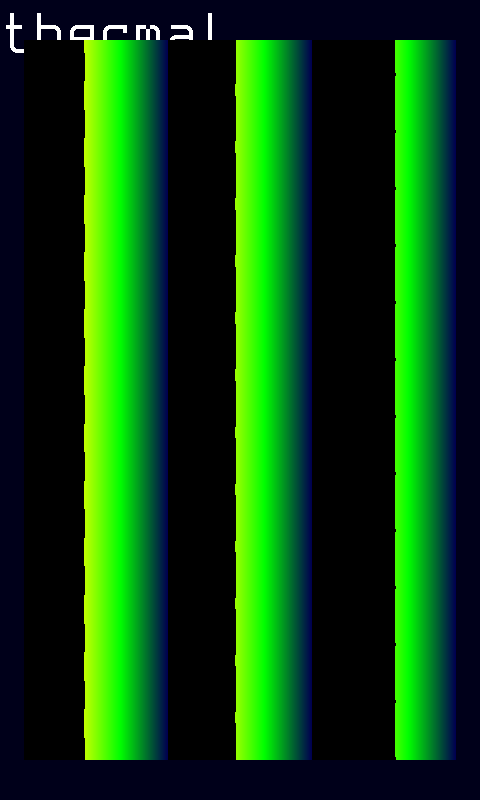
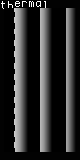
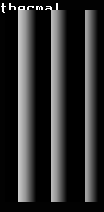
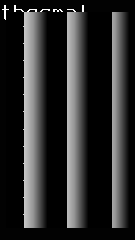
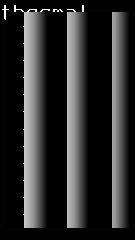
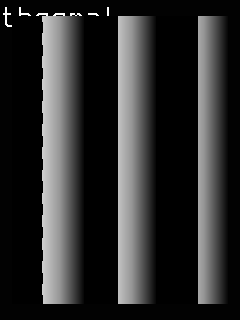
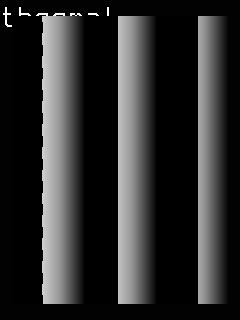
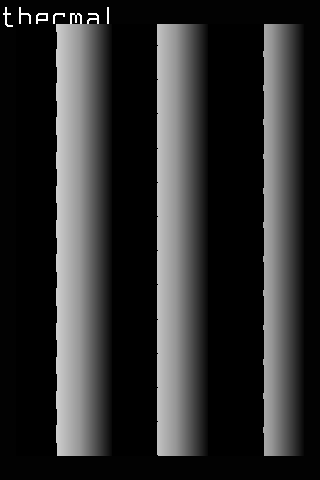
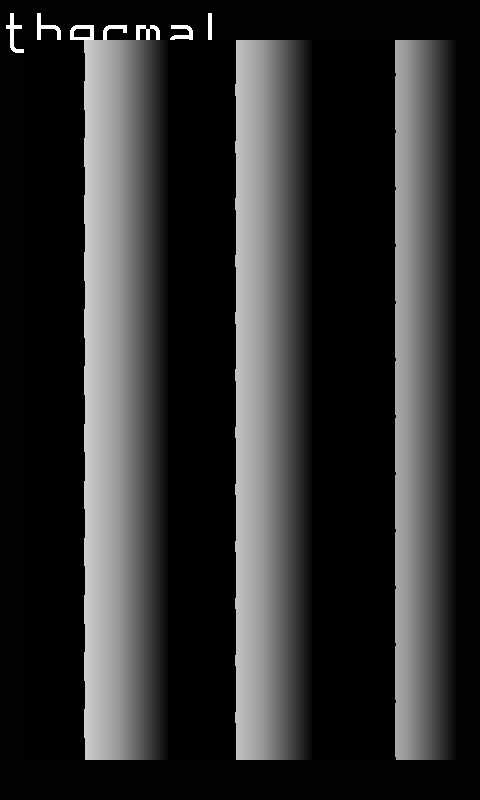
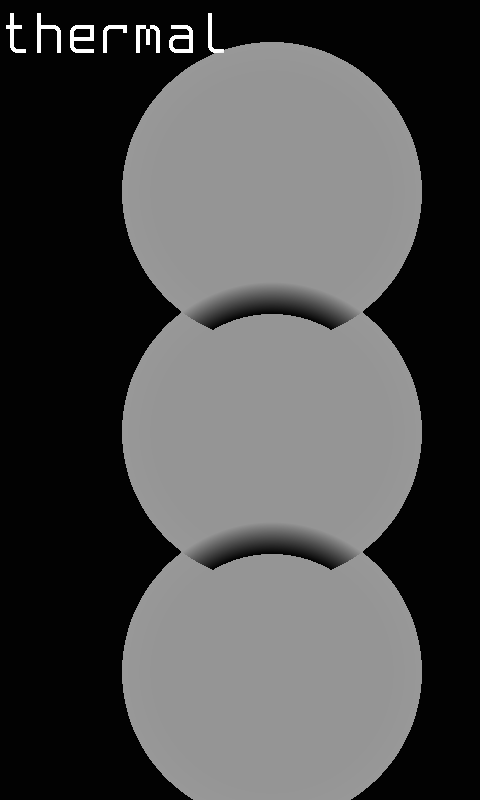
color-240x320-spark — sparkline-focused portrait layout with compact per-zone history graphs. Targets ColorFast 240×320 portrait panels. Optimized for trend visualization on narrow side-mounted displays.
-
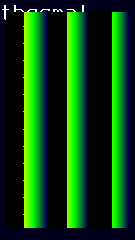
color-240x320-heatmap — heatmap-style visualization mapping zone temperatures to a color grid. Targets ColorFast 240×320 portrait panels. Provides an at-a-glance thermal overview using heat-mapped cells.
-
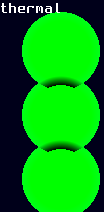
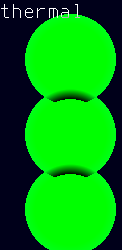
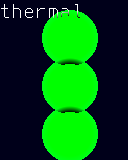
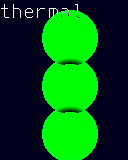
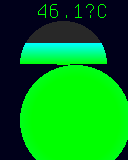
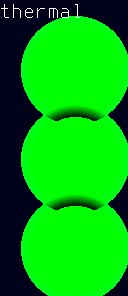
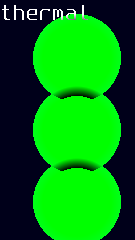
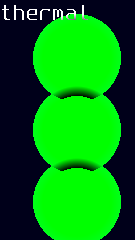
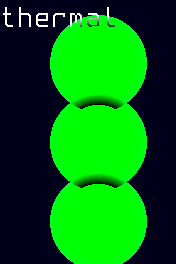
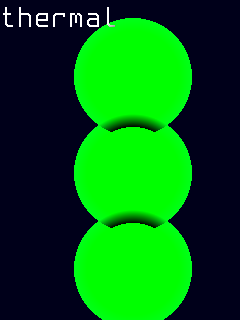
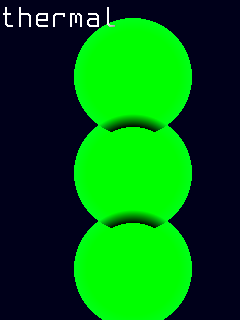
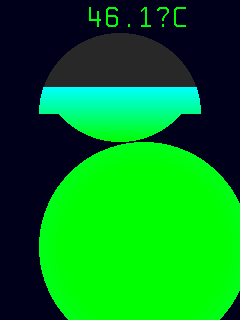
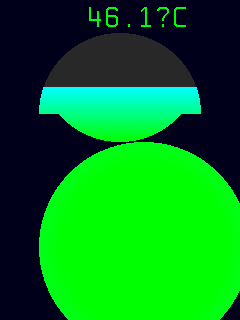
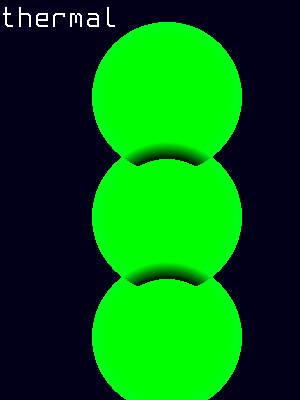
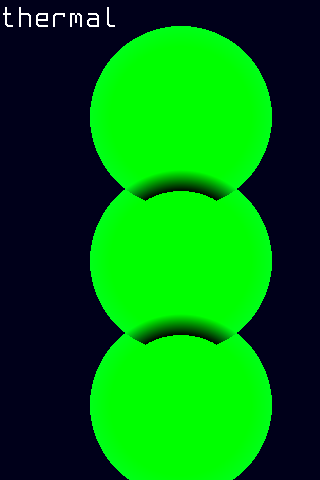
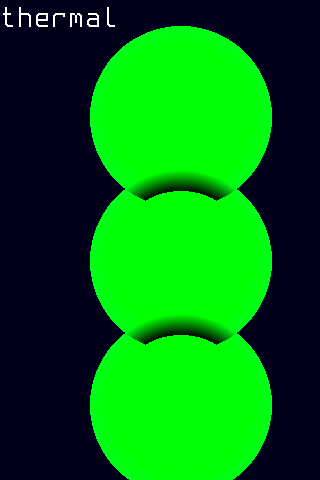
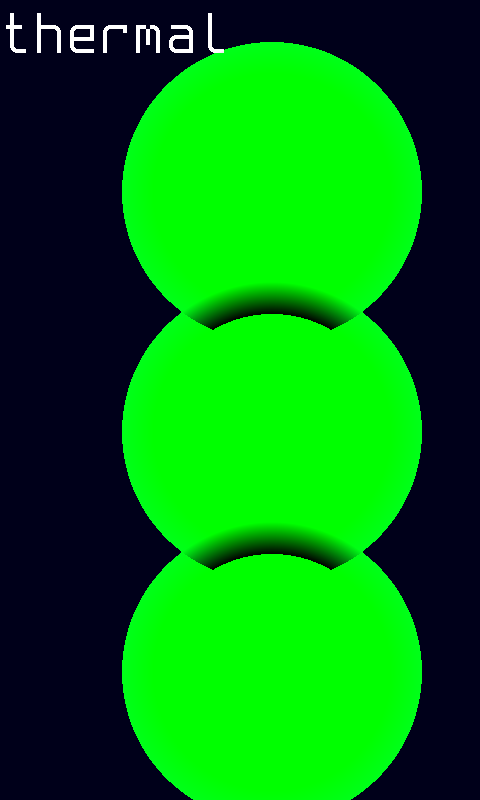
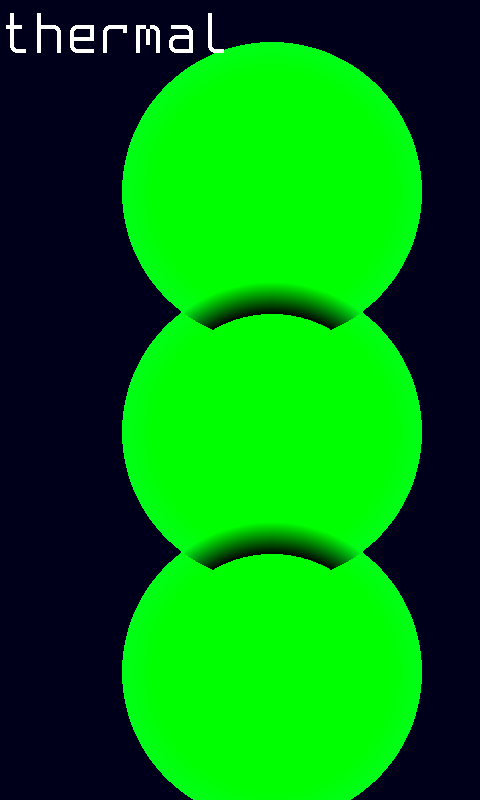
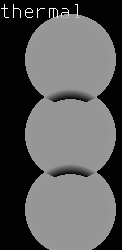
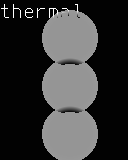
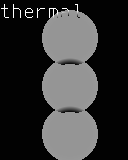
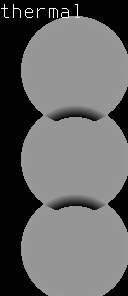
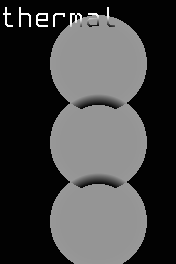
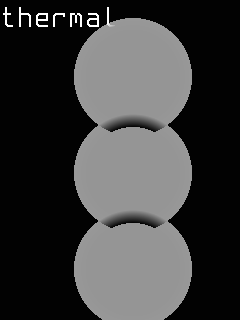
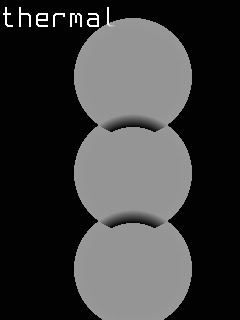
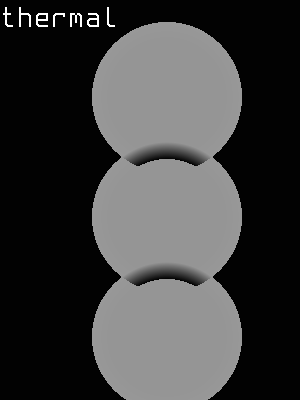
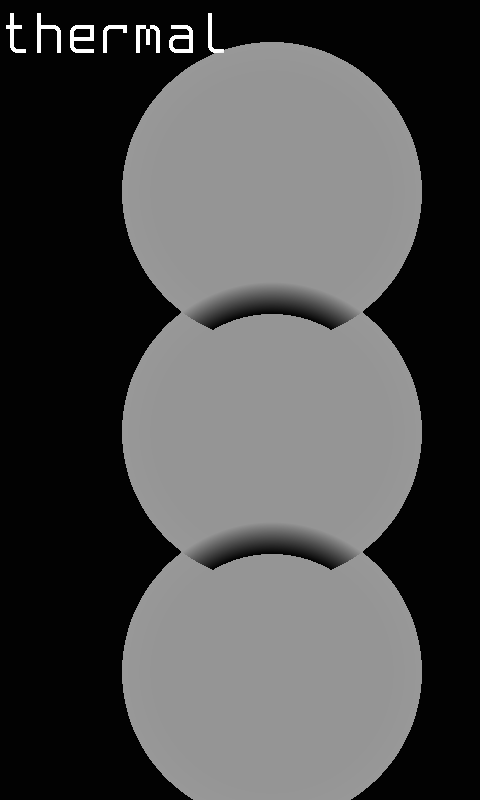
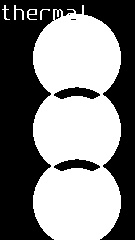
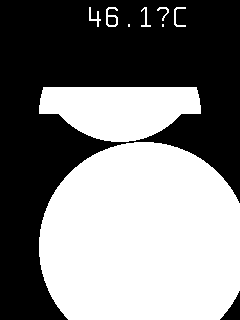
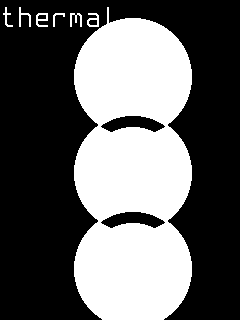
color-240x320-leds — LED-style zone indicators with circular status lights per zone. Targets ColorFast 240×320 portrait panels. Each LED is colored by severity, ideal for quick status checks.
-
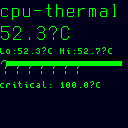
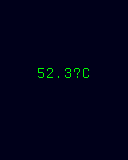
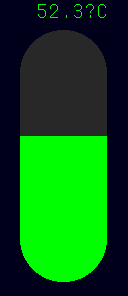
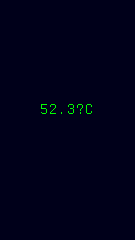
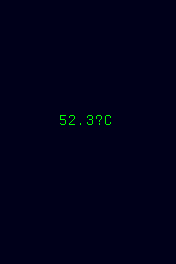
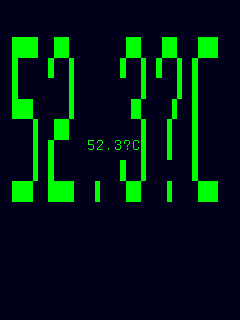
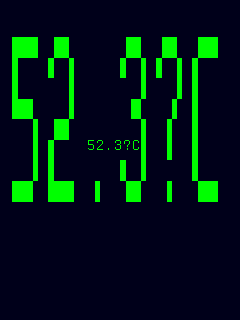
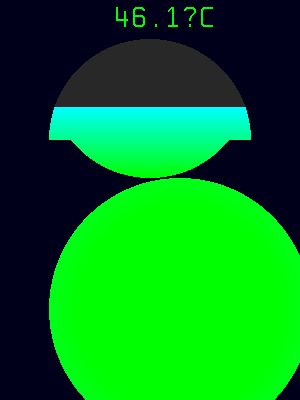
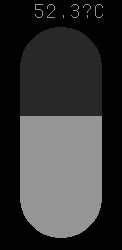
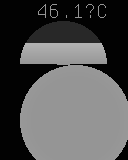
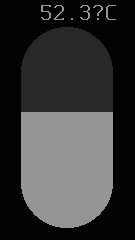
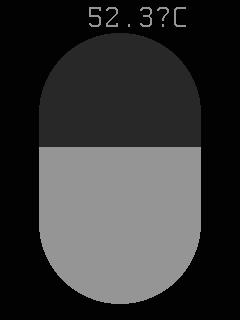
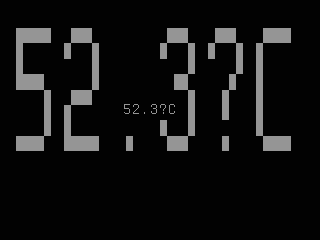
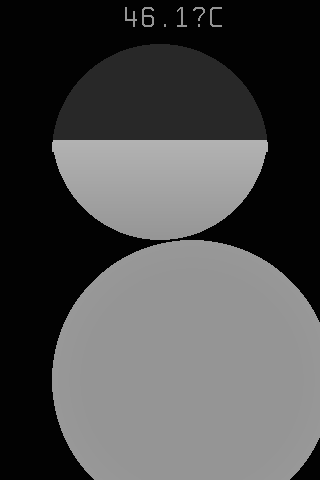
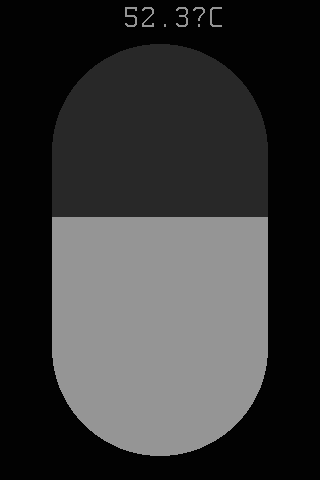
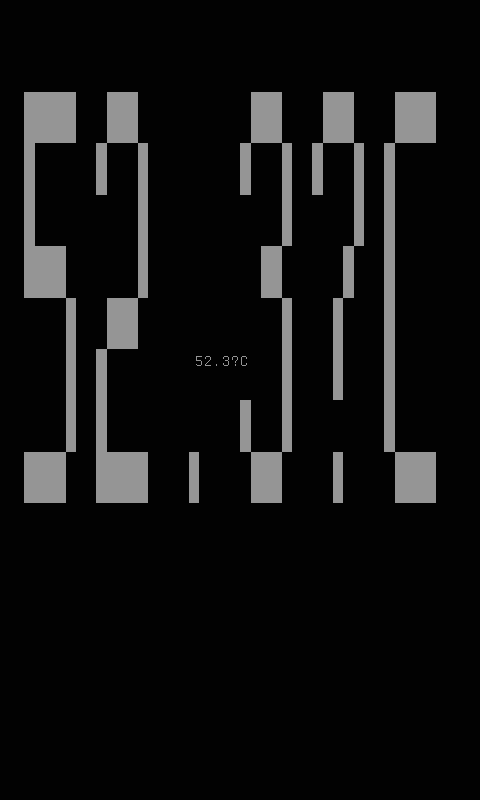
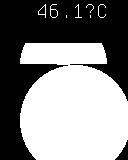
color-240x320-avg-thermo — average thermometer display showing the mean temperature across all zones as a single vertical bar. Targets ColorFast 240×320 portrait panels.
-
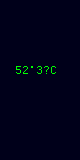
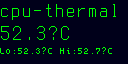
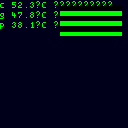
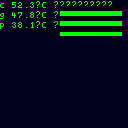
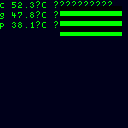
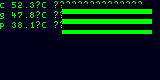
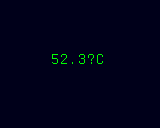
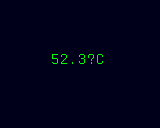
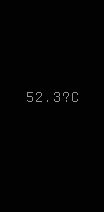
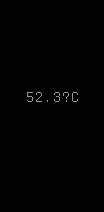
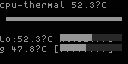
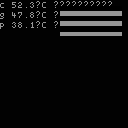
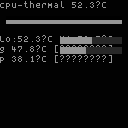
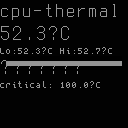
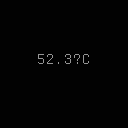
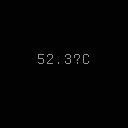
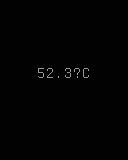
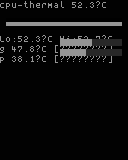
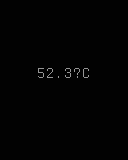
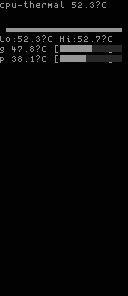
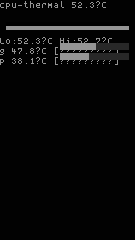
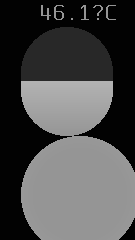
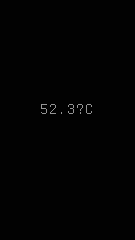
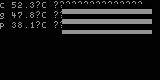
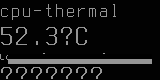
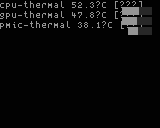
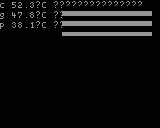
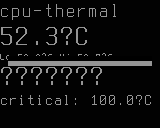
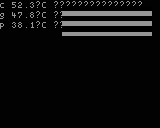
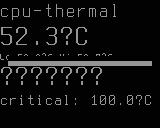
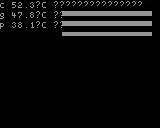
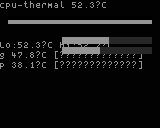
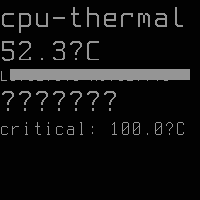
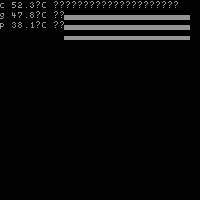
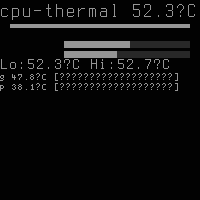
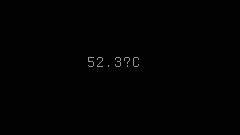
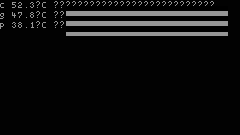
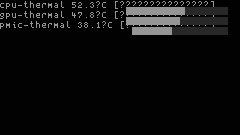
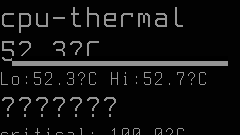
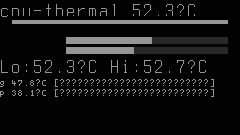
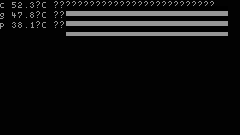
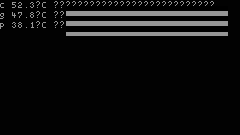
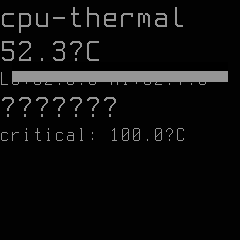
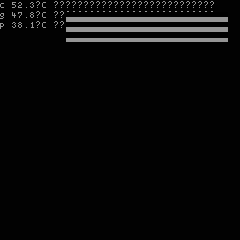
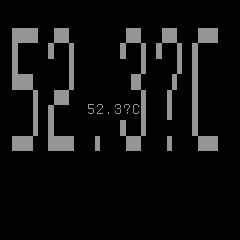
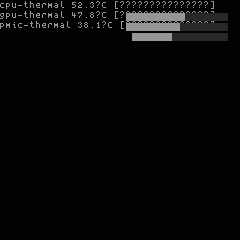
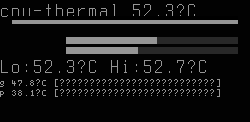
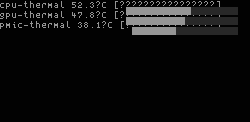
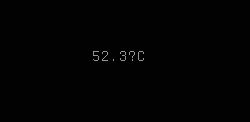
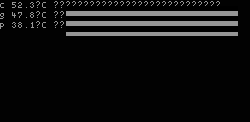
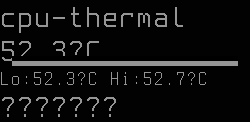
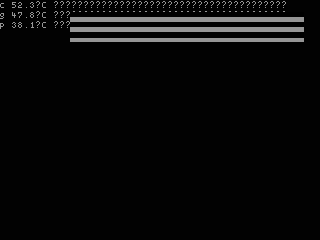
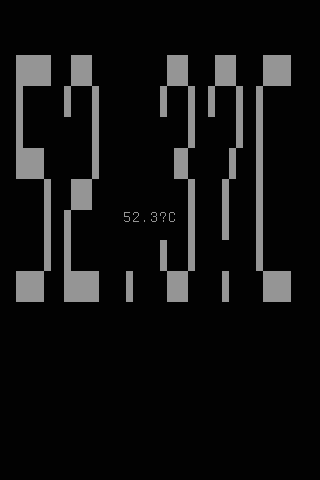
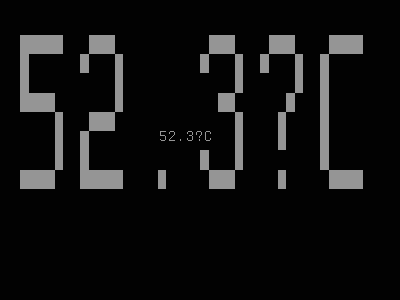
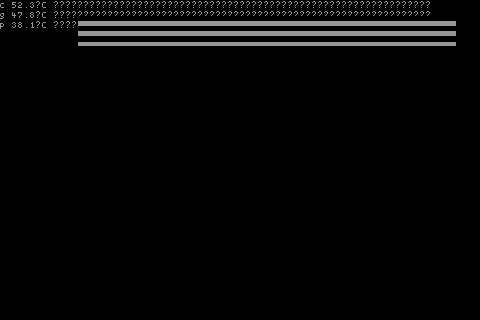
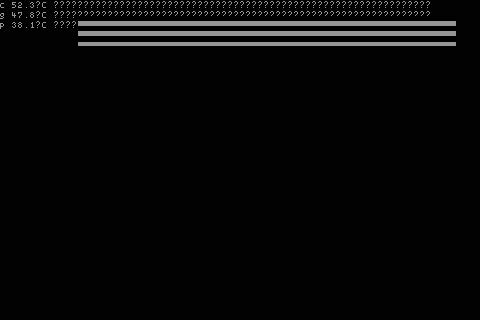
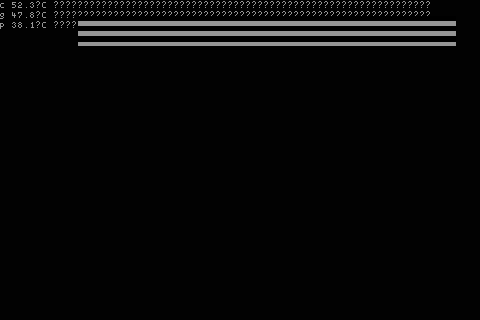
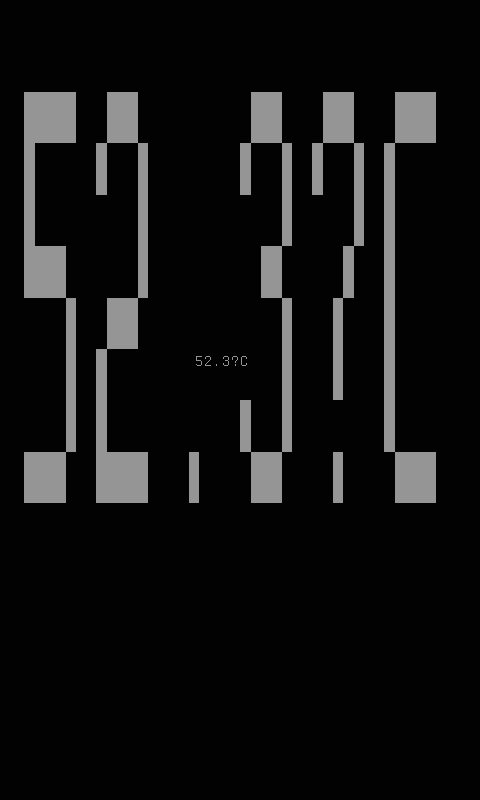
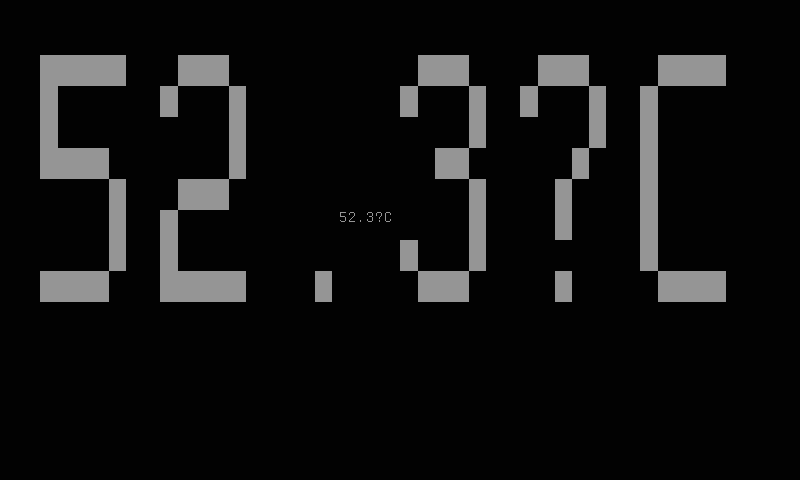
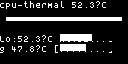
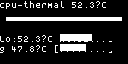
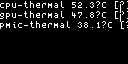
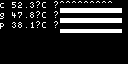
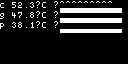
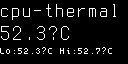
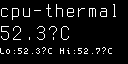
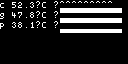
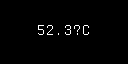
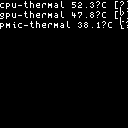
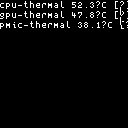
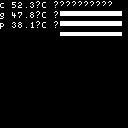
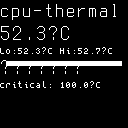
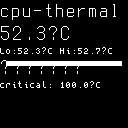
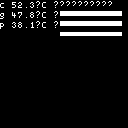
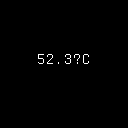
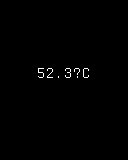
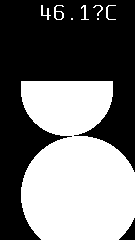
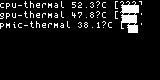
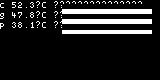
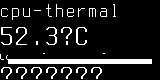
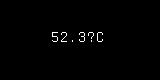
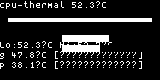
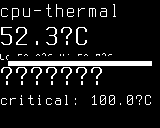
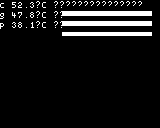
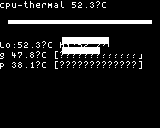
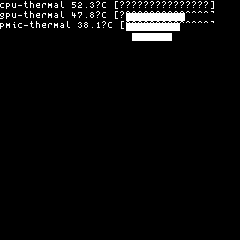
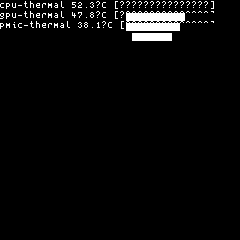
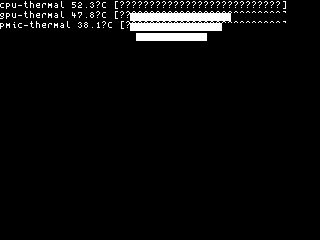
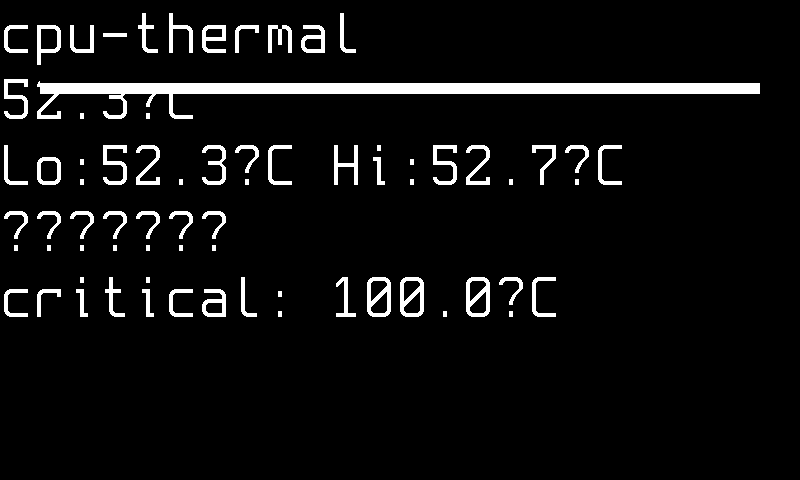
mono-slow-128x64 — compact monochrome layout for small OLEDs. Targets MonoSlow 128×64 panels. High-contrast text rendering with zone labels and temperatures.
-
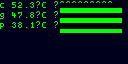
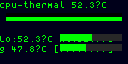
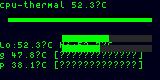
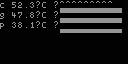
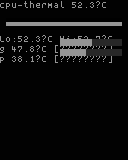
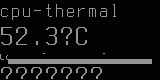
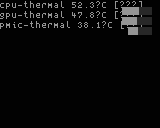
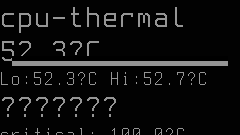
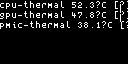
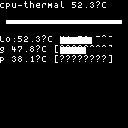
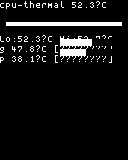
mono-128x128 — detailed monochrome layout with more vertical space for additional zone rows. Targets MonoFast 128×128 panels.
-
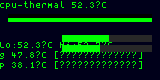
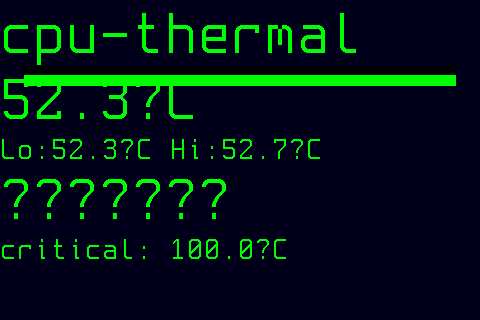
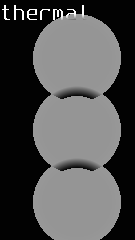
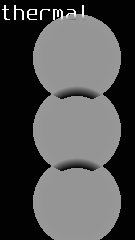
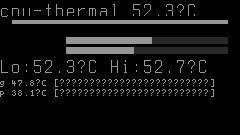
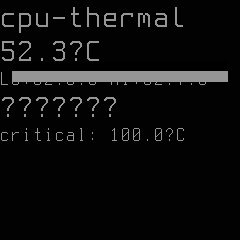
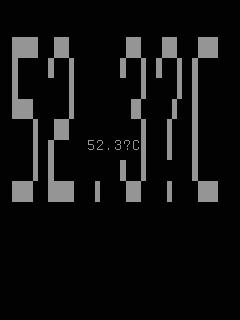
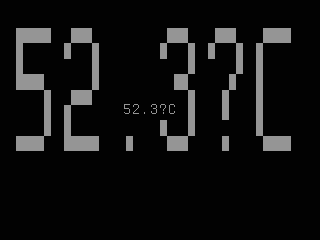
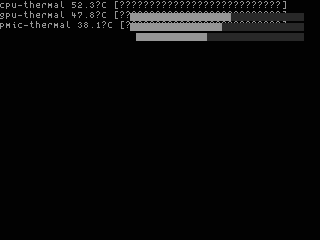
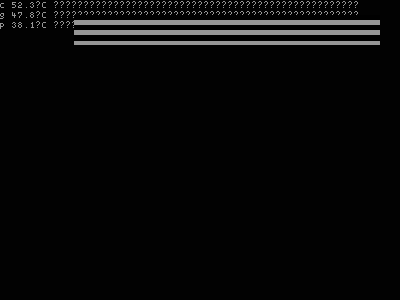
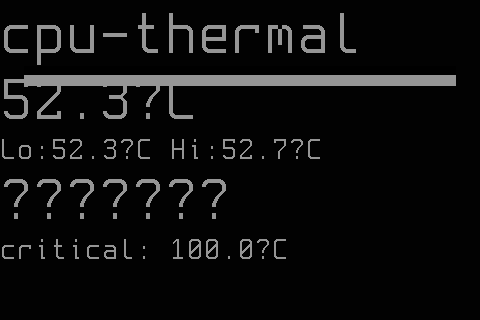
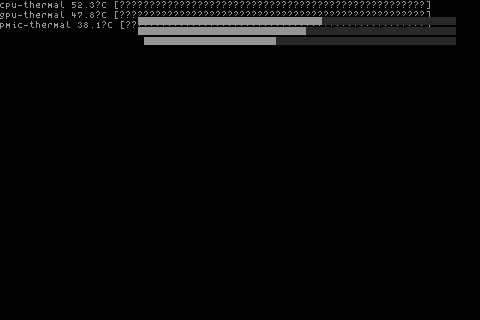
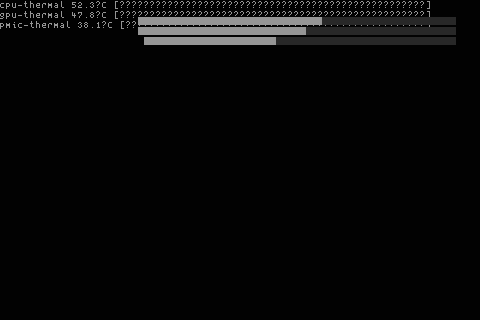
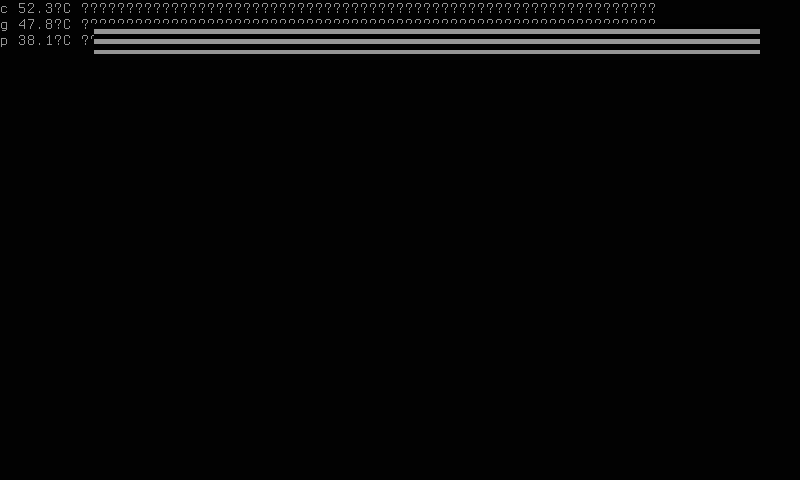
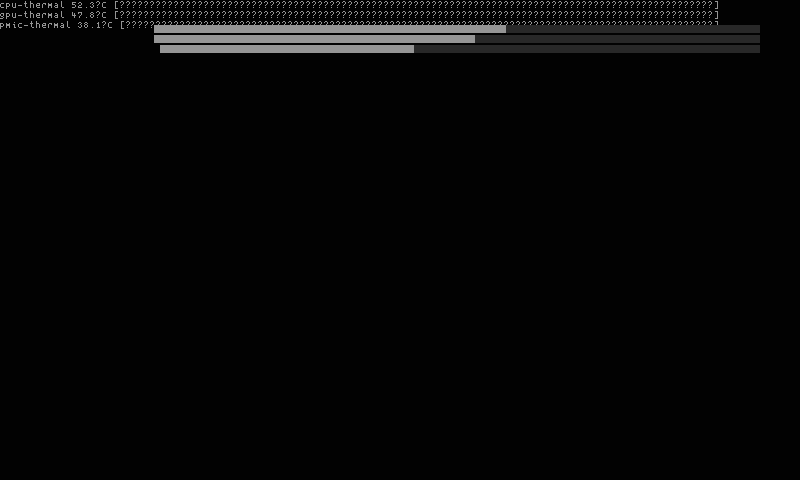
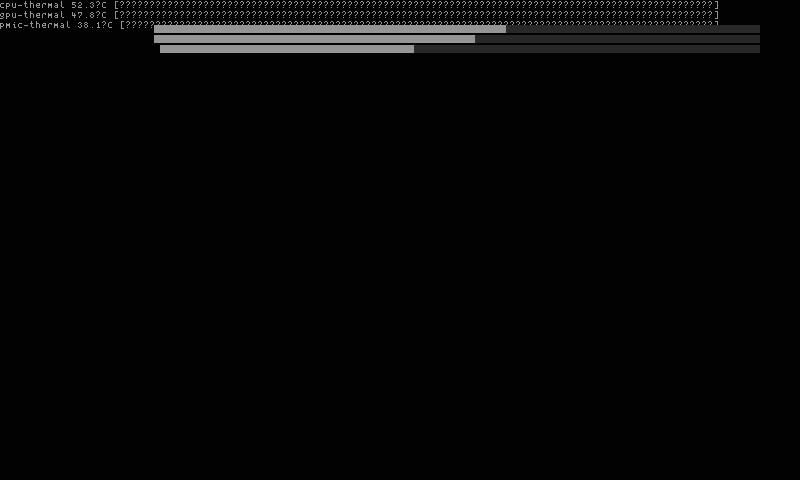
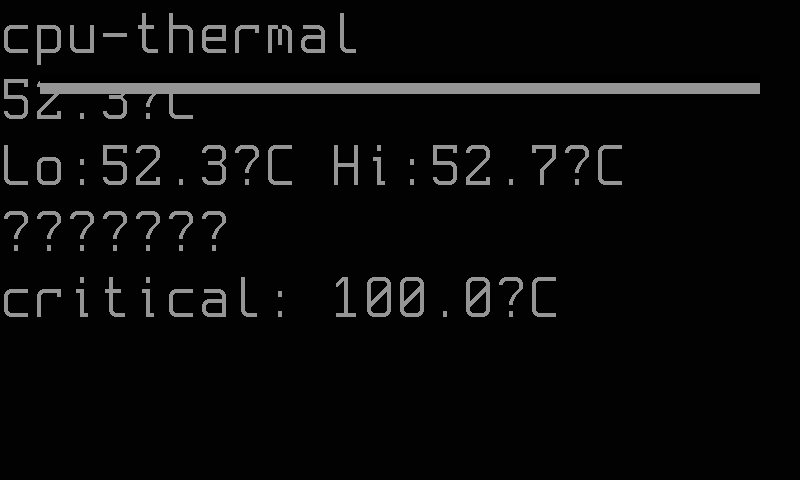
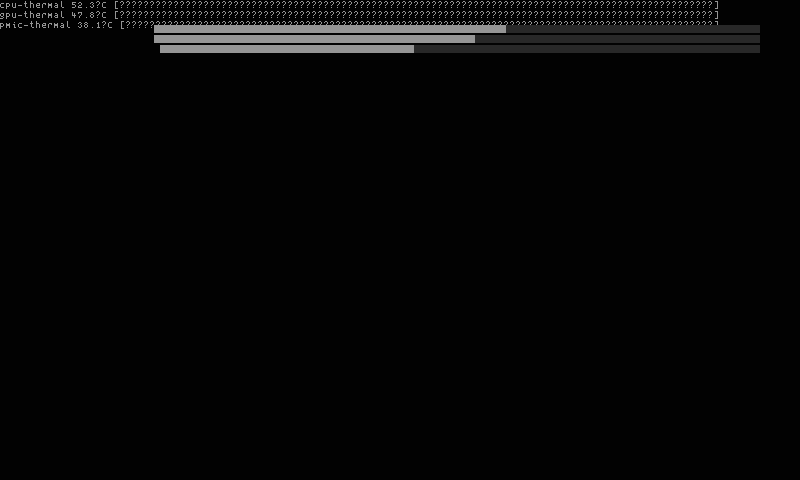
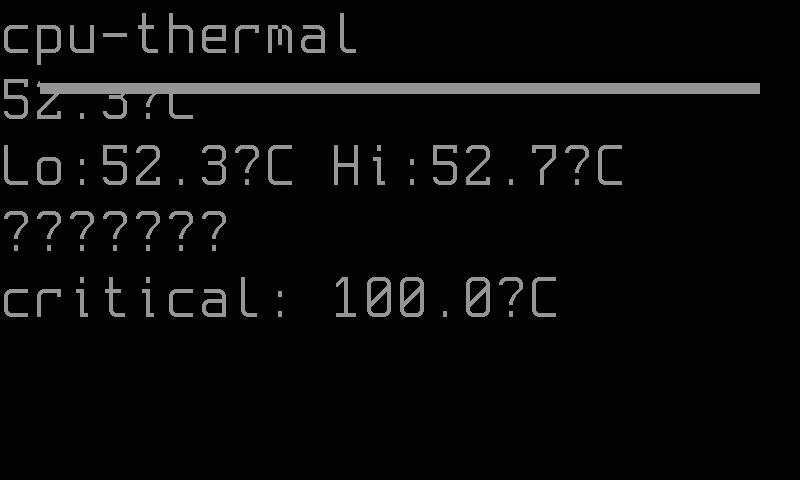
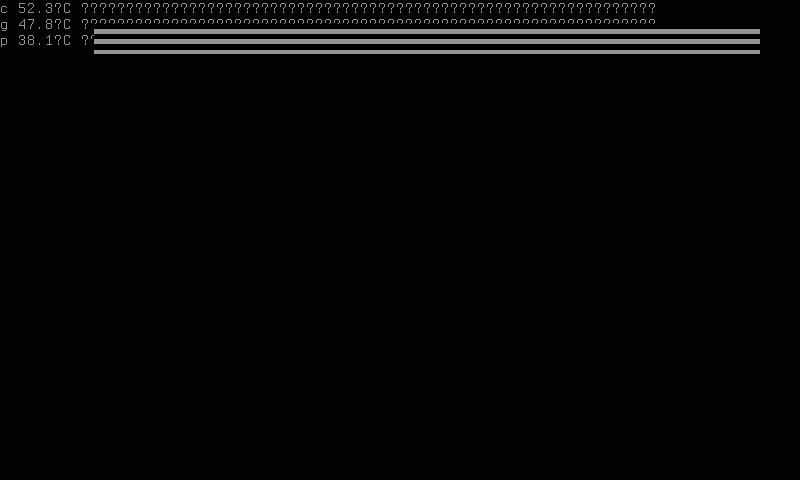
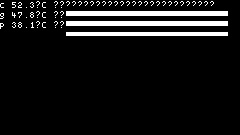
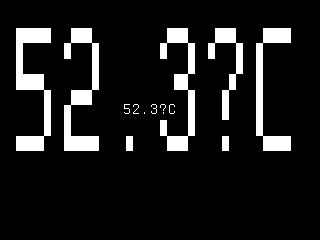
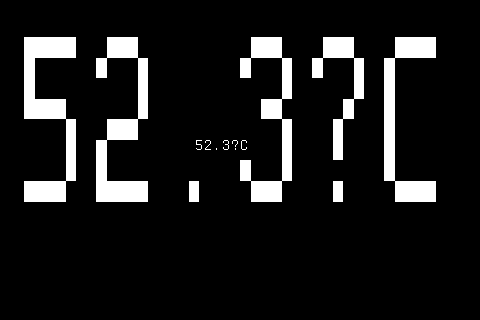
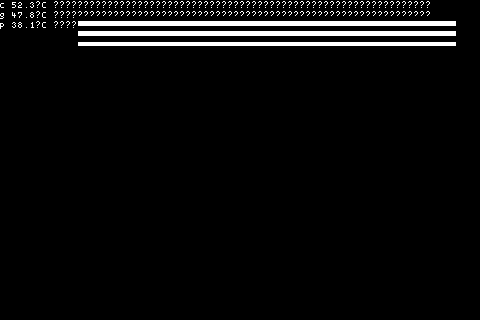
grayscale-slow-296x128 — overview layout for e-ink displays. Targets GrayscaleSlow 296×128 panels. Static temperature frame that updates at the configured refresh interval.
-
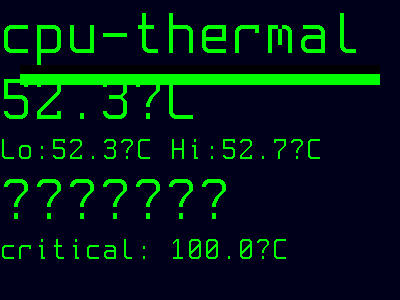
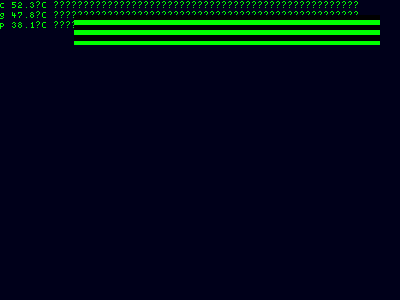
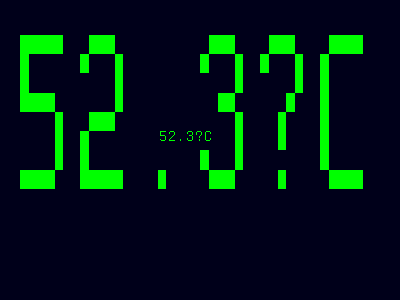
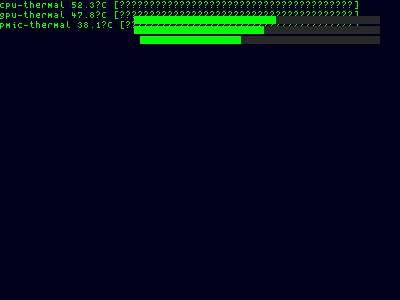
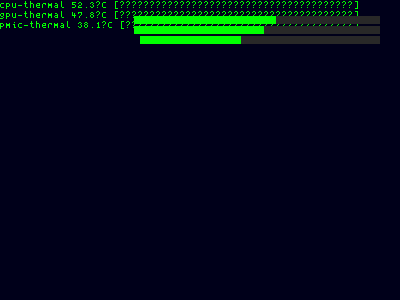
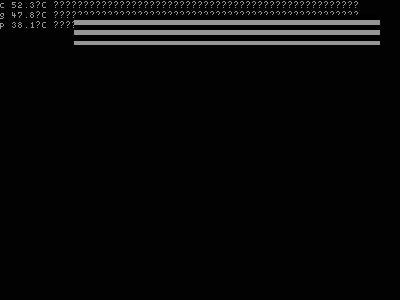
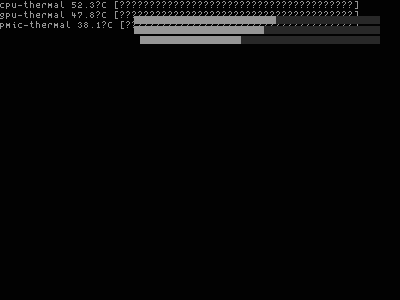
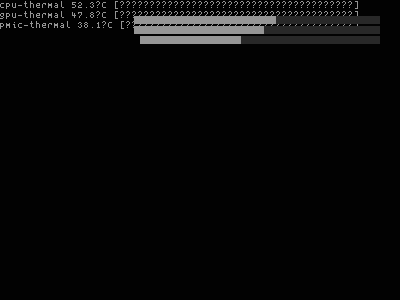
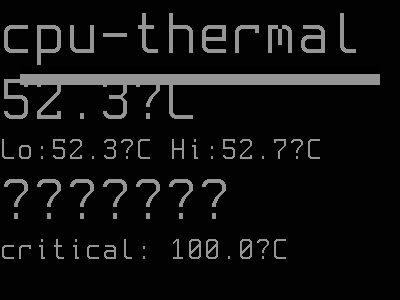
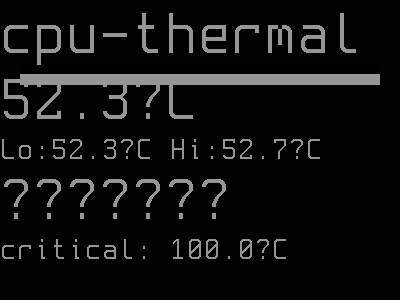
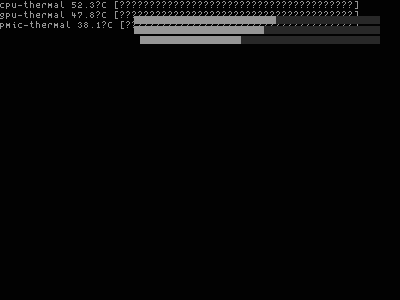
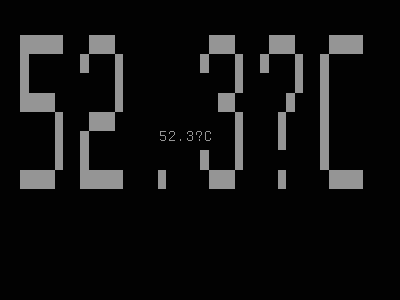
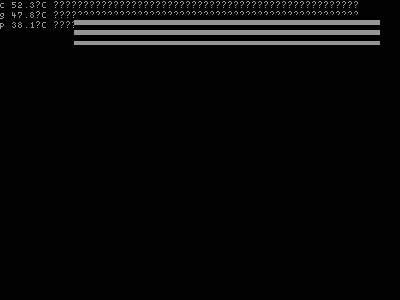
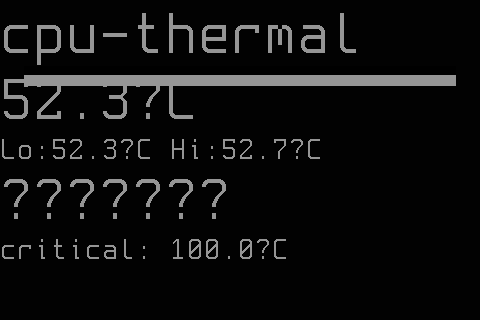
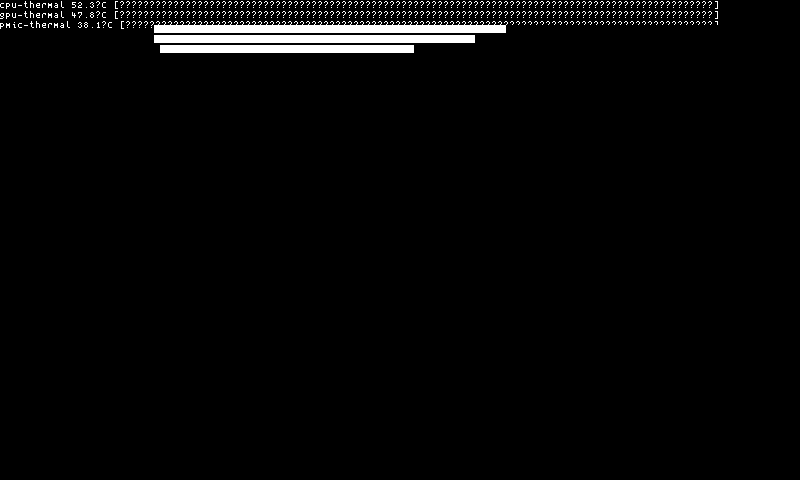
grayscale-fast-400x300 — overview layout for grayscale displays with room for multiple zones and history. Targets GrayscaleFast 400×300 panels.
When no explicit style is configured, the daemon auto-selects the best style for the detected panel using fitness scoring. Each registered style declares the resolution and capability it supports; the style with the highest fitness score for the current panel is selected, with registration-order tie-breaking (first registered wins).
Each style automatically selects the best bitmap font for the available panel space.
Snapshots
Color
















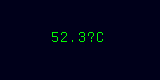
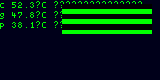
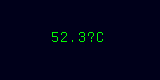
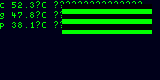

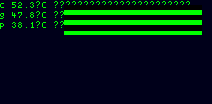
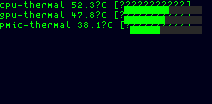
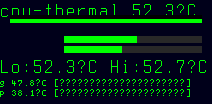
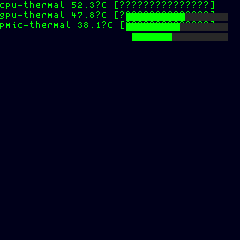
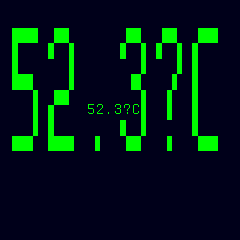
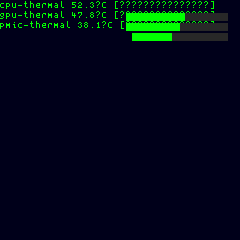
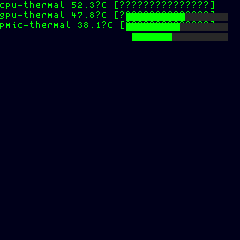







Grayscale










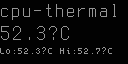
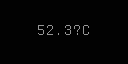
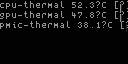
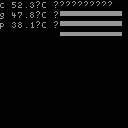







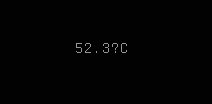
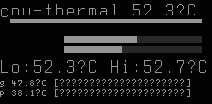
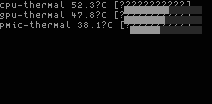
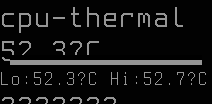


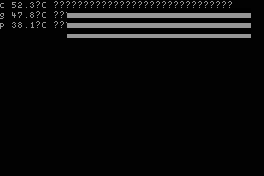
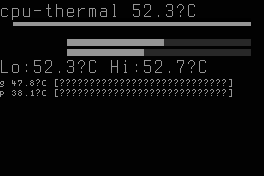
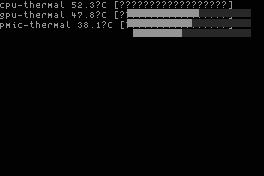
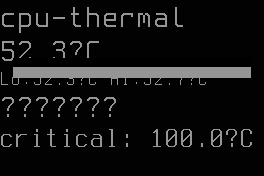
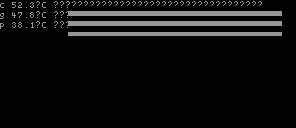
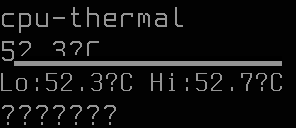

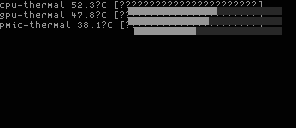





Mono












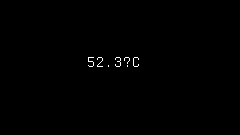
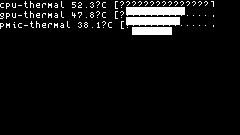
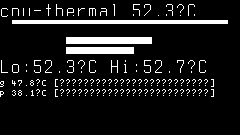
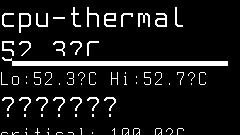



Options
| Key | Type | Description | Default | Allowed Values |
|---|---|---|---|---|
style |
string | Visual presentation style controlling the thermal data layout and detail level | (auto-selected) | color-320x240-overview, color-320x240-timegraph, color-240x320-thermometer, color-240x320-spark, color-240x320-heatmap, color-240x320-leds, color-240x320-avg-thermo, mono-slow-128x64, mono-128x128, grayscale-slow-296x128, grayscale-fast-400x300 |
font |
string | Font selection (auto or a registered font ID) | auto | any valid string (auto or a registered font ID) |
refresh_ms |
int | Sampling interval in milliseconds controlling how often thermal zones are polled | 2000 | 500–120000 |
warn_threshold |
int | Warning temperature threshold in °C; must be strictly less than crit_threshold (rejected if not) |
70 | 0 or above (must be < crit_threshold) |
crit_threshold |
int | Critical temperature threshold in °C; must be strictly greater than warn_threshold |
90 | 0 or above (must be > warn_threshold) |
unit |
string | Temperature display unit | C | C, F |
fgcolor |
string | Foreground color palette for thermal zone visuals on color panels | thermal | thermal, cyan, green, amber, red, white, none |
show_led |
bool | Show LED activity indicator in the top-right corner blinking on each refresh cycle | true | true, false |
show_refresh_bar |
bool | Show refresh progress bar at bottom edge indicating time until next sample | true | true, false |
show_border |
bool | Show decorative border frame around the panel edge for visual separation | false | true, false |
Configure options via the CLI:
CLI Examples
Activate the thermal display mode on the main panel:
Select the overview layout for a 320×240 color panel:
Switch to the time-graph variant on a 320×240 color panel:
Use the monochrome style for a 128×64 OLED:
Select a portrait thermometer layout for a 240×320 color panel:
Display temperatures in Fahrenheit:
Set a faster 1-second refresh rate:
Configure custom warning and critical thresholds:
Set the foreground color to cyan for a different cyberpunk look:
Disable the LED activity indicator:
Hide the refresh progress bar:
Combine multiple options in a single command:
Query all current settings (zero arguments returns the active configuration):
This returns all key=value pairs reflecting the active configuration, for example:
OK thermal style=color-320x240-overview font=auto refresh_ms=2000 warn_threshold=70 crit_threshold=90 unit=C fgcolor=thermal show_led=true show_refresh_bar=true
Temperature Sources
The thermal mode reads from the Linux kernel's sysfs thermal interface at /sys/class/thermal/.
Each thermal_zone* directory represents one thermal sensor exposed by the kernel. Common zone types include x86_pkg_temp (CPU package), acpitz (ACPI thermal zone), cpu-thermal (ARM SoC), and iwlwifi_1 (wireless adapter). The directory contains:
temp— current temperature as an integer in millidegrees Celsius (e.g.,72000= 72.0°C). The thermal mode divides this value by 1000 to obtain degrees Celsius.type— a label string identifying the sensor (e.g.,x86_pkg_temp). If this file is missing or empty, the directory basename (e.g.,thermal_zone0) is used as the label.trip_point_*_tempandtrip_point_*_type— kernel-defined temperature thresholds that trigger firmware or kernel actions. Common trip point types:- critical — hardware shutdown threshold set by the BIOS/firmware to prevent physical damage.
- hot — a pre-critical threshold that may trigger aggressive throttling.
- passive — a lower threshold that triggers CPU frequency scaling or fan speed increases.
Trip point values are also stored in millidegrees. The thermal mode reads up to 20 trip points per zone and uses the critical trip point (if present) as a safety floor for the effective critical threshold.
Threshold Behavior
The thermal mode classifies each zone's temperature into three severity levels:
| Level | Condition | Color | Visual Indicator |
|---|---|---|---|
| Normal | temp < warn_threshold | Green (0,255,0) | Standard text and progress bar |
| Warning | warn_threshold ≤ temp < effective critical | Yellow (255,255,0) | Yellow text and progress bar fill |
| Critical | temp ≥ effective critical | Red (255,0,0) | Red text, red progress bar fill, blinking filled square |
The effective critical threshold for each zone is min(crit_threshold, kernel_critical_trip_point). If the kernel reports a critical trip point lower than your configured crit_threshold, the kernel value takes precedence for that zone. This ensures the display alerts you before hardware-level protection kicks in.
The blinking indicator (a filled square glyph adjacent to the temperature) alternates visibility on each render cycle when a zone reaches critical severity, providing an unmistakable visual alarm in the overview and detail styles.
If warn_threshold is set equal to or greater than crit_threshold, the warning level is effectively disabled — all temperatures below critical are treated as normal.
Widgets
The thermal mode uses widget-based sprite compositing to render visual indicators alongside the temperature data.
LED Activity Indicator
A small circular LED (6px diameter) positioned in the top-right corner of the content area indicates active sampling. It blinks alternately on each sample tick — appearing as "on" for even ticks and "off" for odd ticks — confirming the display is live. On color panels, the LED is colored by the highest-severity zone's color (green, yellow, or red). On monochrome panels, it uses the panel's native foreground color.
The LED is suppressed if its bounding rectangle would overlap a text row, or if the content area is narrower than 6 pixels. Disable it with show_led=false.
Refresh Progress Bar
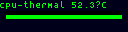
A 4px-tall horizontal bar at the bottom of the content area shows elapsed time until the next sample. It fills from left to right across the full content width, reaching 100% just before a new snapshot is collected. On color panels, the bar foreground uses the active foreground color (severity green when fgcolor is "thermal", opaque white when fgcolor is "none"). On monochrome panels, it renders in the panel's native foreground.
The refresh bar is suppressed automatically when the effective content height is less than 48 pixels. Disable it with show_refresh_bar=false.
Border Frame
An 8px decorative border frame wraps the content area on larger panels (width and height both ≥ 16 pixels), inset by 8 pixels on each side. This reduces the effective content area by 16 pixels in each dimension. On panels smaller than 16×16, the border is suppressed and full panel dimensions are used for content.
Enable the border with show_border=true. On large color panels (≥ 240×240), the border defaults to on.
Font Selection
The thermal mode uses adaptive font selection to maximize readability:
- auto (default) —
fontselect.Select()chooses the largest bitmap font that fits the panel width while maintaining a minimum of 3 visible rows (or 1 row in minimal style). The font is recalculated on each render to respond to configuration or panel size changes. - Registered font ID — if a valid registered font is specified, that font is used directly.
- Unrecognized font ID — falls back to automatic selection as if set to "auto".
- Zero PixelHeight or RowHeight — uses the default ASCII 5×7 font without calling fontselect.
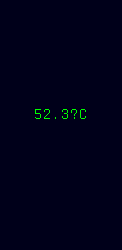
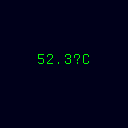
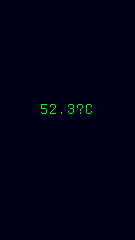
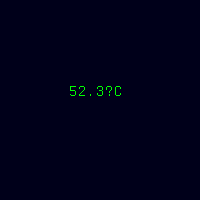
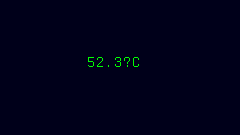
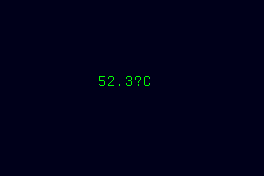
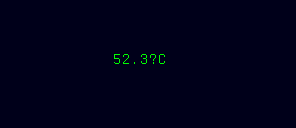
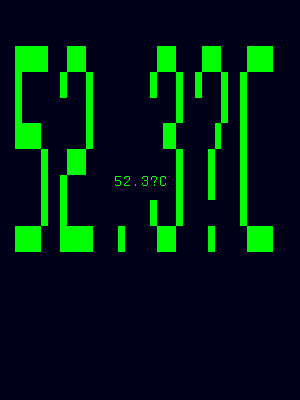
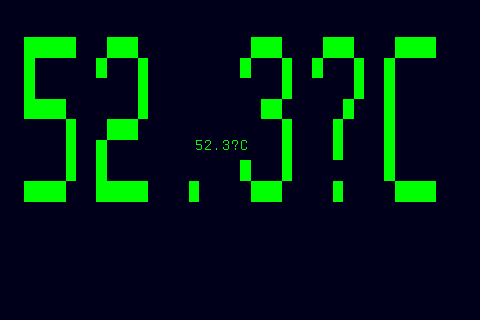
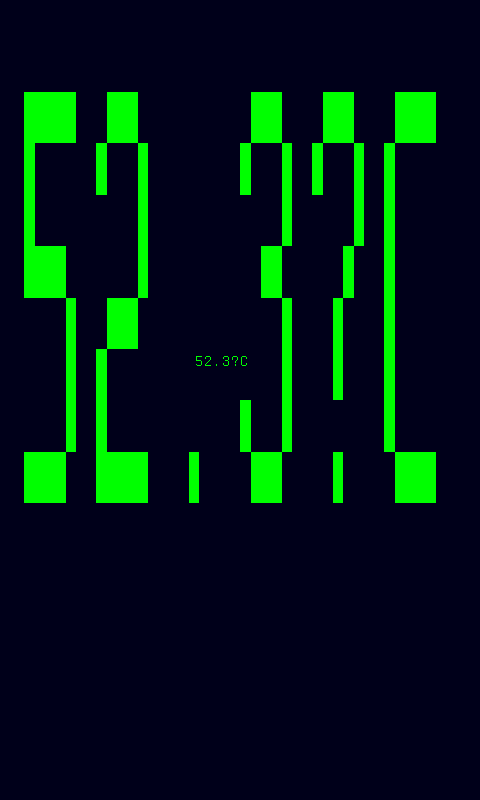
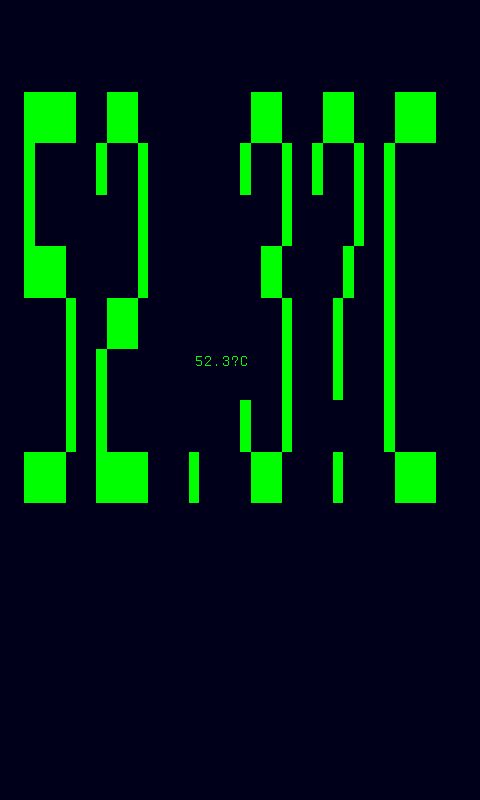
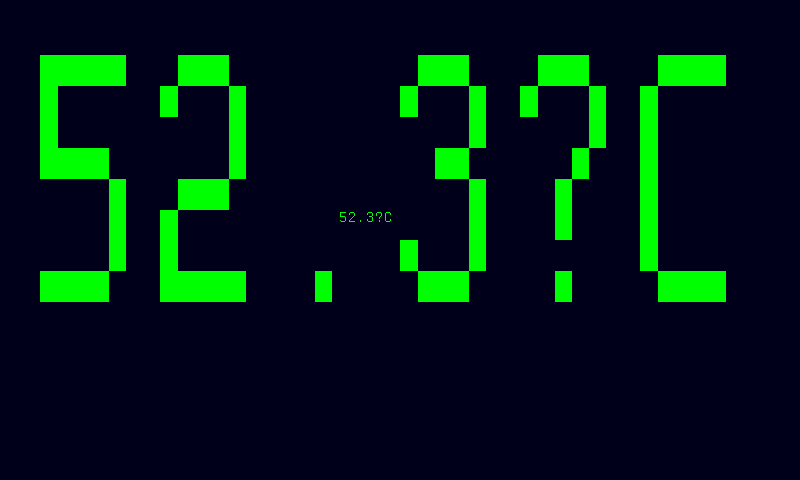
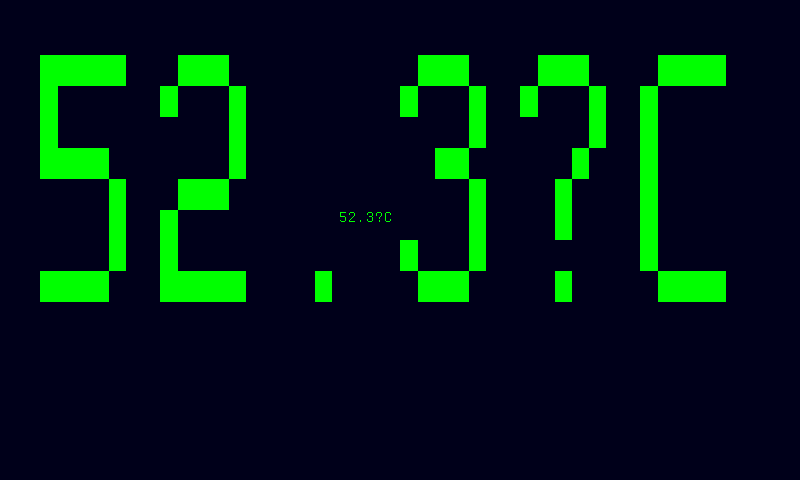
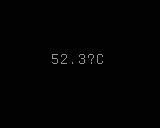
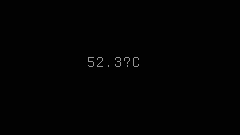
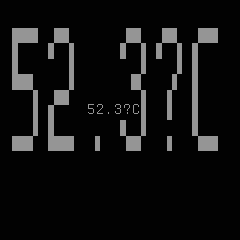
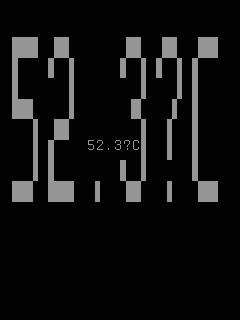
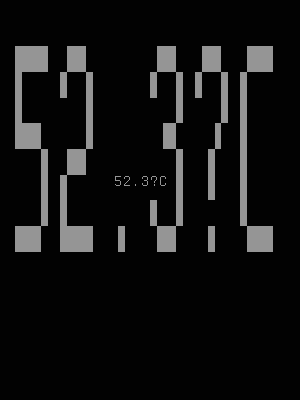
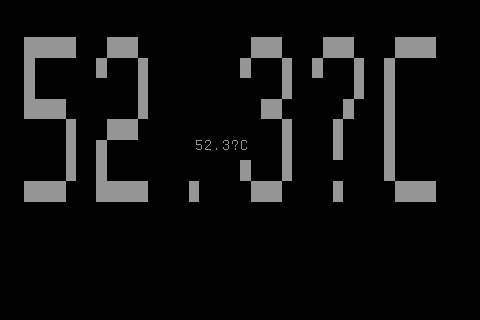
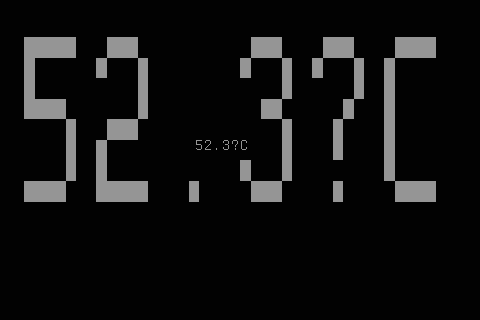
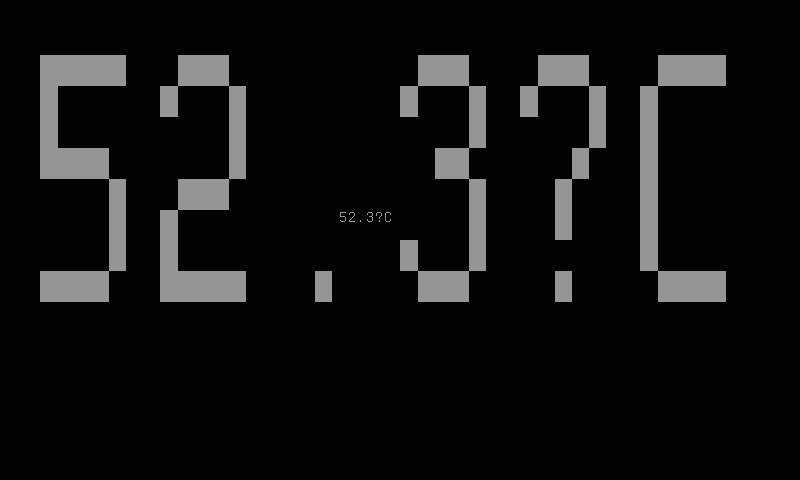
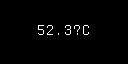
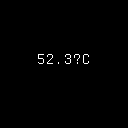
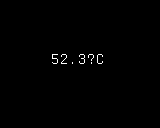
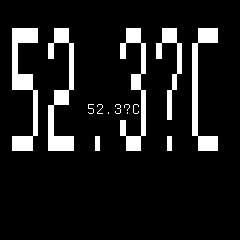
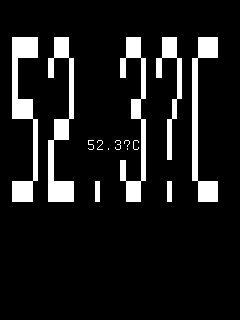
In minimal style, the font selection uses MinVisibleRows=1, allowing the largest possible font for a single centered temperature value.
Layout Behavior
The thermal mode optimizes space usage automatically:
- Row truncation — in overview style, if more thermal zones exist than fit the panel height, only the first N zones (by zone ID) are displayed.
- Vertical centering — content is centered vertically within the available panel space.
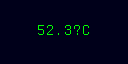
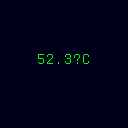
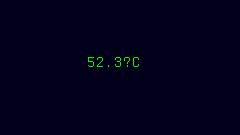
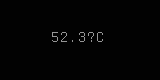
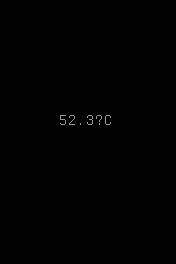
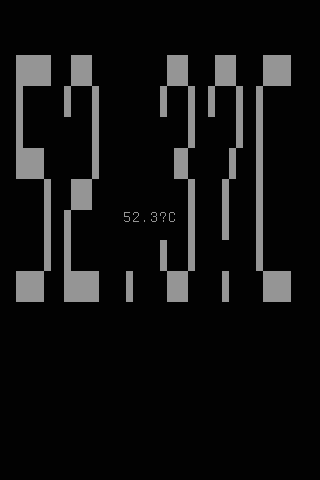
- Horizontal centering — in minimal style, the temperature value is centered both horizontally and vertically.
- Adaptive fonts — the largest available font fitting the panel width is selected on each render cycle.
- Border inset — when
show_border=true, content is inset by 8 pixels on each side. The border is skipped automatically if the panel is smaller than 16×16 pixels.
Panel Compatibility
The thermal mode works on all panels regardless of input controls. It does not require buttons, joystick, or any specific resolution — the selected style adapts its rendering to fit the available display area. On monochrome panels, temperature values render as text without color-coded heat mapping. On slow-refresh panels, the graph style produces static snapshots that refresh at the configured interval rather than animating.
| Capability | Description | Behavior |
|---|---|---|
| MonoFast | Fast-refresh monochrome OLED (128×32, 128×64, 128×128) | Fully supported — temperature text and graph rendered in white, periodic refresh |
| MonoSlow | Slow-refresh monochrome e-ink (122×250, 176×264, 200×200, 296×128, 400×300, 480×800, 800×480) | Fully supported — static temperature display, updates at configured refresh_ms interval |
| GrayscaleFast | Fast-refresh grayscale (160×80, 240×135, 240×240, 320×240, 480×320, 800×480) | Fully supported — grayscale temperature rendering with graph support |
| GrayscaleSlow | Slow-refresh grayscale e-ink (122×250, 176×264, 200×200, 400×300, 800×480) | Fully supported — static grayscale temperature frame, updates at refresh interval |
| ColorFast | Fast-refresh color TFT (128×128, 160×80, 240×135, 240×240, 320×240, 480×320, 800×480) | Fully supported — color-mapped temperature (blue→green→red gradient) with animated graph |
| ColorSlow | Slow-refresh color e-ink (122×250, 176×264, 200×200, 400×300, 800×480) | Fully supported — static color temperature frame, updates at refresh interval |
On panels with joystick or button inputs, physical controls provide quick access to style and border settings:
- Left / Right — cycle through styles (overview → detail → graph → minimal, wrapping around)
- Primary — toggle the decorative border frame on or off
- Secondary — navigate to the menu
Tip
Use refresh_ms=5000 or higher on battery-powered setups to reduce sampling frequency and save power.
Related Pages
- Display Modes — overview of all available modes
- Getting Started: CLI Usage — introduction to
cyberhudctlcommands - Configuration — persistent configuration options
- Cycle — auto-cycles through modes including thermal