Pager
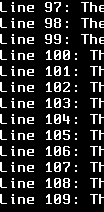
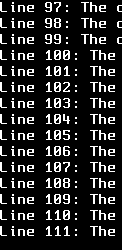
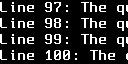
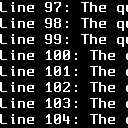
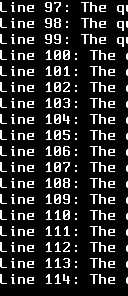
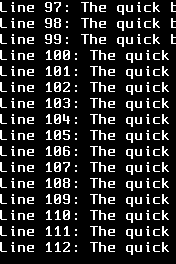
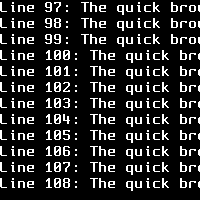
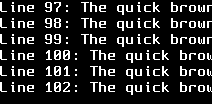
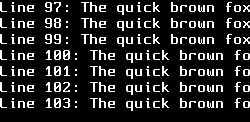
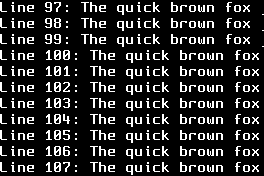
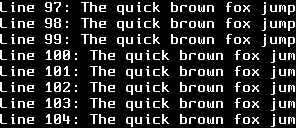
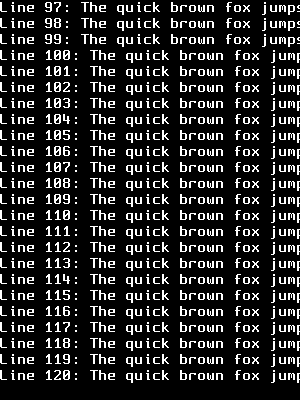
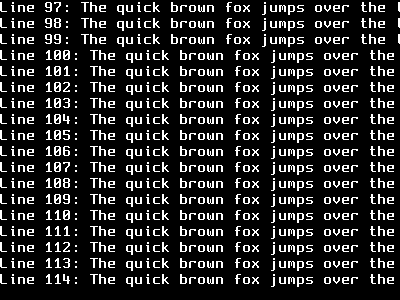
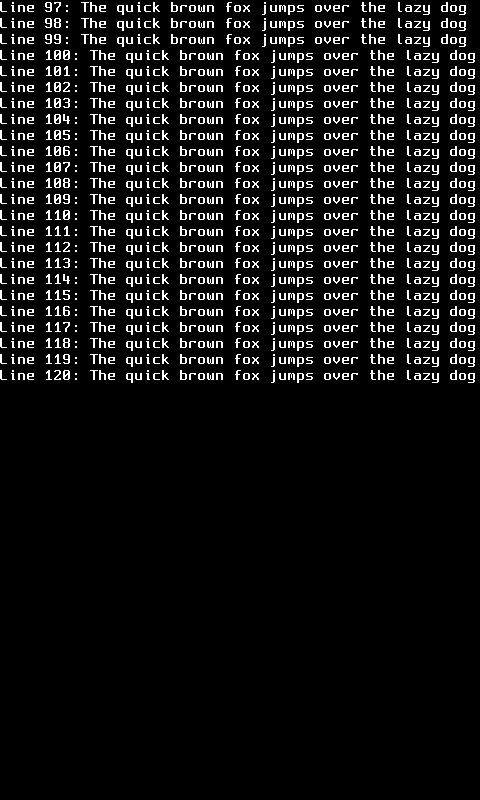
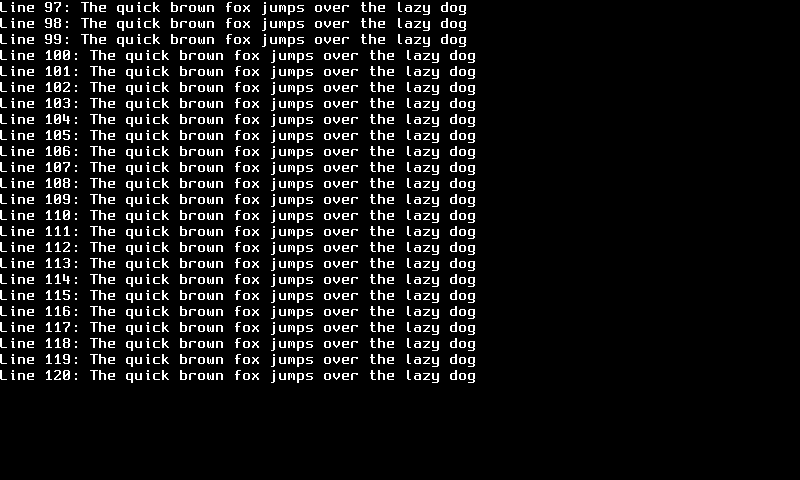
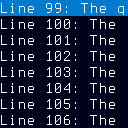
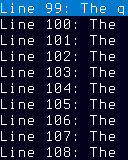
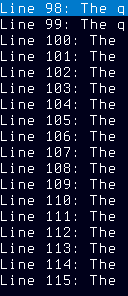
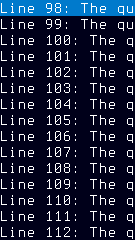
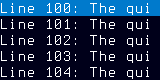
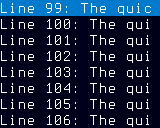
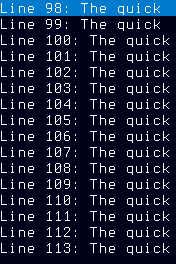
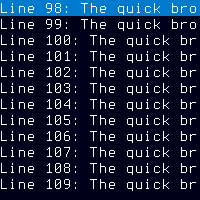
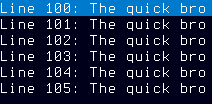
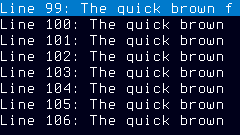
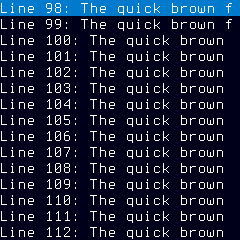
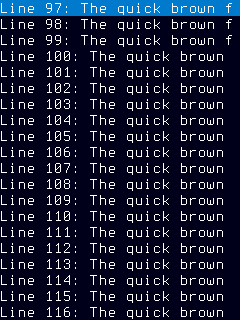
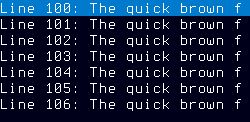
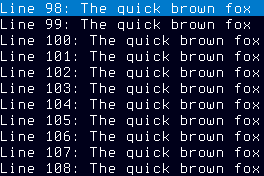
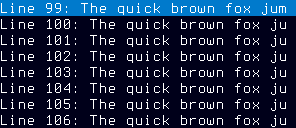
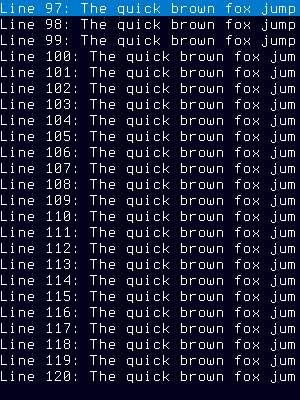
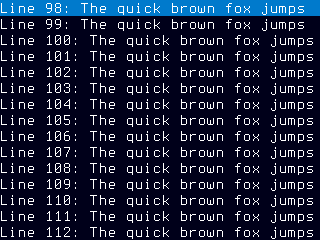
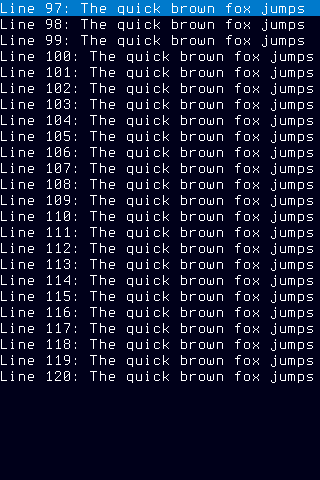
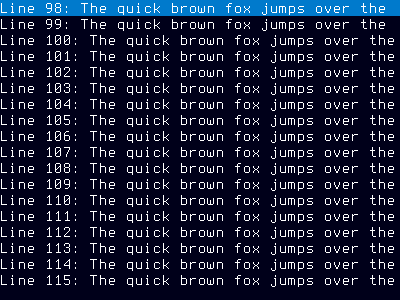
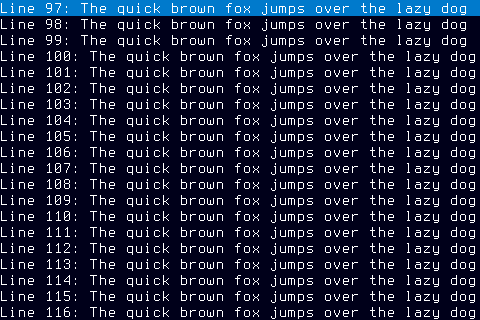
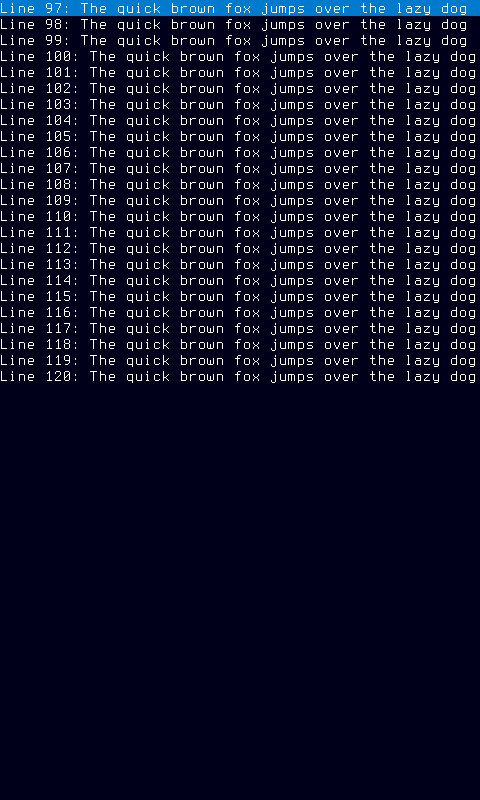
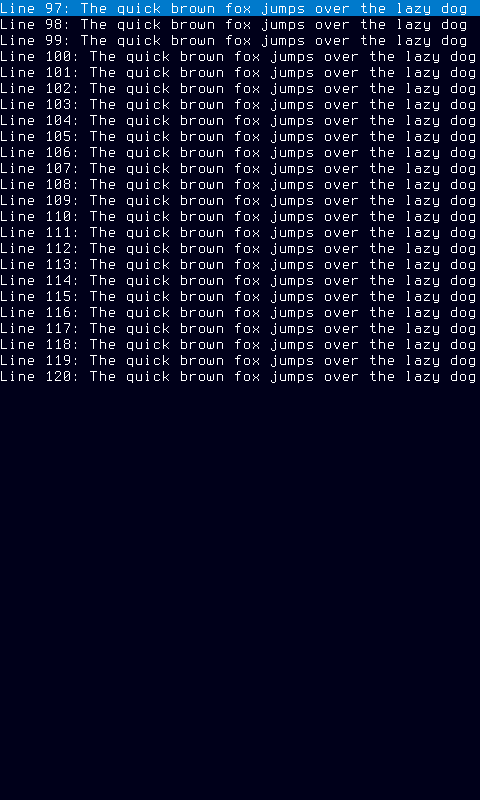
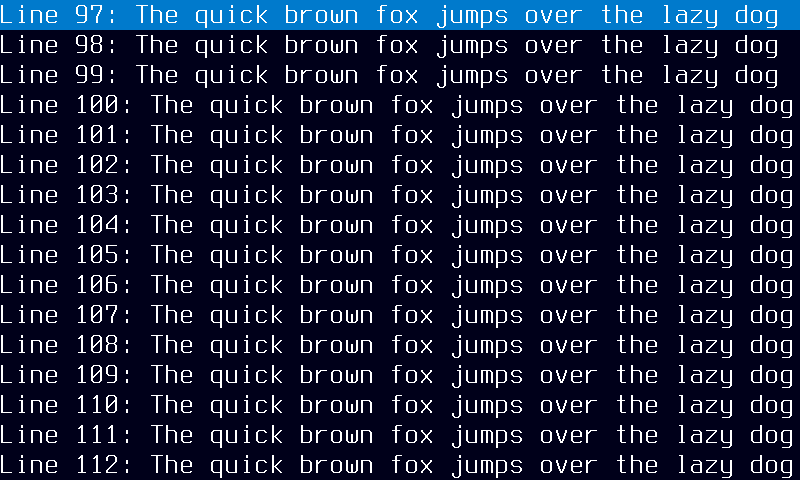
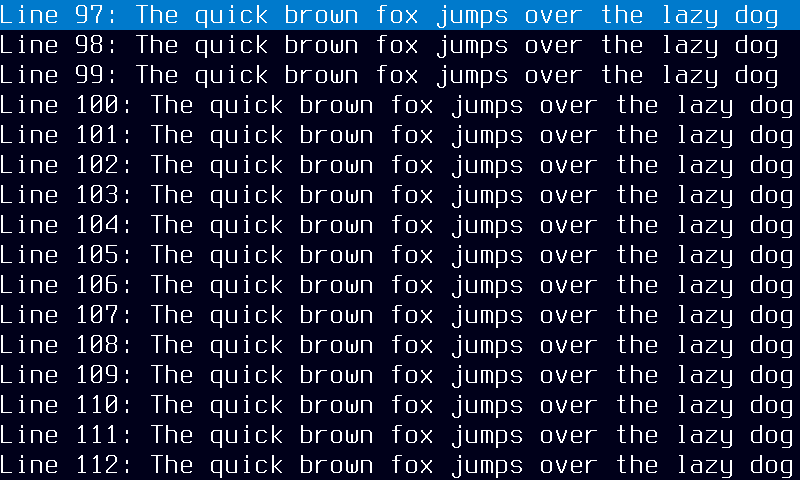
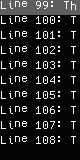
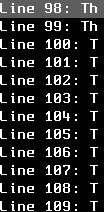
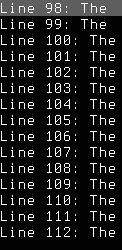
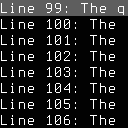
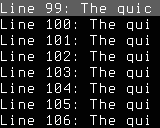
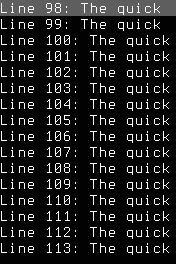
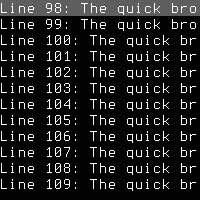
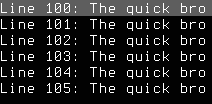
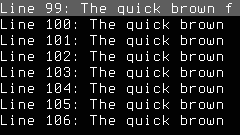
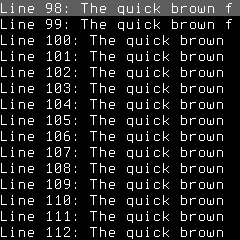
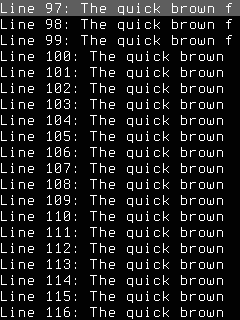
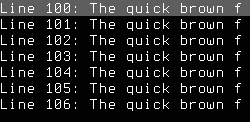
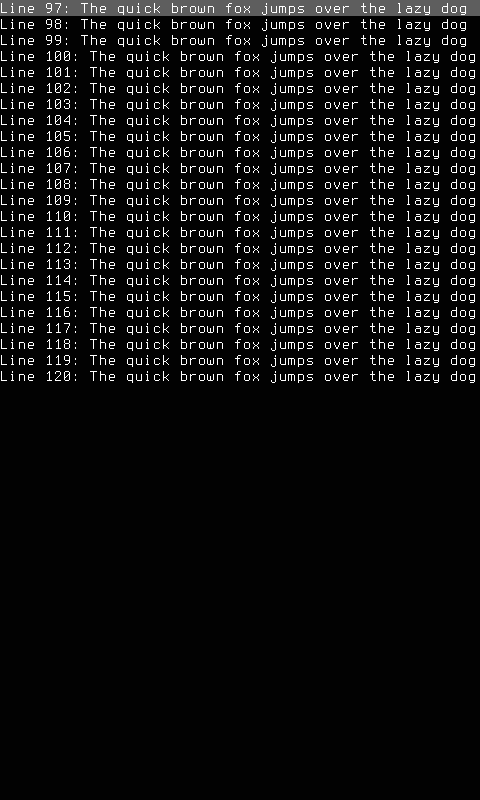
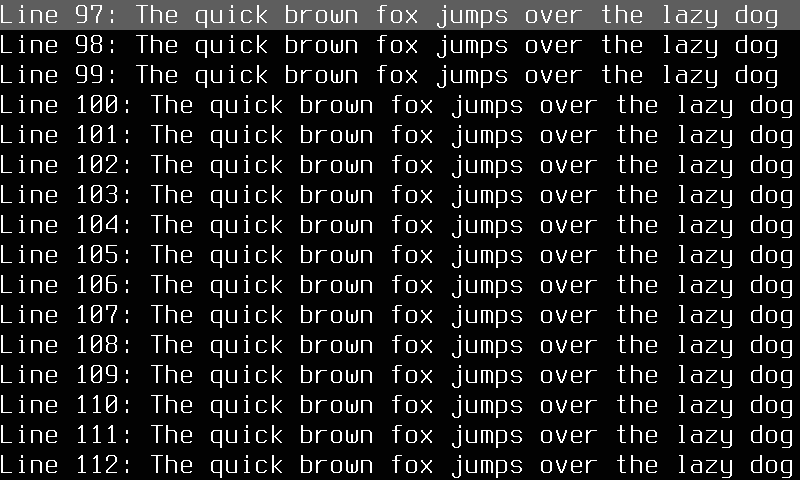
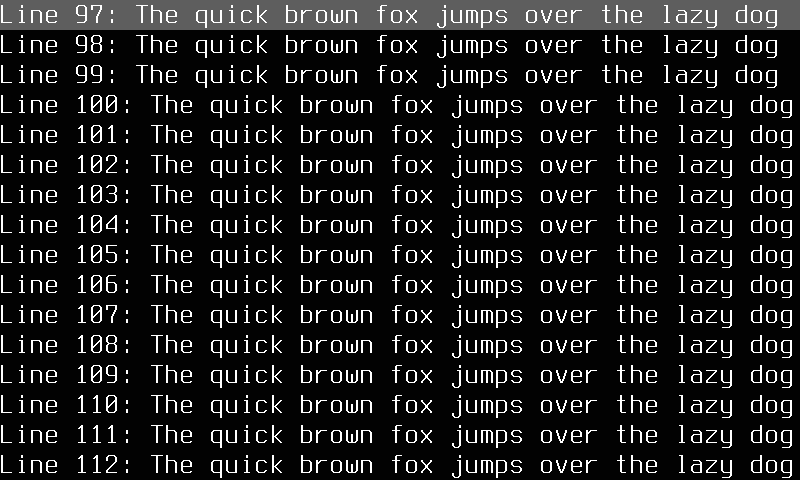
The pager mode tails a configured data source (file, named pipe, or Unix domain socket) and presents its text content on the display surface. It adapts its presentation strategy to the display hardware: fast displays (OLED, TFT) receive smooth pixel-by-pixel upward scrolling at approximately 30 fps, while slow-refresh displays use full-page transitions with fade-out/fade-in animation timed to a configurable reading cadence.
Quick Start
How It Works
The pager mode manages a background reader goroutine that tails the configured source path, splitting incoming data on newlines into a thread-safe ring buffer. The rendering strategy is selected automatically based on the panel's surface classification:
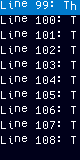
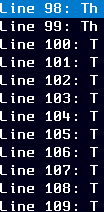
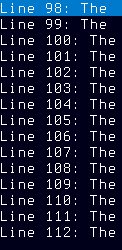
- Fast displays (OLED, TFT): Smooth scroll renders lines flowing upward at
scroll_speedpixels per second. When buffered lines exceed visible capacity, scroll velocity adapts automatically to prevent unbounded lag. - Slow displays (e-ink, grayscale slow): Page transitions display one screenful of lines at a time, advancing with a fade-out/fade-in animation. Reading cadence is derived from visible row count and
line_time_ms, withmax_wait_sas an upper bound before partial pages are shown.
When the source is empty or unset, the mode displays a neutral status message indicating no data source is configured.
Options
| Key | Type | Description | Default | Allowed Values |
|---|---|---|---|---|
source |
string | Absolute path to file, pipe, or Unix domain socket to tail for incoming text data | any valid string (absolute filesystem path) | |
scroll_speed |
int | Pixels per second for smooth scroll on fast displays controlling upward text flow velocity | 60 | any valid int (1–1000) |
max_lines |
int | Maximum buffered lines in the ring buffer limiting how much scrollback the mode retains | 24 | any valid int (1–1000) |
scan_ms |
int | Reconnect interval in milliseconds controlling how often the mode retries a missing data source | 500 | any valid int (100–30000) |
font |
string | Font family identifier for text rendering, or empty string for automatic panel-fitted selection | any valid string (font ID or empty for auto) | |
fade_out_ms |
int | Fade-out duration in milliseconds for page transitions on slow-refresh e-ink displays | 300 | any valid int (0+) |
fade_in_ms |
int | Fade-in duration in milliseconds for page transitions on slow-refresh e-ink displays | 300 | any valid int (0+) |
line_time_ms |
int | Per-line reading time in milliseconds controlling page cadence pacing on slow displays | 1000 | any valid int (1+) |
max_wait_s |
int | Maximum wait seconds for a full page before showing a partial page on slow displays | 30 | any valid int (1+) |
style |
string | Visual style name controlling resolution-specific rendering, empty for automatic fitness selection | mono-slow-122x250 | any valid string (style names or empty for auto) |
Policy Fields
| Field | Type | Range | Default | Description |
|---|---|---|---|---|
| source | string | absolute path or empty | (empty) | Absolute path to file, pipe, or socket to tail |
| scroll_speed | int | [1, 1000] | 60 | Pixels per second for smooth scroll |
| max_lines | int | [1, 1000] | 24 | Maximum buffered lines in the ring buffer |
| scan_ms | int | [100, 30000] | 500 | Reconnect/retry interval in milliseconds |
| font | string | any | (empty) | Font family identifier; empty for auto-selection |
| style | string | any | (empty) | Visual style name; empty for default |
| fade_out_ms | int | >= 0 | 300 | Fade-out duration in ms for page transitions |
| fade_in_ms | int | >= 0 | 300 | Fade-in duration in ms for page transitions |
| line_time_ms | int | >= 1 | 1000 | Per-line reading time in ms for page cadence |
| max_wait_s | int | >= 1 | 30 | Max wait seconds for a full page before partial display |
CLI Examples
Query the current policy values:
Set the data source to tail a log file:
Switch to the pager mode on a specific region:
Configure scroll speed and buffer size:
Adjust page transition timing for slow displays:
Tail a named pipe with a fast reconnect interval:
Panel Compatibility
The pager mode adapts its rendering strategy based on the panel's capability class, selecting between smooth animated scrolling and static page transitions depending on refresh rate.
| Capability | Description | Behavior |
|---|---|---|
| MonoFast | Fast-refresh monochrome OLED (128×32, 128×64, 128×128) | Fully supported — smooth pixel-by-pixel upward scroll at configurable speed, automatic font fitting |
| MonoSlow | Slow-refresh monochrome e-ink (122×250, 176×264, 200×200, 296×128, 400×300) | Fully supported — page-transition mode with fade-out/fade-in animation timed to reading cadence |
| GrayscaleFast | Fast-refresh grayscale (160×80, 240×135, 240×240, 320×240, 480×320) | Fully supported — smooth scroll with grayscale text rendering |
| GrayscaleSlow | Slow-refresh grayscale e-ink (122×250, 176×264, 200×200, 400×300) | Fully supported — page-transition mode, static rendering between transitions to avoid artifacts |
| ColorFast | Fast-refresh color TFT (128×128, 160×80, 240×135, 240×240, 240×320, 320×240, 320×480, 480×320) | Fully supported — smooth scroll with monochrome text on color surface |
| ColorSlow | Slow-refresh color e-ink (122×250, 176×264, 200×200, 400×300) | Fully supported — page-transition mode with static frames between updates |
The pager is non-interactive and does not require buttons or joystick input. All panels are supported regardless of input controls or resolution — the font is automatically fitted to the available display area.
Related Pages
- Display Modes — overview of all available modes
- Getting Started: CLI Usage — introduction to
cyberhudctlcommands - Configuration — persistent configuration options
- Serial — related mode that displays serial port data
- Ticker — scrolling text display from external data feeds
- ZMQ — ZeroMQ message stream display
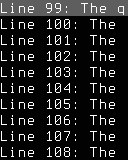
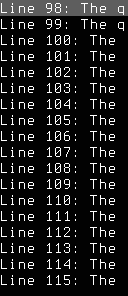
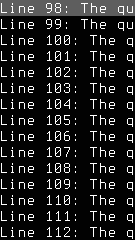
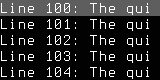
Snapshots
Color
Grayscale
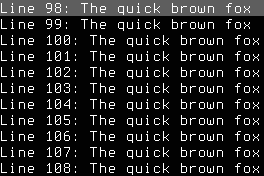
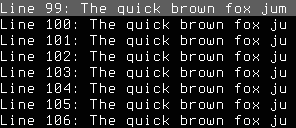
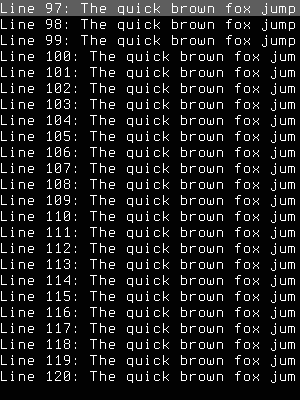
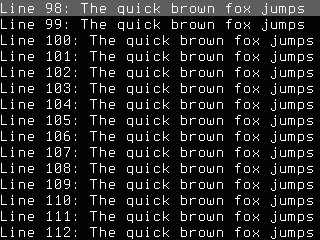
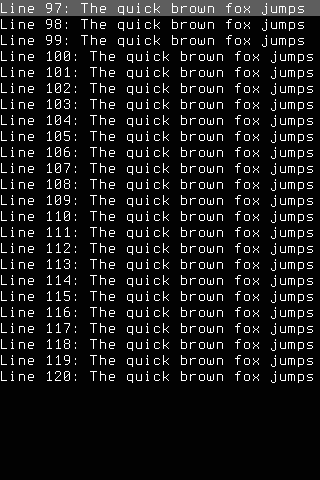
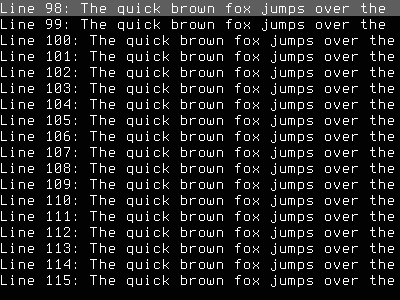
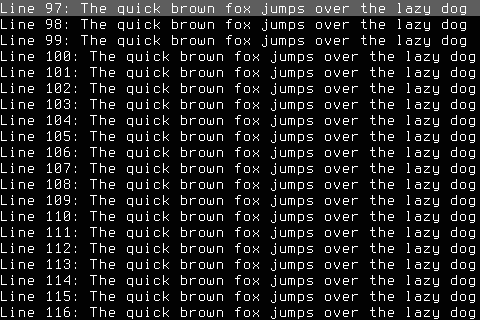
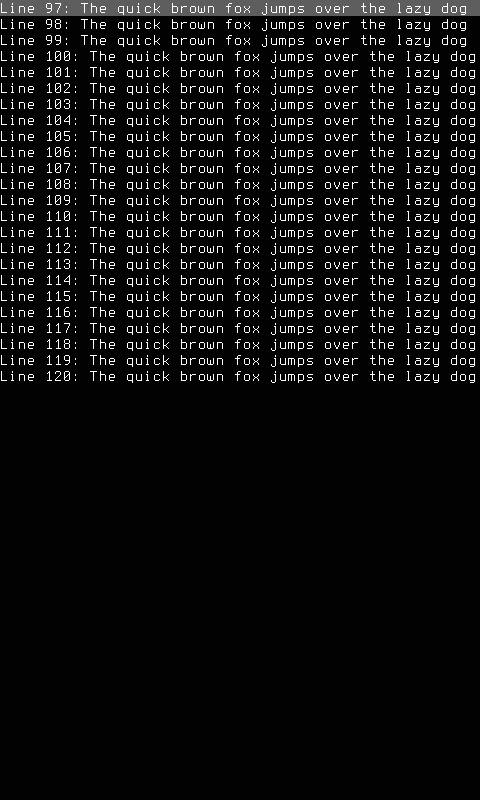
Mono