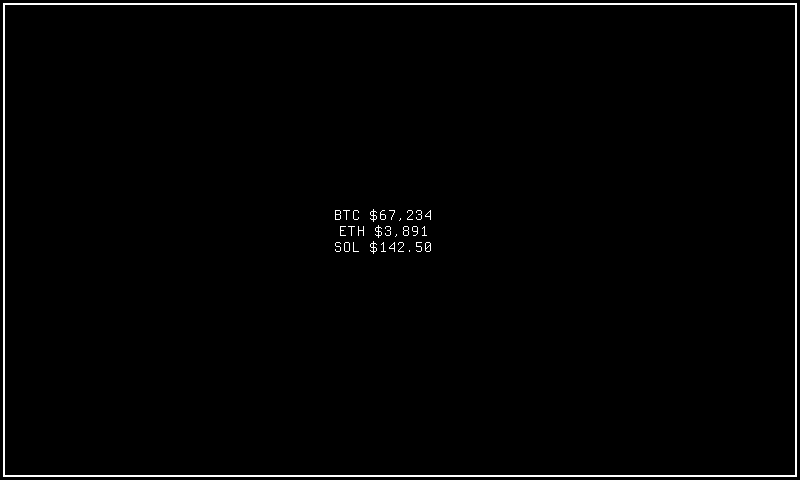
Ticker
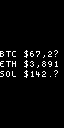
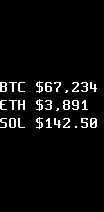
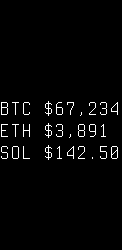
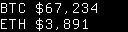
Scrolling ticker display for external data feeds. Content auto-advances through items with configurable scroll behavior. Useful for notifications or status feeds pushed via the console protocol.
Quick Start
How It Works
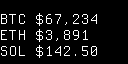
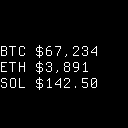
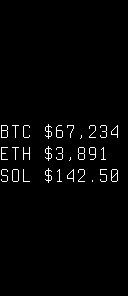
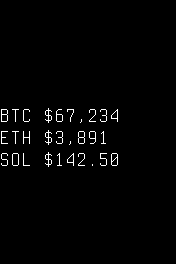
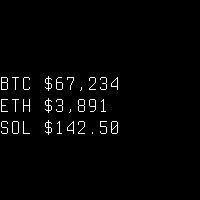
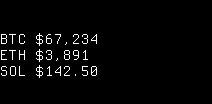
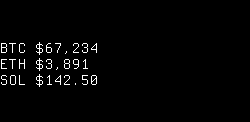
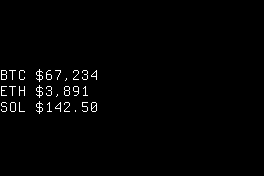
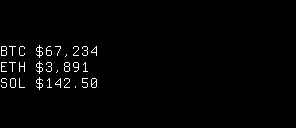
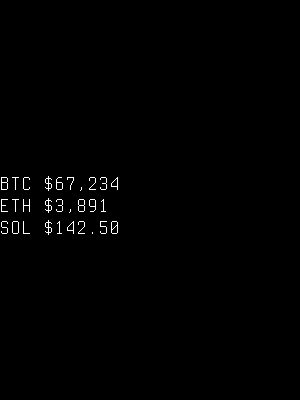
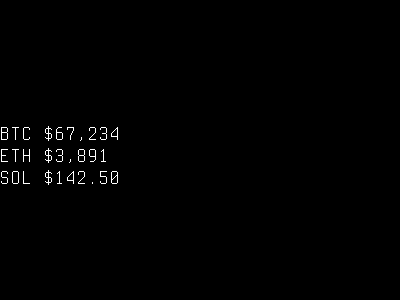
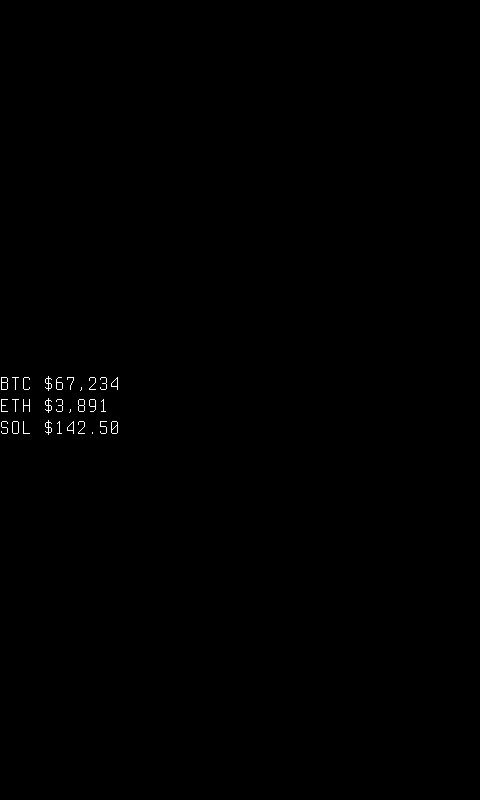
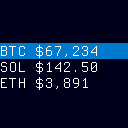
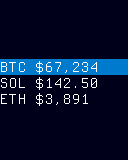
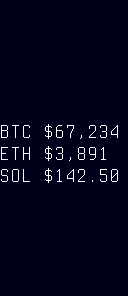
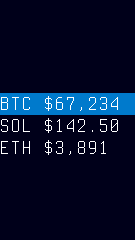
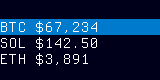
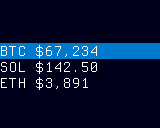
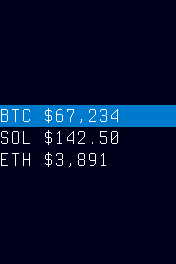
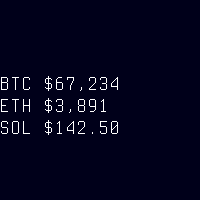
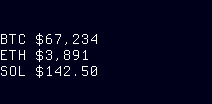
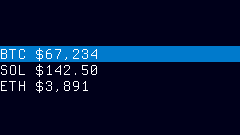
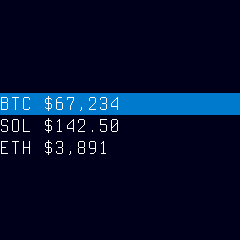
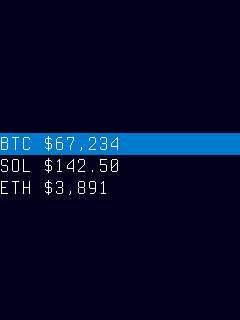
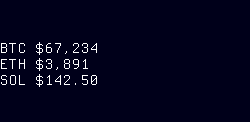
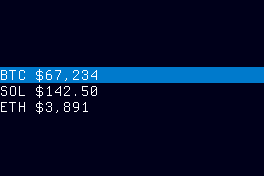
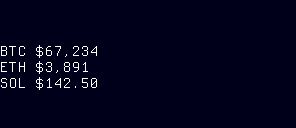
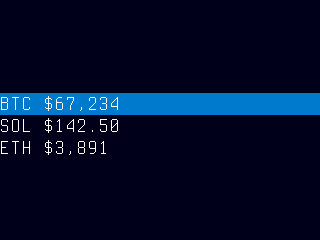
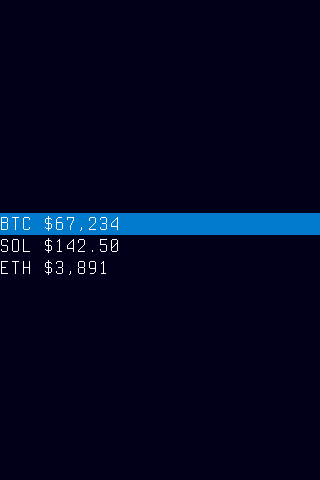
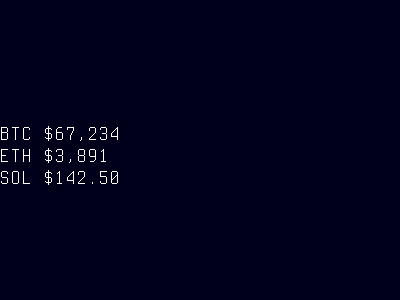
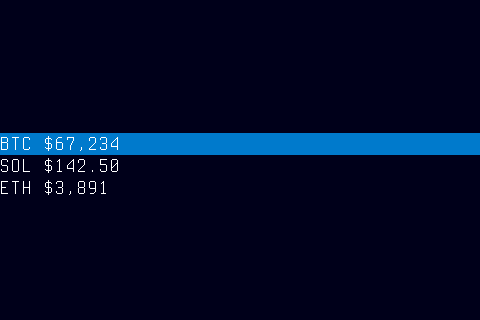
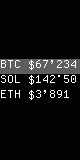
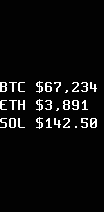
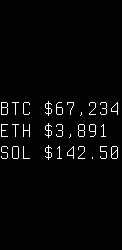
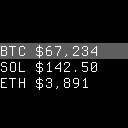
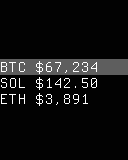
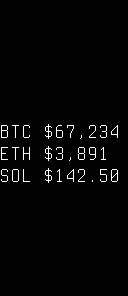
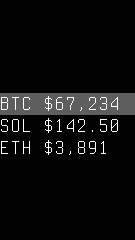
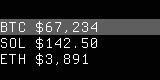
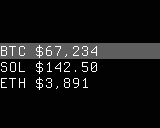
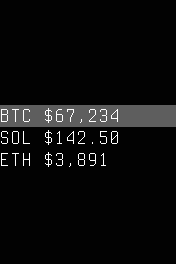
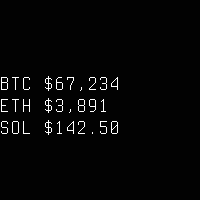
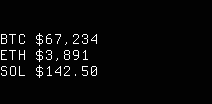
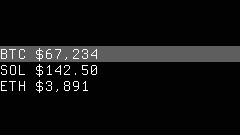
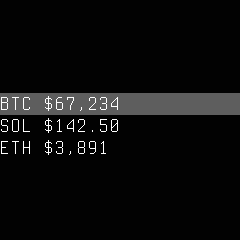
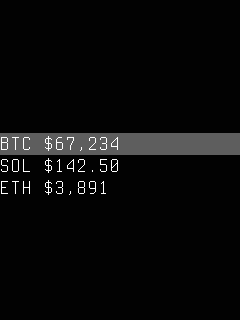
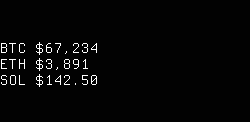
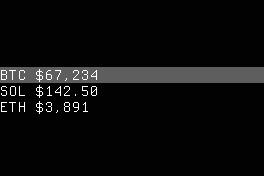
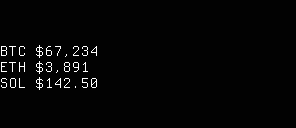
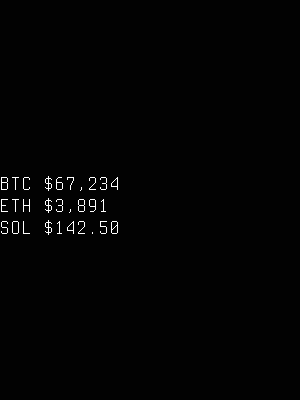
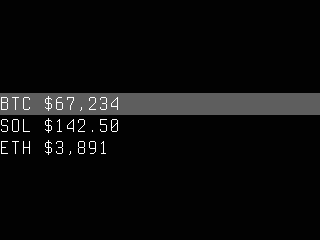
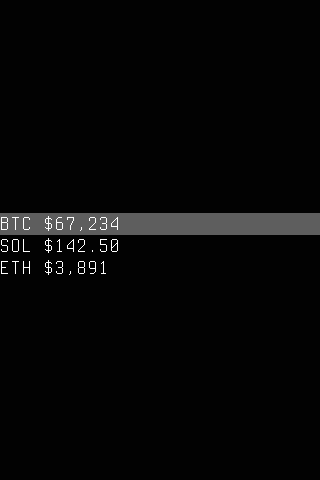
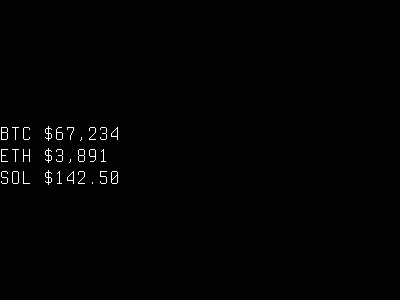
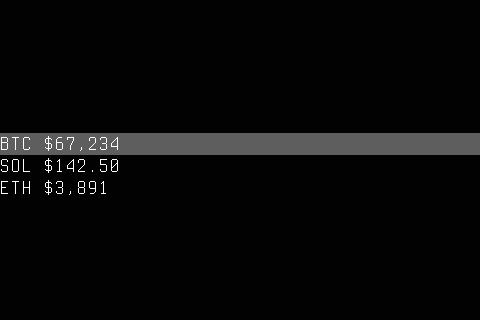
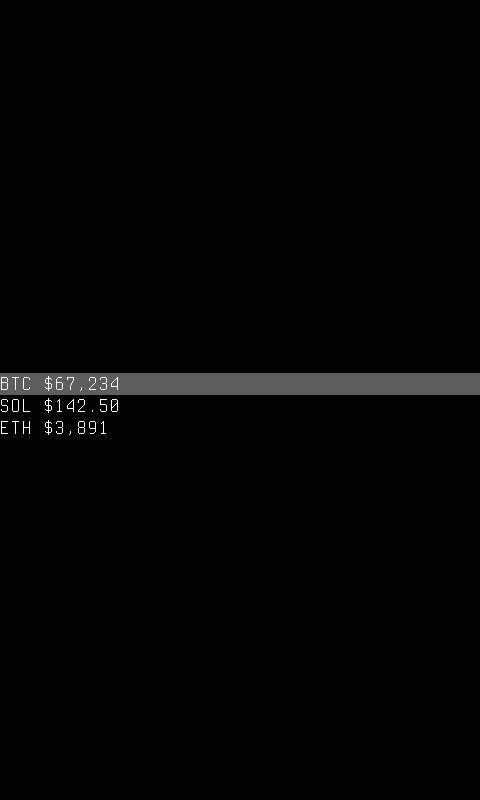
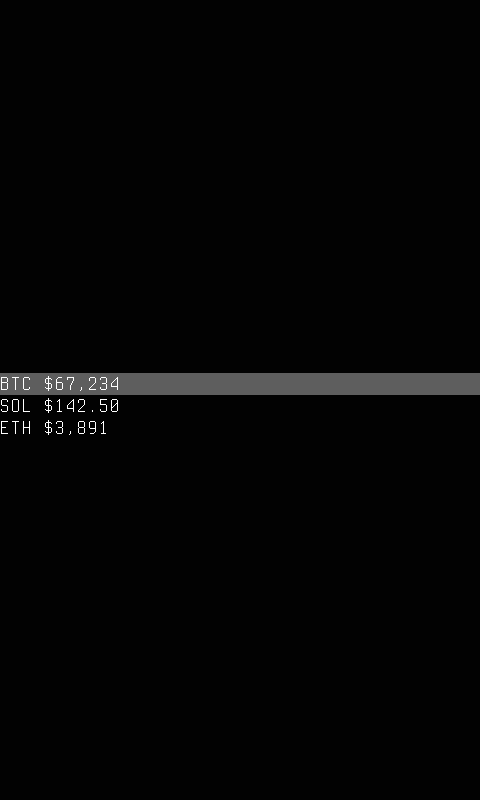
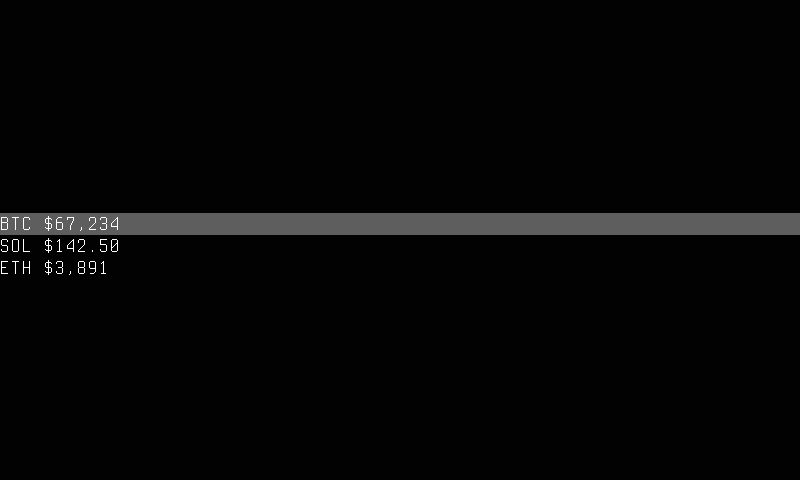
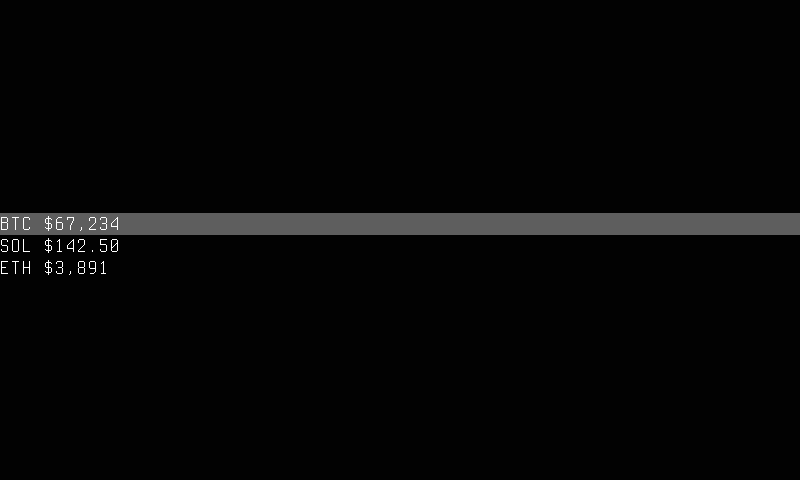
Ticker mode displays text content pushed from an external source via the CLI, rendering lines vertically on the panel with automatic font selection and scroll behavior. Each line is drawn as a text row at the font size determined by the font_tier policy, with content arranged top-to-bottom and horizontally centered or left-aligned depending on the active style.
The display updates are driven by two mechanisms: content-change events (a new ticker set command pushes data, triggering an immediate redraw) and the auto_scroll_ms timer (when non-zero, advances the visible window through the feed buffer at the configured interval). On slow-refresh panels (e-ink), auto-scroll is disabled and the display updates only when new content arrives, rendering a single static frame.
The data source is the external feed buffer populated by cyberhudctl display ticker set commands — the ticker generates no content of its own. When the feed buffer is empty and no sprites are being rendered, the mode displays "(ticker idle)" as a placeholder. Content can be plain pipe-delimited text or a JSON array of line directives with per-line rendering overrides.
The style option is set automatically via fitness-based panel matching — the ticker selects the best resolution-specific style for the connected hardware. You can override with an explicit style name if needed.
Visual effects are controlled by policy fields:
- show_border — enables a decorative border frame around the content area. Suppressed on panels below 16×16 pixels. On ColorFast panels, the border is tinted with the accent color.
- show_glow — enables an accent-colored glow background with per-line glow sprites. Only active on ColorFast panels.
Options
| Key | Type | Description | Default | Allowed Values |
|---|---|---|---|---|
| style | string | Display-profile style name (empty for auto-selection) | (empty) | registered style names or empty |
| font | string | Default font for rendering ticker text | auto | registered font ID or auto |
| font_tier | string | Font size tier for panel-appropriate rendering | auto | auto, small, normal, large, fullsize |
| line_mode | string | Text overflow behavior | truncate | truncate, clip |
| direction | string | Scroll direction | vertical | vertical, horizontal, none |
| auto_scroll_ms | int | Milliseconds between auto-scroll advances | 0 | any positive integer |
| accent | string | Named accent color for border/glow effects | cyan | cyan, green, amber, red, white, none |
| show_border | bool | Show decorative border frame | false | true, false |
| show_glow | bool | Show accent-colored glow background (ColorFast only) | false | true, false |
Configure options via the CLI:
Font Tier
The font_tier option controls font size selection for the ticker:
- auto (default) — selects
largefor panels with pixel height ≥ 200,normalfor smaller panels. - small — forces small tier fonts regardless of panel size.
- normal — forces normal tier fonts.
- large — forces large tier fonts.
- fullsize — forces the largest available font in the tier catalog.
When set to auto, the ticker adapts font size to the physical panel dimensions. Explicit tier values bypass auto-selection entirely, giving you direct control over text size.
Accent Color
The accent option controls the color used for glow layers, border tinting, and text foreground in color styles:
- cyan (default) — bright cyan
- green — soft green
- amber — warm amber
- red — vivid red
- white — plain white
- none — renders without accent coloring
On monochrome and grayscale panels the accent setting is ignored. Unrecognized accent values silently fall back to cyan.
CLI Examples
Activate the ticker mode on the main region:
Push plain text lines to the ticker feed:
Set the font tier to large with an amber accent:
Enable auto-scroll every 2 seconds with a border:
Query the current ticker policy:
Push a JSON feed with a pinned header:
CLI Commands
Push content
Push content to the ticker feed buffer. <content> can be plain text (pipe-delimited) or a JSON array of line directives. The response confirms the number of lines loaded:
Retrieve feed buffer
Returns the current feed buffer as pretty-printed JSON. See ticker get response format below.
Set global rendering policy
Sets global rendering policy values that apply to all lines unless overridden by a per-line directive. Supported keys: style, font, font_tier, line_mode, direction, auto_scroll_ms, accent, show_border, show_glow.
Multiple keys can be set in a single command:
On success, the response includes all current policy values:
OK ticker policy style= font=auto font_tier=large line_mode=truncate direction=vertical auto_scroll_ms=0 accent=amber show_border=false show_glow=false
Invalid values return an error without modifying the policy:
cyberhudctl display ticker policy font_tier=huge
# ERR font_tier: must be one of [auto, small, normal, large, fullsize]

cyberhudctl display ticker policy accent=purple
# ERR accent: must be one of [amber, cyan, green, red, white]
JSON Feed Format
The ticker set command accepts two input formats:
- Plain text (legacy) — pipe-delimited lines, e.g.
alpha|beta|gamma. All lines share the global ticker policy. - JSON array — when the argument starts with
[, it is parsed as a JSON array of line directives. Each line can carry independent rendering overrides.
Format detection is automatic: if the first non-whitespace character is [, the JSON path is used; otherwise the input is treated as pipe-delimited plain text. Existing scripts that use plain text continue to work unchanged.
Line Directive Schema
Each element in the JSON array is a Line Directive object:
| Field | Type | Required | Allowed Values | Default |
|---|---|---|---|---|
text |
string | yes | any non-empty string | — |
font |
string | no | registered font ID or "auto" |
Global Policy font |
line_mode |
string | no | "truncate", "clip" |
Global Policy line_mode |
scaling |
string | no | "fixed", "fit" |
"fixed" |
scroll |
string | no | "normal", "pinned" |
"normal" |
Field details:
text— the display content for this line. Required and must be non-empty.font— selects a specific bitmap font by its registry ID. Use"auto"to let the adaptive font selection algorithm choose based on panel dimensions. When omitted, the font configured inticker policyis used.line_mode— controls overflow behavior."truncate"appends an ellipsis when text exceeds panel width."clip"cuts off without any indicator. Inherits from the global policy when omitted.scaling—"fixed"renders at the specified font size."fit"ignores the font directive and selects the largest available font where the full text fits within panel width. If no font fits, the smallest font is used with truncation applied.scroll—"normal"lines participate in auto-scroll advancement."pinned"lines stay at their declared position and never scroll. If all lines are pinned, auto-scroll is disabled entirely.
Unrecognized fields are silently ignored.
Usage Examples
Simple — single line with defaults:
All optional fields inherit from the global ticker policy.
Mixed fonts — headline with detail lines:
cyberhudctl display ticker set '[{"text":"ALERT","font":"mono-16px"},{"text":"CPU: 72°C","font":"ascii-5x7"},{"text":"MEM: 2.1G/4G","font":"ascii-5x7"}]'
The first line renders in a large font while subsequent lines use a smaller font.
Pinned header with scrolling content:
cyberhudctl display ticker set '[{"text":"SYSTEM STATUS","font":"mono-16px","scroll":"pinned"},{"text":"CPU: 45°C"},{"text":"MEM: 2.1G/4G"},{"text":"NET: 12Mbps"},{"text":"DISK: 82%"}]'
The header remains fixed at the top while the detail lines rotate through the remaining display rows as auto-scroll advances.
Fit-to-width scaling:
cyberhudctl display ticker set '[{"text":"OK","scaling":"fit"},{"text":"Temperature: 72°F","scaling":"fit"}]'
Each line is rendered in the largest font that allows the full text to fit within the panel width.
Backward Compatibility
Plain-text pipe-delimited input continues to work exactly as before:
This creates three lines that inherit all rendering settings from ticker policy. The response format is the same for both input types: OK ticker lines=<n>.
Policy Interaction
Per-line directives override the global policy on a field-by-field basis:
- If a directive specifies
font, that font is used for the line; otherwise the policy font applies. - If a directive specifies
line_mode, that mode is used; otherwise the policy line_mode applies. scalingandscrolldefault to"fixed"and"normal"respectively when omitted (these are not policy-controlled).
You can set the global policy as a baseline and override individual fields per line:
# Set a default font for all lines
cyberhudctl display ticker policy font=ascii-5x7

# Override font only for the first line
cyberhudctl display ticker set '[{"text":"TITLE","font":"mono-16px"},{"text":"detail line 1"},{"text":"detail line 2"}]'
In this example, "TITLE" renders in mono-16px while the other lines inherit ascii-5x7 from the policy.
Retrieving the Feed Buffer
The ticker get sub-command returns the current feed buffer as pretty-printed JSON:
Response format:
OK
[
  {
    "text": "SYSTEM STATUS",
    "font": "mono-16px",
    "scroll": "pinned"
  },
  {
    "text": "CPU: 45°C"
  }
]
The output is a valid JSON array of line directives. Optional fields with empty/default values are omitted from the output. This is useful for debugging feed content or building tooling that reads and modifies the active ticker state.
Styles
The ticker uses a fitness-based style registry — it automatically selects the best display-profile style for the connected panel based on capability and resolution. Style names follow the <category-prefix><WxH> convention (e.g., mono-slow-122x250, color-240x135).
Style Selection
When style is empty (the default), the registry evaluates all styles and selects the best match for the panel's capability and dimensions. You can override with an explicit style name to force a specific profile.
Visual Effects
Visual effects are controlled via Policy fields, independent of the active style:
- show_border=true — renders a decorative border frame around the content area. On panels below 16×16 pixels the border is suppressed. On ColorFast panels, the border is tinted with the resolved accent color.
- show_glow=true — renders an accent-colored gradient background with per-line glow sprites. Only active on ColorFast panels (ignored on mono/grayscale).
These effects combine: you can enable both border and glow simultaneously on a ColorFast panel.
Panel Compatibility
The ticker uses a multi-style registry with resolution-specific style variants for all six panel capability classes. The registry automatically selects the best-fit style for any connected panel.
Capability Classes
| Capability | Description | Behavior |
|---|---|---|
| MonoFast | Fast-refresh monochrome OLED (128×32, 128×64, 128×128, 32×128, 64×128) | Animated scroll, compact layout |
| MonoSlow | Slow-refresh monochrome e-ink (104×212, 122×250, 128×296, 176×264, 200×200, 212×104, 250×122, 264×176, 296×128, 300×400, 400×300, 480×800, 800×480) | Static rendering, centered content |
| GrayscaleFast | Fast-refresh grayscale (80×160, 128×128, 128×160, 135×240, 160×80, 160×128, 240×135, 240×240, 240×320, 320×240, 320×480, 480×320, 480×800, 800×480) | Animated scroll, grayscale text |
| GrayscaleSlow | Slow-refresh grayscale e-ink (104×212, 122×250, 128×296, 176×264, 200×200, 212×104, 250×122, 264×176, 296×128, 300×400, 400×300, 480×800, 800×480) | Static rendering, centered content |
| ColorFast | Fast-refresh color TFT (80×160, 128×128, 128×160, 135×240, 160×80, 160×128, 240×135, 240×240, 240×320, 320×240, 320×480, 480×320, 480×800, 800×480) | Full color rendering, glow/border effects available |
| ColorSlow | Slow-refresh color e-ink (104×212, 122×250, 128×296, 176×264, 200×200, 212×104, 250×122, 264×176, 296×128, 300×400, 400×300, 480×800, 800×480) | Static rendering, centered content |
Color TFT Enhancements
On ColorFast panels, two visual effects are available via policy fields:
-
show_glow=true — renders a full-panel background sprite filled with an accent-derived gradient. Text lines have per-line glow sprites with non-zero alpha extending beyond glyph bounds, creating a luminous effect. The accent color controls the glow tint, background gradient, and text foreground.
-
show_border=true — renders an accent-tinted border frame using the compositor pattern with
borderframetiles. Border tiles are tinted with the resolved accent RGBA value, creating a cohesive color theme around the ticker content.
Both effects use the accent policy field to determine their color palette.
E-Ink Static Rendering
On slow-refresh panels (MonoSlow, GrayscaleSlow, ColorSlow), the ticker automatically switches to a static rendering path:
- No animation —
auto_scroll_msis forced to 0 regardless of configured value. Content does not scroll. - Static flag — the output is marked with
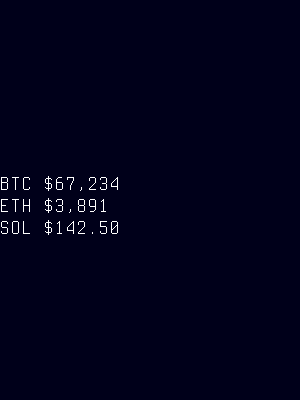
Static=true, signaling the renderer to avoid frame-rate-driven refreshes. - Vertical centering — content is always vertically centered within the panel using
CenterBlockYcomputation. - Content-change refresh — when the feed content changes (new
ticker setcommand), the ticker produces a new static frame with an updated cache key, triggering a single panel refresh.
This approach prevents e-ink flickering from unnecessary redraws while still displaying updated content when it arrives.
Vertical Centering
When the ticker content requires fewer rows than the panel can display, text is automatically vertically centered. This applies to:
- All e-ink static frames (always centered)
- Fast-refresh panels when content underflows the available space and auto-scroll is inactive
Centering is disabled when auto-scroll is active and content exceeds the available row count — in that case, content is top-anchored and scrolls normally.
Related Pages
- Display Modes — overview of all available modes
- Getting Started: CLI Usage — introduction to
cyberhudctlcommands - Configuration — persistent configuration options
- Pager — text display from file/pipe sources
- Serial — serial port data display with similar scrolling text
- ZMQ — ZeroMQ message stream display
Snapshots
Color
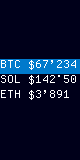
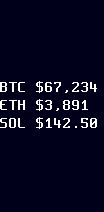
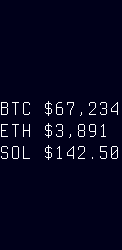
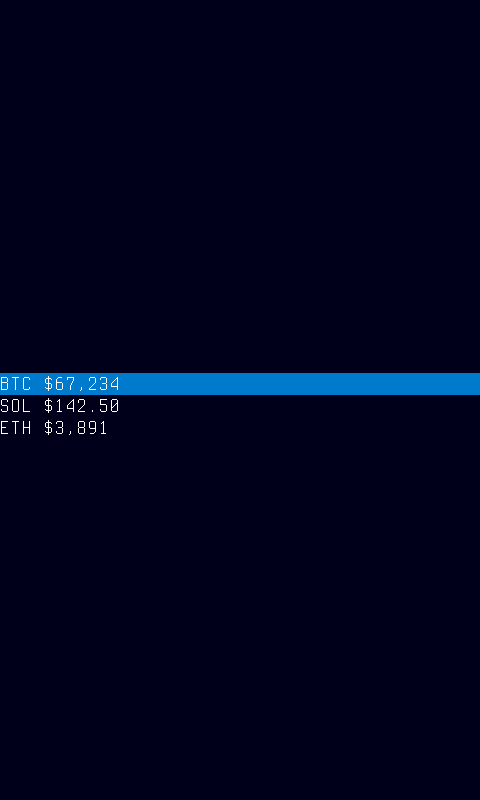
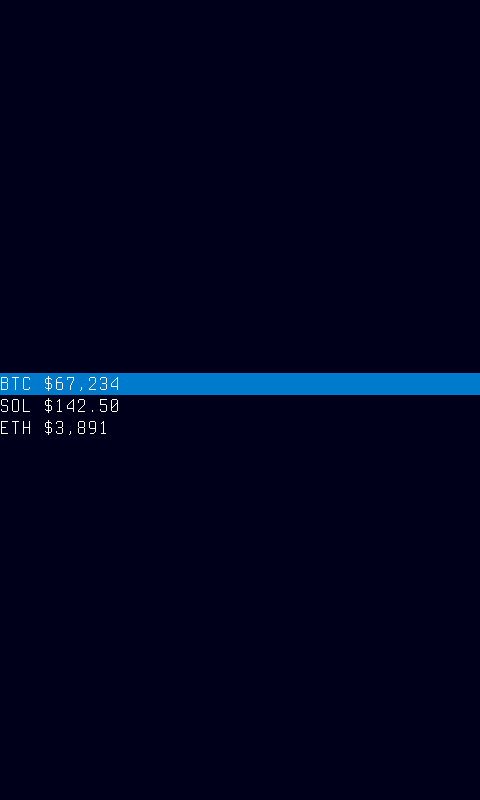
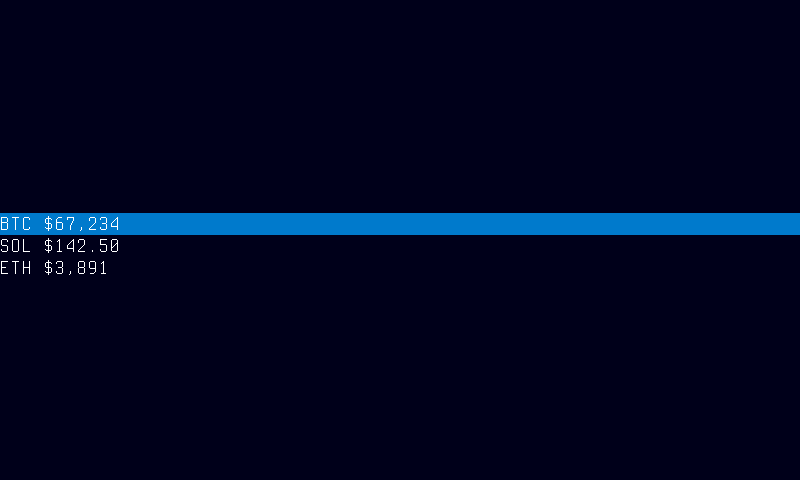
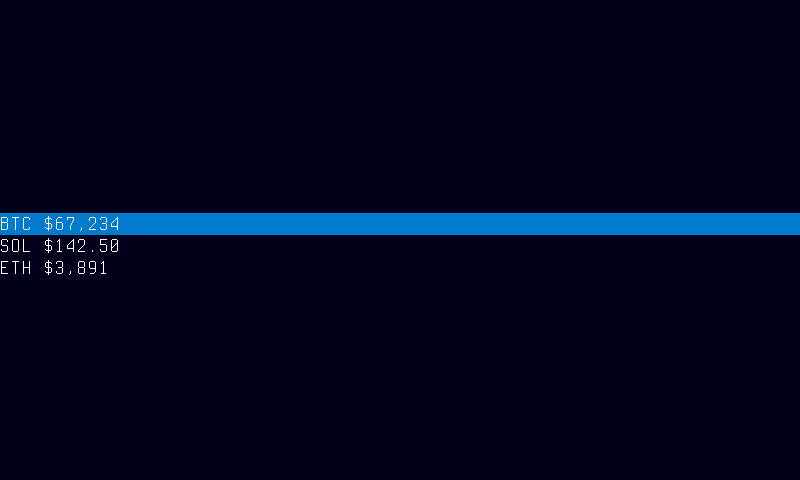
Grayscale
Mono