STEMMA
Lists detected STEMMA QT / QWIIC devices on the I2C bus. Shows device addresses, bus assignments, and presence status with periodic re-scanning.
Quick Start
How It Works
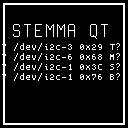
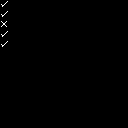
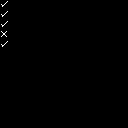
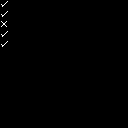
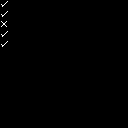
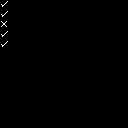
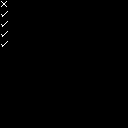
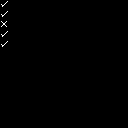
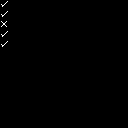
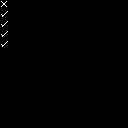
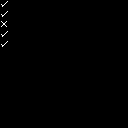
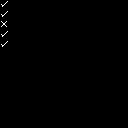
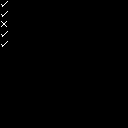
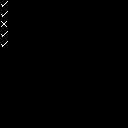
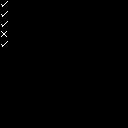
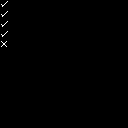
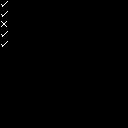
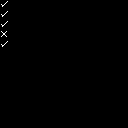
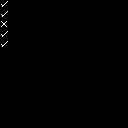
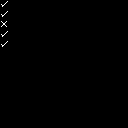
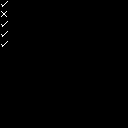
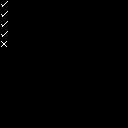
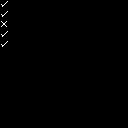
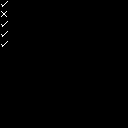
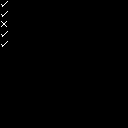
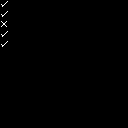
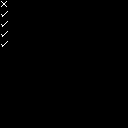
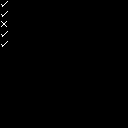
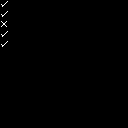
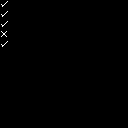
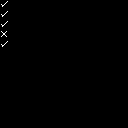
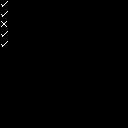
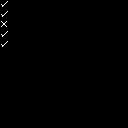
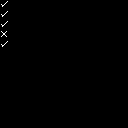
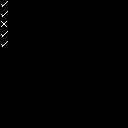
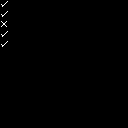
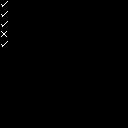
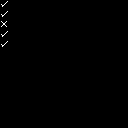
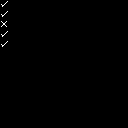
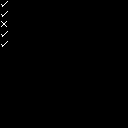
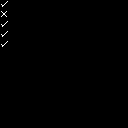
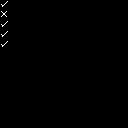
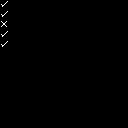
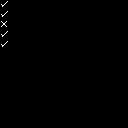
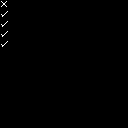
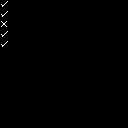
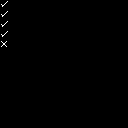
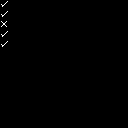
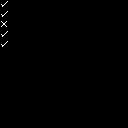
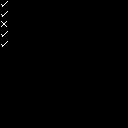
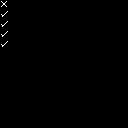
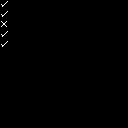
The stemma mode renders a list of I2C devices detected on configured STEMMA QT / QWIIC buses, showing each device as a row with a presence icon (green check for present, red error for absent), bus name, hexadecimal address, and a human-readable device name from a built-in lookup table of common Adafruit and SparkFun peripherals. The rows are arranged vertically in list order, with the number of visible rows adapting to the panel's available height.
The display updates on a fixed interval driven by the background scanner goroutine, which rescans all configured I2C buses periodically (interval set at daemon startup via scanner configuration). Each scan queries every known address on each bus and updates the presence flag for each device. A change in any device's presence state triggers a cache-key change, causing the display to redraw.
The data source is the Linux I2C subsystem accessed via direct bus reads on the configured bus paths. When no I2C devices are detected, the mode displays a placeholder message. When the scanner is nil (no I2C hardware available or not yet initialized), the mode gracefully returns a valid view with zero data items. Unrecognized device addresses are labeled "unknown" in the device name column.
The style option controls the visual presentation:
- list (default) — displays each detected device as a separate row with a presence icon, bus assignment, hex address, and device name. Rows are color-coded green (present) or red (absent). The number of visible rows adapts to the panel's available vertical space.
- compact — shows a single summary line with the count of present devices out of total detected (e.g., "3/5 present"). Useful for narrow panels or when a quick glance is all you need.
Tip
Use this mode to verify hardware connections before switching to a mode that depends on a specific I2C peripheral.
Options
| Key | Type | Description | Default | Allowed Values |
|---|---|---|---|---|
| style | string | Visual layout or explicit profile name | list | list, compact, and the registered profile matrix |
Configure options via the CLI:
Style Variants
- list — displays each detected device as a separate row with a presence icon, bus assignment, hex address, and device name. Rows are color-coded green (present) or red (absent). The number of visible rows adapts to the panel's available vertical space.
- compact — shows a single summary line with the count of present devices out of total detected (e.g.
3/5 present). Useful for narrow panels or when a quick glance is all you need. - profile variants — the registry also exposes explicit panel profiles across mono, grayscale, and color families so the mode resolves like the other display modes instead of relying on one generic layout.
CLI Examples
Activate the stemma mode on the main region:
Query the current stemma settings:
Switch to compact summary layout:
Switch back to the full device list:
Panel Compatibility
The stemma mode is non-interactive and works on all panels. It does not require input controls — no buttons or joystick pins are needed. On monochrome panels, device labels and sensor values render in the native foreground color without color differentiation. The mode adapts its layout density based on panel dimensions to show as many detected I2C devices as will fit.
| Capability | Description | Behavior |
|---|---|---|
| MonoFast | Fast-refresh monochrome OLED (128×32, 128×64, 128×128) | Fully supported — I2C device list with addresses and values in white text |
| MonoSlow | Slow-refresh monochrome e-ink (122×250, 176×264, 200×200, 296×128, 400×300, 480×800, 800×480) | Fully supported — static device list, refreshes on scan interval |
| GrayscaleFast | Fast-refresh grayscale (160×80, 240×135, 240×240, 320×240, 480×320, 800×480) | Fully supported — grayscale text rendering of device data |
| GrayscaleSlow | Slow-refresh grayscale e-ink (122×250, 176×264, 200×200, 400×300, 800×480) | Fully supported — static grayscale device list, refreshes on scan interval |
| ColorFast | Fast-refresh color TFT (128×128, 160×80, 240×135, 240×240, 320×240, 480×320, 800×480) | Fully supported — color-coded device status with periodic scan updates |
| ColorSlow | Slow-refresh color e-ink (122×250, 176×264, 200×200, 400×300, 800×480) | Fully supported — static color device list, refreshes on scan interval |
On panels with buttons, the primary button navigates back to the dashboard.
Related Pages
- Display Modes — overview of all available modes
- Getting Started: CLI Usage — introduction to
cyberhudctlcommands - Configuration — persistent configuration options
- Dashboard — consolidated status overview including STEMMA device summary
Snapshots
Color
Grayscale
Mono