Test Icons
Cycles through all registered Material Symbols icons, displaying each one enlarged with its name label. Useful for verifying icon rendering, confirming that expected icons are registered, and previewing glyph appearance at display size.
Quick Start
How It Works
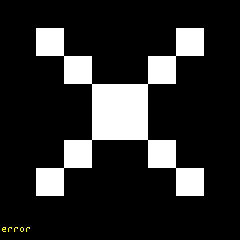
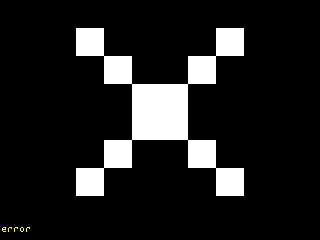
The test icons mode iterates through every icon registered in the CyberHUD icon catalog and displays them one at a time. Each icon is rendered enlarged in the center of the panel with its registered name shown as a text label beneath it. The display advances to the next icon automatically every 1 second, cycling continuously through the full set.
This makes it straightforward to:
- Confirm that a specific icon is registered and renders correctly
- Spot rendering artifacts at enlarged scale
- Identify icons by name for use in other modes or widget configuration
Options
This mode has no configurable options.
Panel Compatibility
Test icons is non-interactive and ignores all input actions. Works on all panels. Useful for verifying icon registration and rendering on any panel type.
Related Pages
- Display Modes — overview of all available modes
- Test Pattern — fixed diagnostic pattern for display validation
Snapshots
Color
Mono